CR Console Operation Manual
3 - 58 2011. 06 897N0519M
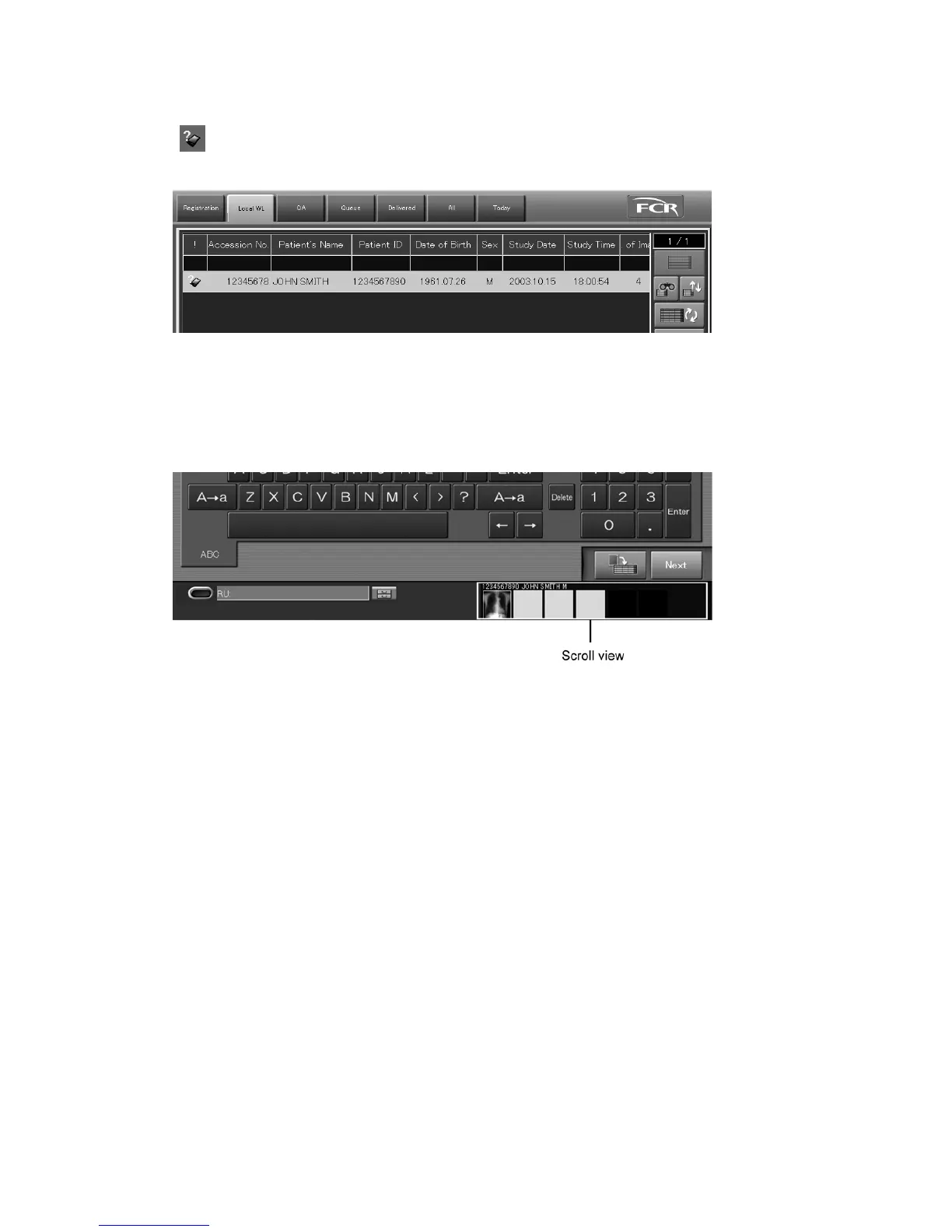
The study whose image reading is to be performed in the background is stacked in the “Local WL”,
and
mark will be displayed for the study at the “ ! ” column of the list when one or more images
are read for it.
When all the exposure menus are registered on the IP, image reading status can be confirmed in the
scroll view on the Patient Information Input Screen/Exposure Menu Selecting Screen/Study
Execution Screen/individual lists.
For more information about the scroll view, see [
2.4 Scroll View Display Area (option)
].
By using the User Utility, it is possible to set the processing (automatic study completion/action after
study completion) to the study for which image reading has been completed.
Refer to [
Chapter 4 PROPERTY SETTING / CR Console OPERATION MANUAL - THE
USER UTILITY OPERATIONS
] for details.
When the suspension processing can be applied to the study for which image reading is completed, it
will remain in the “Local WL”. So that users can re-display it at the Study Execution Screen and
continue operations to complete exposures.



 To Next Page