CR Console Operation Manual
2011. 06 897N0519M 3 - 57
NOTES
• The same IP cannot be registered continuously to prevent the mis-registration of IPs. If the IP just
registered needs to be registered again to the next exposure menu, delete the exposure menu just
registered, or register a different IP once and re-register the desired exposure menu by overwriting
it. (The same IP can be registered continuously according to the setting performed at installation.
If necessary, contact our service engineer.)
• When the FCR Cassette type or the FCR 5000 Series Readers read the IPs registered at the ID-
T741, the CR Console specified as a master or a reference for ID information to the Image Reader
receives the images. In this case, the CR Console that received the images automatically creates
new studies according to study information obtained from the ID-T741 and can handle the studies
in the same manner as other studies. However, new studies are created in one image for one study,
therefore if the film output format is set in 2on1 or 4on1 for an image at the ID-T741, this setting
will be invalid, and the image will be output on film in the one-image or two-image (either one of
left image/right image) format.
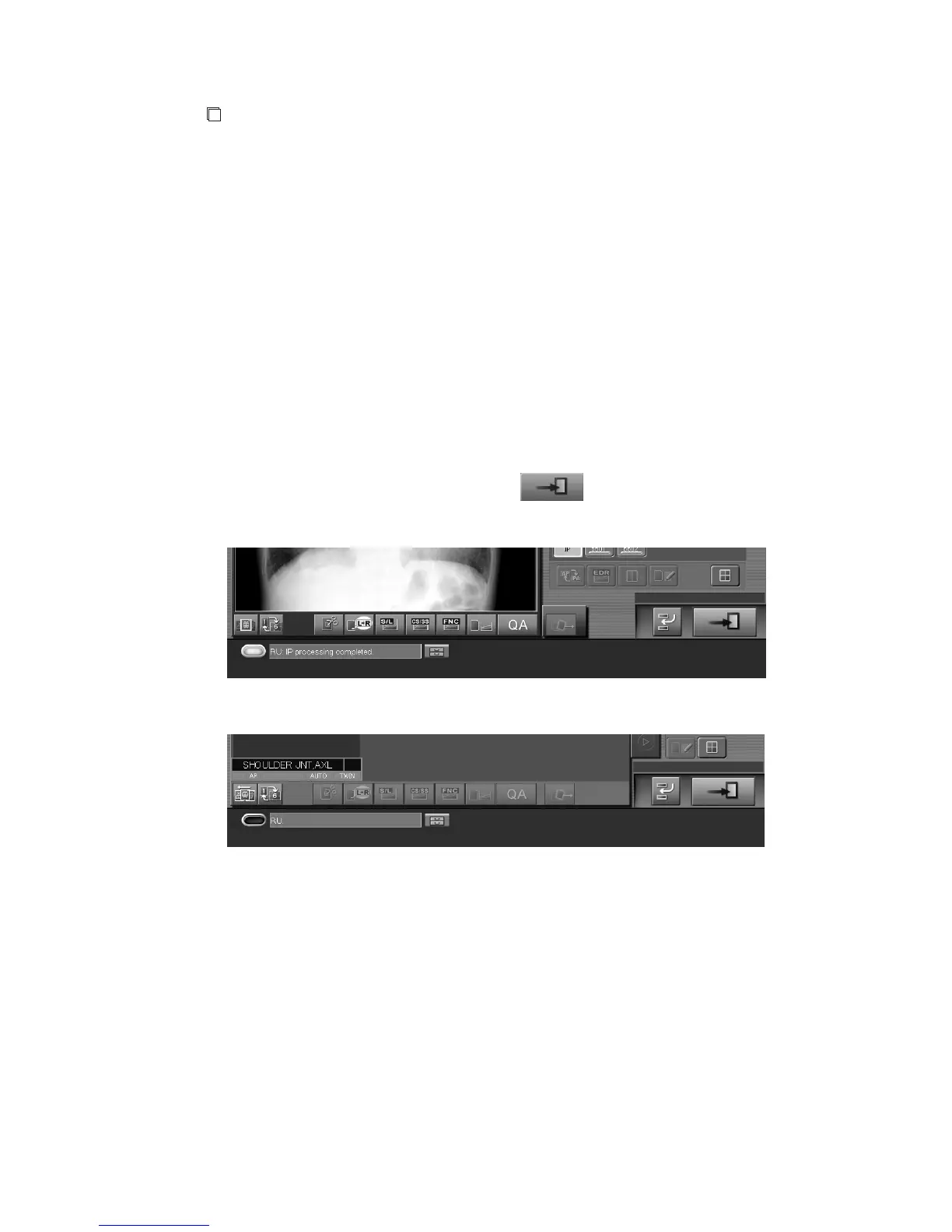
The image reading is a background operation. Thus, when it takes a long time to complete image
reading because of continuous multiple-IP insertion, users can go to next study operation before the
completion of image reading. In this case, select
, and perform next study operations.
Sample of one-image display mode:
Sample of six-image display mode:



 To Next Page