CR Console Operation Manual
3 - 56 2011. 06 897N0519M
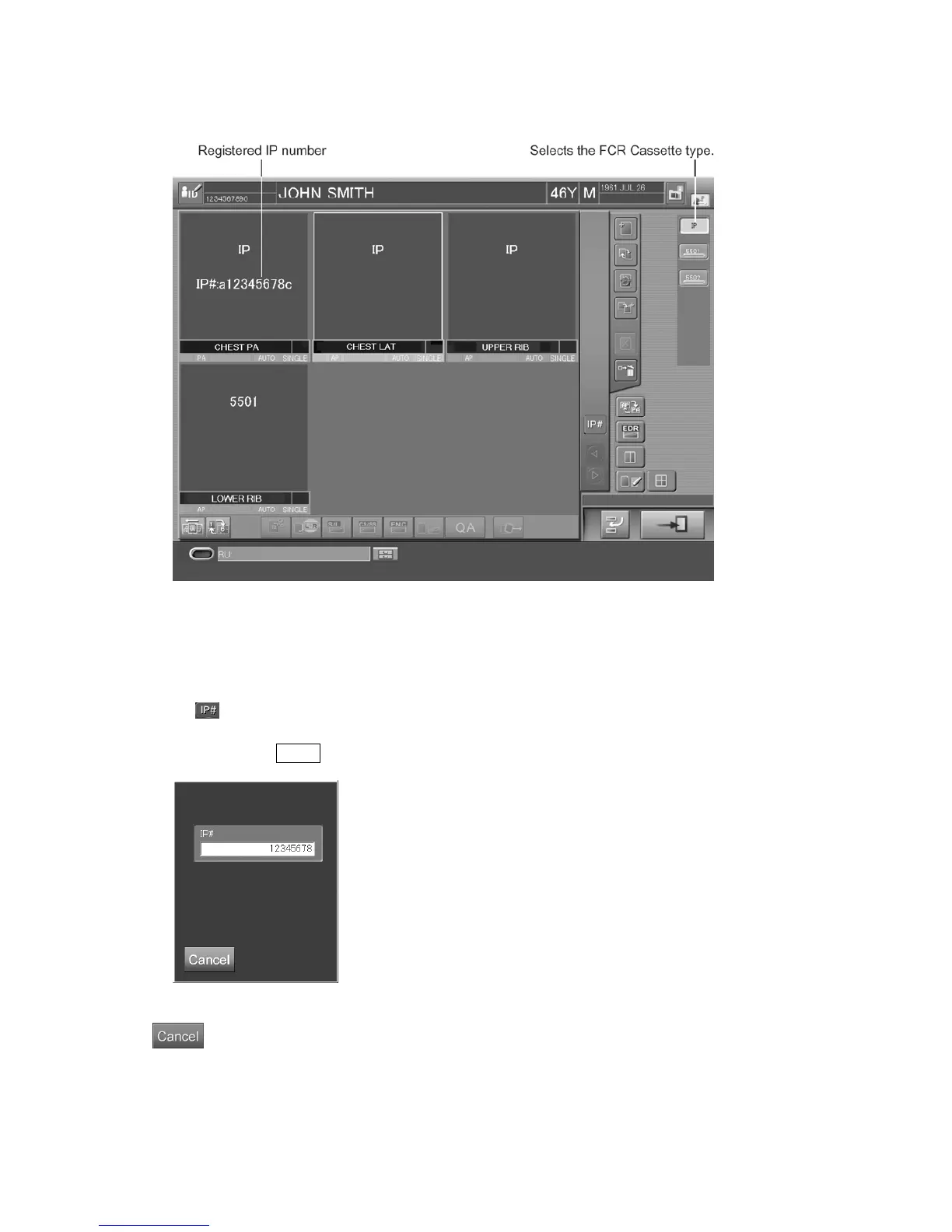
Sample of six-image display example :
If not possible to register an IP number with the barcode reader
If an IP number cannot be read with the barcode reader for any reason, the IP can be registered by
keyboard input.
Select
at the lower left of the exposure menu list. The IP number input box will be displayed.
Input an IP number (eight digits not including the first and last characters) recorded in the barcode
label and press the Enter key.
“IP number input box”
: Cancels operation.
After the completion of the IP registration, load these IPs into the Image Reader. The image reading
will be started. Any of Image Readers (FCR Cassette type) connected to this CR Console can read
images accordingly.



 To Next Page