CR Console Operation Manual
2011. 06 897N0519M 3 - 71
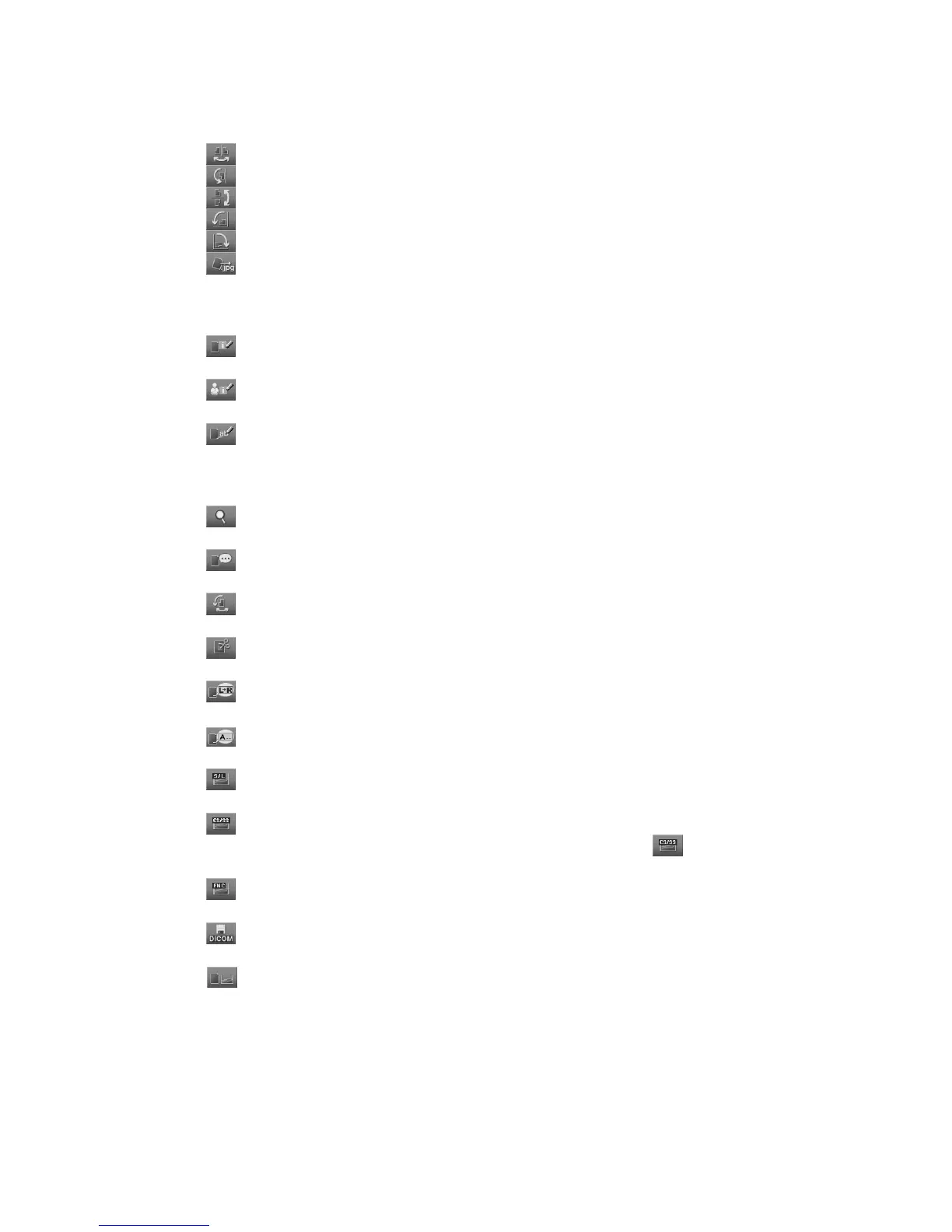
Direct image operation :
: Reverses image horizontally.
: Rotates image by 180 degrees.
: Reverses image vertically.
: Rotates image to left by 90 degrees.
: Rotates image to right by 90 degrees.
: Displays the image storage box.
Fore more information, see [
4.4.6 Saving Image
].
Display of setting boxes :
: Displays the image information change box.
Fore more information, see [
4.3.1 (5) Film marker
].
: Displays the technologist information change box.
Fore more information, see [
4.3.1(4) Editing technologist information
].
: Displays the film annotation character input box.
Fore more information, see [
4.3.1 (3) Editing image information
].
Display of setting boxes not by way of the Image Edit Screen :
: Displays the magnified image display box of the Image Edit Screen.
Fore more information, see [
4.4.1 Magnifying Display Image
].
: Displays the comment input box of the Image Edit Screen.
Fore more information, see [
4.3.1(6) Comments on image/study
].
: Displays the rotation setting box of the Image Edit Screen.
Fore more information, see [
4.3.1(8) Flip/Rotation
].
: Displays the trimming setting box of the Image Edit Screen.
Fore more information, see [
4.3.1(10) Trimming Adjustment
].
: Displays the marker setting box of the Image Edit Screen.
Fore more information, see [
4.3.1(11) Inputting markers
].
: Displays the annotation character setup box.
Fore more information, see [
4.3.1(12) Inputting annotation characters
].
: Displays the S value/L value setting box of the Image Edit Screen.
Fore more information, see [
4.3.1(13) Changing S/L
].
: Displays the CS/SS setting box of the Image Edit Screen.
Depending on the setting made at the time of installation, the
may not be displayed.
Fore more information, see [
4.3.1(14) Changing SS/CS
].
: Displays the FNC setting box of the Image Edit Screen.
Fore more information, see [
4.3.1(15) FNC
].
: Displays the DICOM file output box.
Fore more information, see [
4.4.7 Outputting DICOM Files
].
: Displays the detailed image processing parameter change box.
For details, see the [
CR Console DETAILED QA SOFTWARE OPERATION MANUAL
].



 To Next Page