CR Console Operation Manual
3 - 72 2011. 06 897N0519M
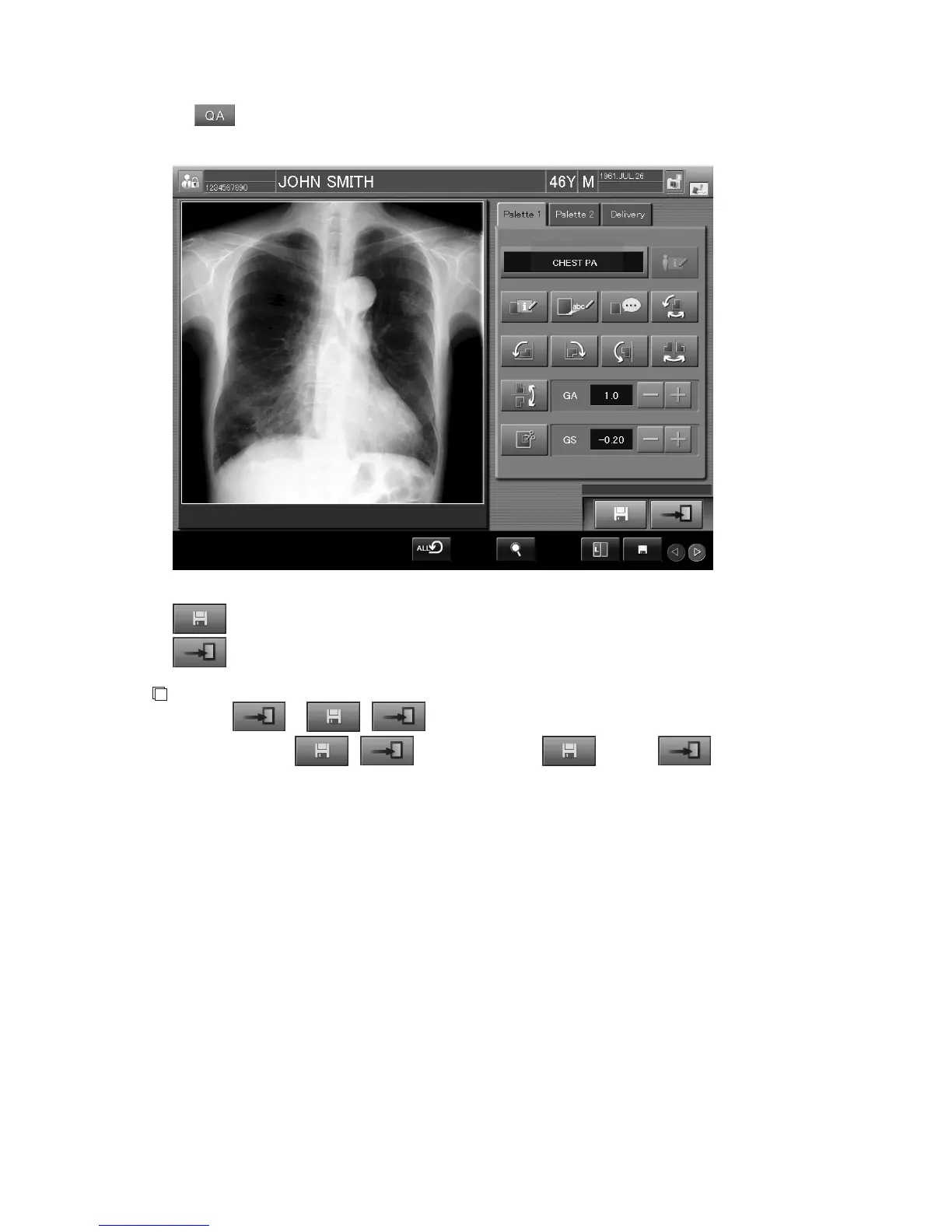
When is selected, the Image Edit Screen (by an image level) is displayed.
See [
Chapter 4. OPERATIONS - IMAGE EDIT
] to edit image information appropriately.
: Saves settings.
: Ends image information editing and returns to the Study Execution Screen.
NOTE
• Whether
or / is displayed varies depending on the setting performed at
installation. When
/ is displayed, select and then so that the
setup data is reflected appropriately.



 To Next Page