CR Console Operation Manual
2 - 30 2010. 03 897N0519J
u
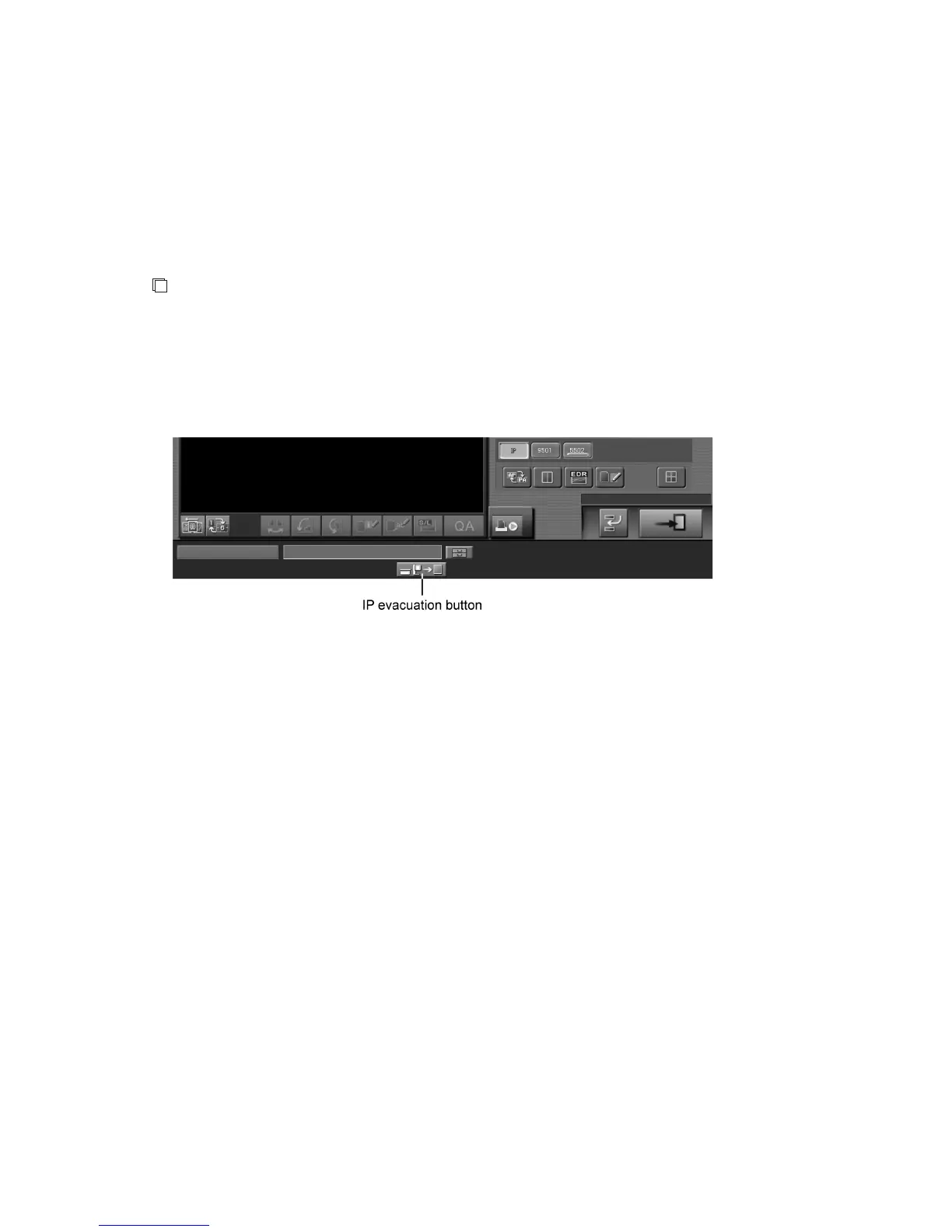
IP Evacuation Button
Whether it is possible or not to use the IP evacuation button depends on the setting performed at
installation. When the CR Console is connected to an FCR 5000 series built-in type Image Reader, if
this button is pressed for an exposure with the cassette placed in front of the exposure unit, the IP that
is within the Image Reader will be evacuated automatically.
When manipulating selector change, be sure to select [IP] same as with any other cassette-type Image
Readers.
NOTE
For an exposure using the cassette on an FCR 5000 series built-in type Image Reader:
When performing an exposure with the cassette placed in front of the exposure unit, be sure to
evacuate the IP appropriately. For an exposure performed without evacuating the IP, make sure to
subject it to erasure processing before performing an exposure the next time on the built-in type
Image Reader.
<Example of displaying IP evacuation button display>



 To Next Page