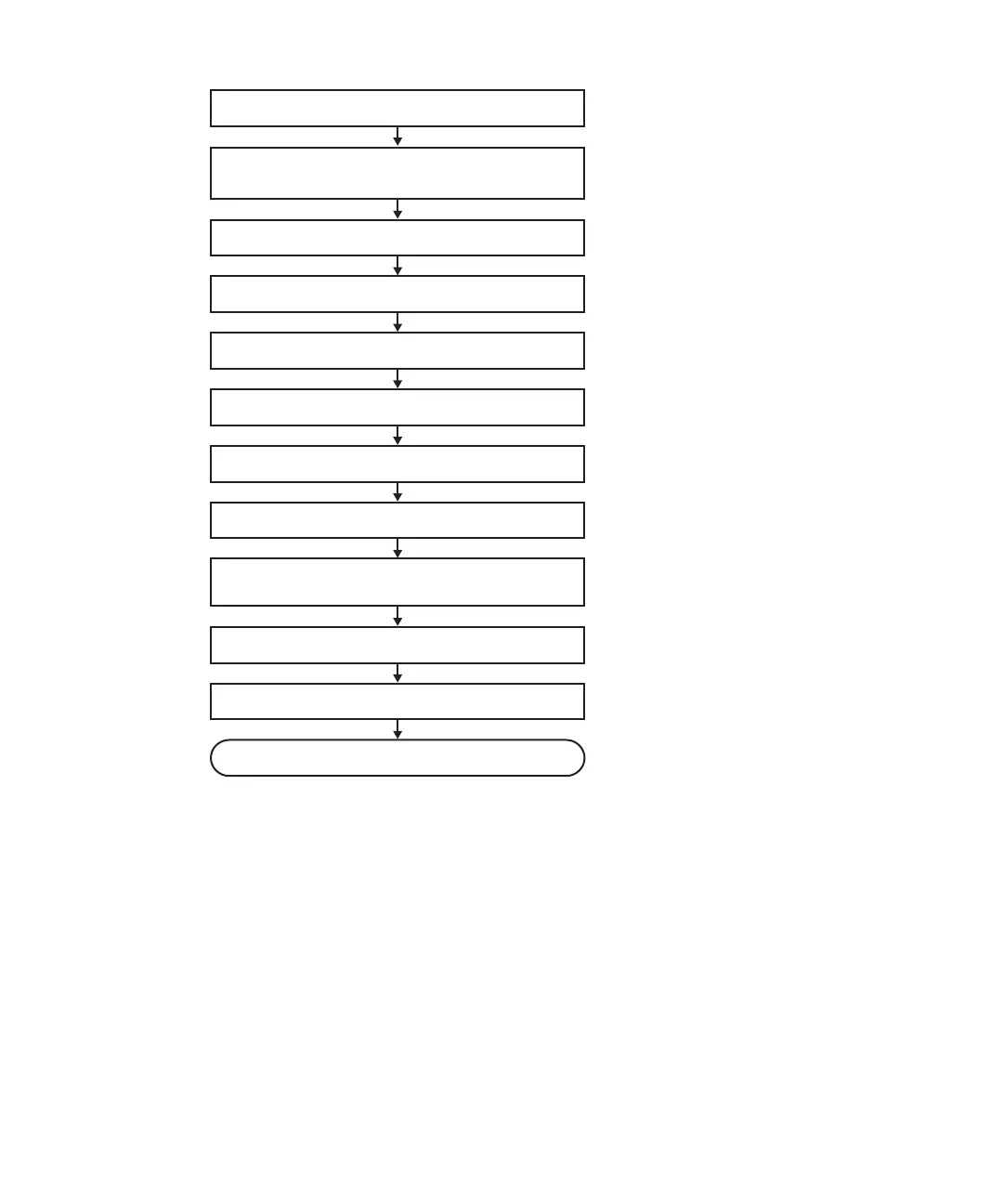
1. Open rack door
2. Check operating condition of system and I/O
device usage status
3. Release assignment of PCIe card
4. Enable removal of faulty PCIe card
5. Lower cable support
6. Replace faulty PCIe card
7. Fix cable support
8. Incorporate replaced PCIe card
9. Confirm that there is no problem with
replaced FRU
10. Restore logical domain
11. Close rack door
Maintenance complete
Figure
7-5
Active/hot
replacement
flow
(for
a
PCI
Express
card)
Fujitsu
M10-4/Fujitsu
M10-4S/SPARC
M10-4/SPARC
M10-4S
Service
Manual
・
November
2014118














 To Next Page