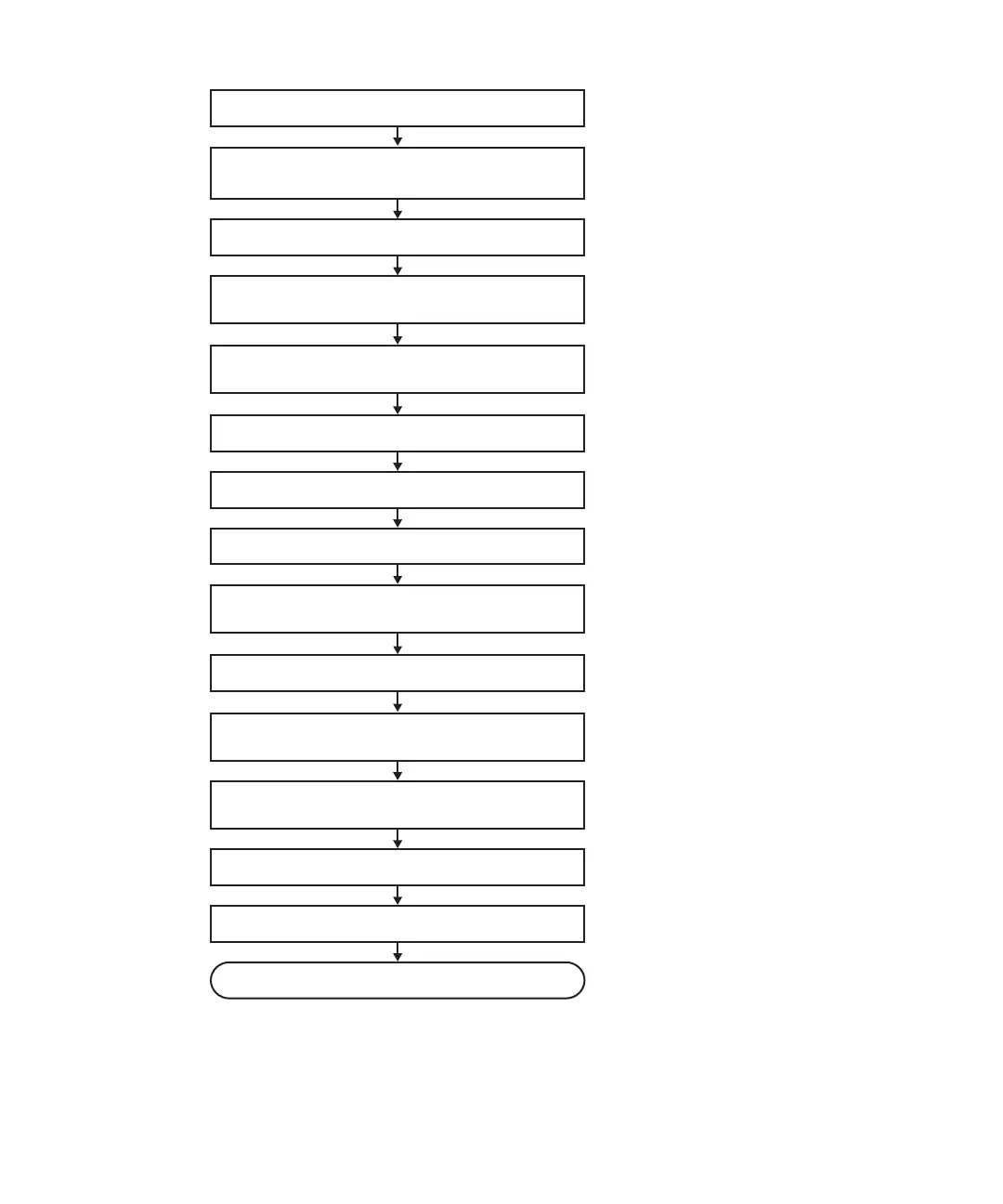
1. Open rack door
2. Check operating condition of system and
I/O device usage status
3. Release assignment of PCIe card
4. Release chassis requiring maintenance
from partition
5. Release chassis requiring maintenance from
system
6. Enable access to FRU requiring maintenance
7. Replace faulty FRU
8. Restore chassis requiring maintenance
9. Incorporate chassis requiring maintenance
into system
10. Diagnose chassis requiring maintenance
11. Incorporate chassis requiring maintenance
into partition
12. Confirm that there is no problem with
replaced FRU
13. Restore logical domain
14. Close rack door
Maintenance complete
Figure
7-6
Active/cold
replacement
flow
(building
block
configuration
only)
Fujitsu
M10-4/Fujitsu
M10-4S/SPARC
M10-4/SPARC
M10-4S
Service
Manual
・
November
2014120














 To Next Page