CHAPTER 7
150
Gerber Solara ion Web Pages
4/29/10 Rev G
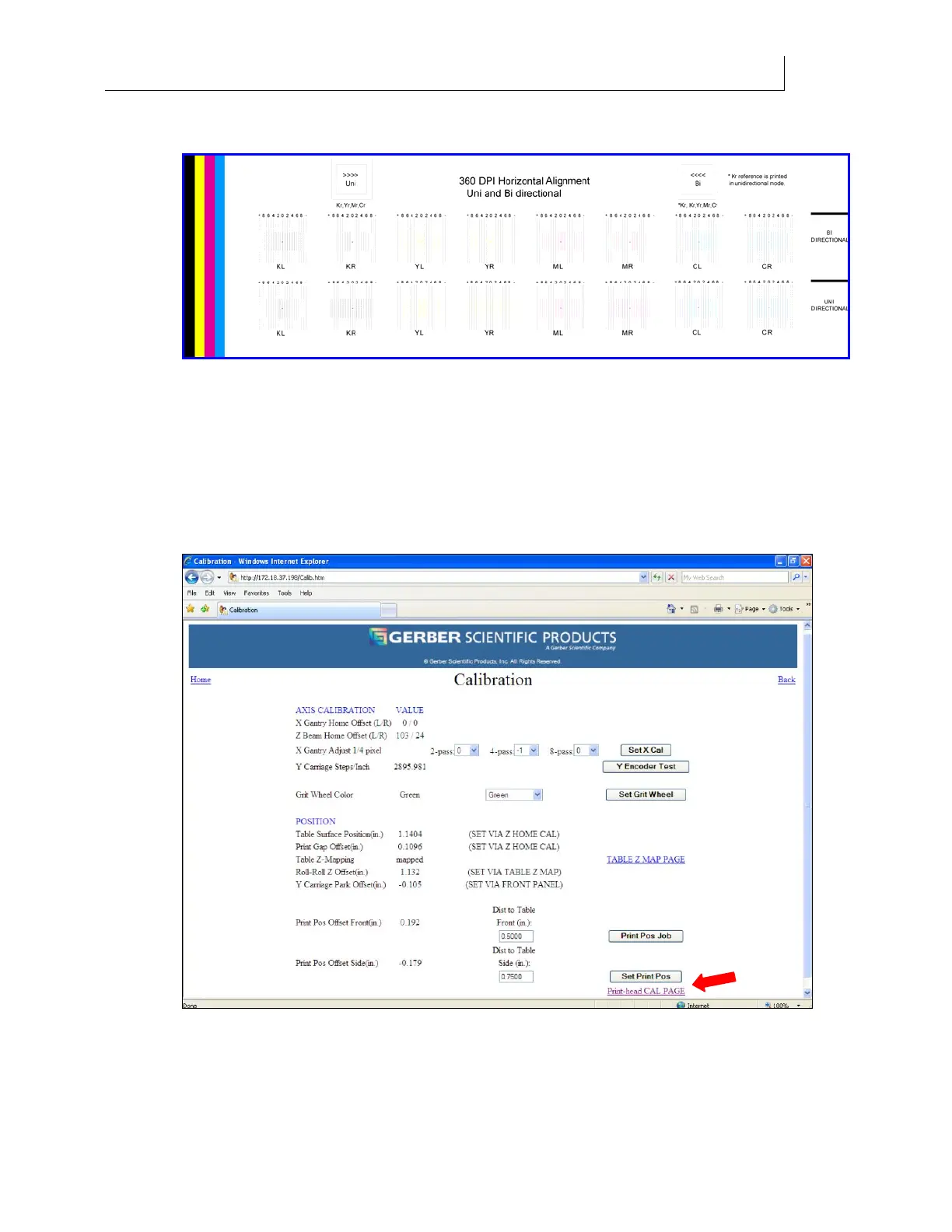
1 Select the alignment job 360 Horiz Align job file from the printer.
2 Examine the print. For each set of colors, select the line (-10 through 10) that is best
aligned to the black line underneath it.
3 Open the web browser on the computer connected to the printer and enter the IP
address of the Gerber Solara ion printer to open the Gerber Solara ion Home web
page.
4 Click the Calibration link on the Home page to open the Calibration web page.
5 Click the Print head CAL PAGE button to open the Head Calibration web page.



 To Next Page