Maintenance Instructions C250 ... C370
242 Translation of Original Operating Manual 156319-04
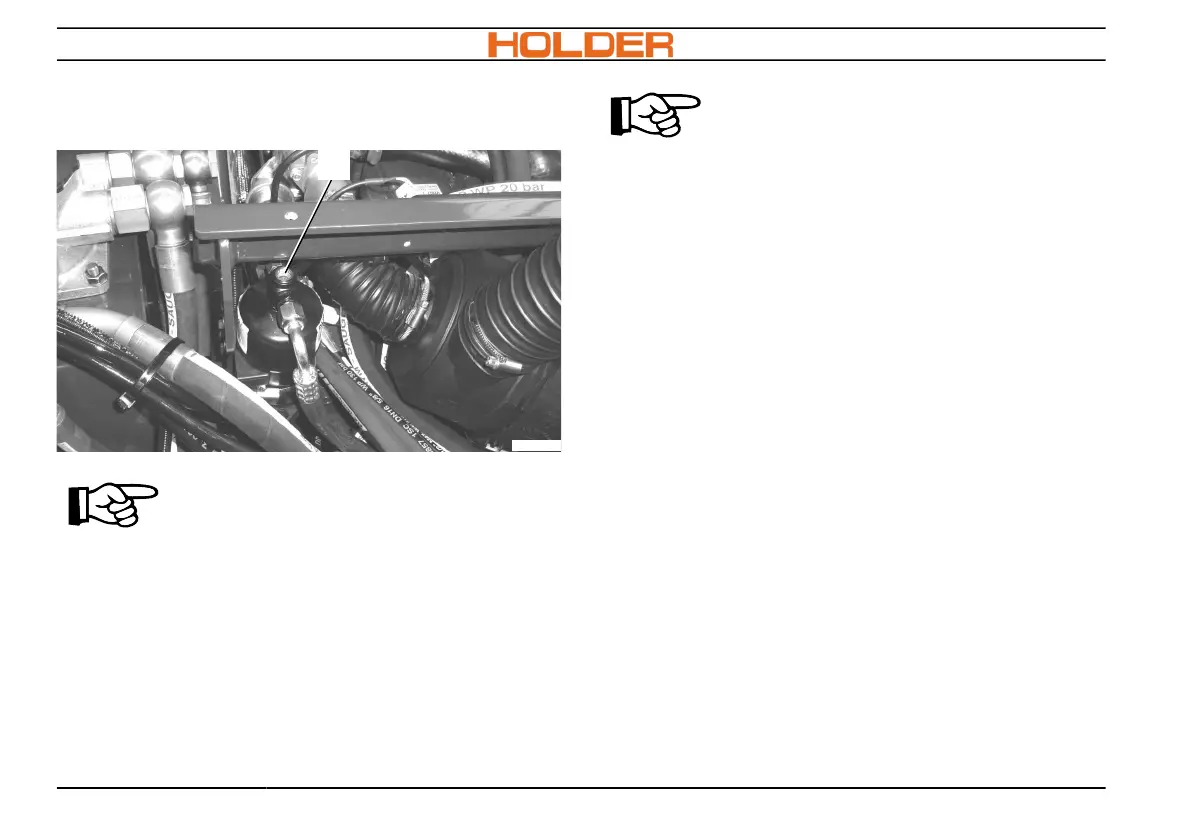
Checking bubble formation in the air-condi-
tioner*
C270_141
5
ADVICE
The view glass (5) is located at the
rear end on the right side below the
front support for the tipping frame.
1. Check with the view glass whether any air
bubbles have formed in the air-conditioning
system.
2. In case of bubble formation in the view glass,
consult a specialist shop and have the cause
rectified.
ADVICE
Work on the air-conditioner may only
be carried out by authorized person-
nel.
* Optional equipment



 To Next Page