User Maintenance C250 ... C370
248 Translation of Original Operating Manual 156319-04
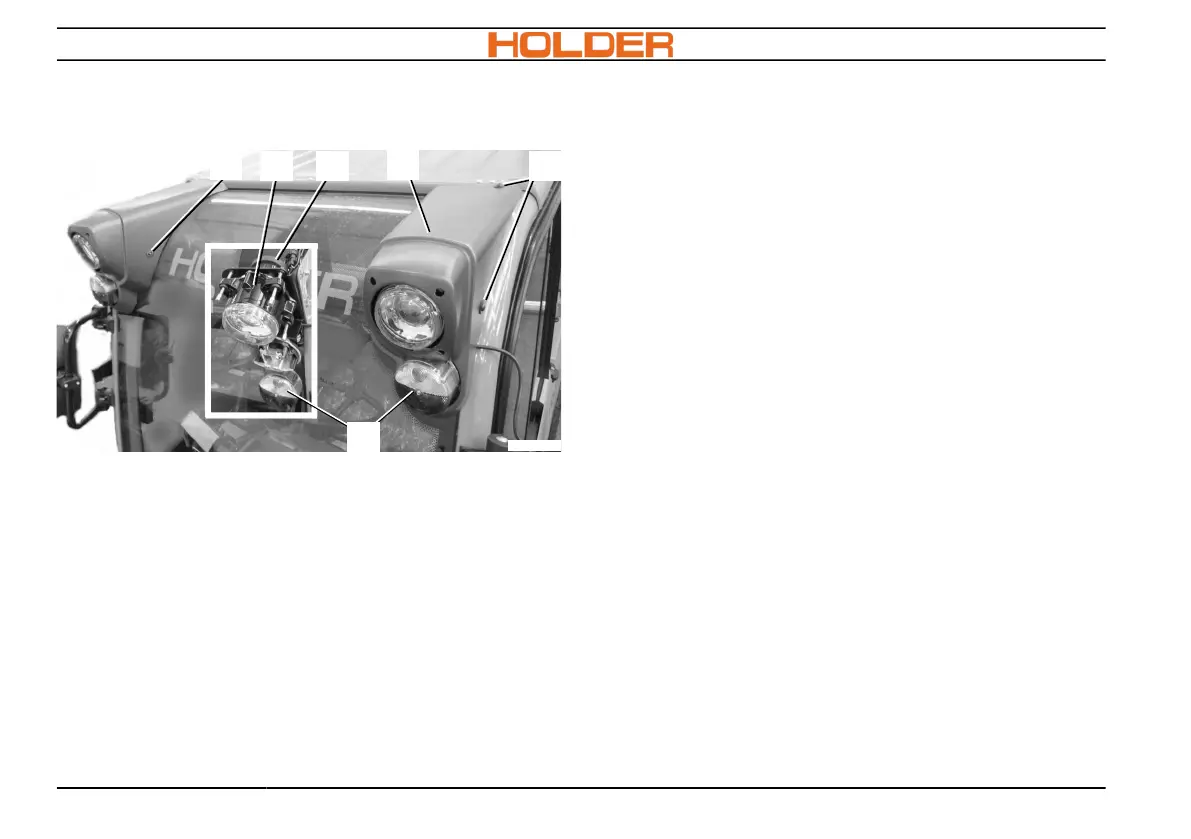
Upper dipped beam light, indicator and posi-
tion light
C270_092a
2
2
1
5
43
1. Remove the trim (1) by detaching the screws
(2).
2. Remove rubber cap (4) from the light (3).
3. Pull off cable plug from the lamp and replace
defective light.
4. Remove lamp glass (5) from the indicator-po-
sition light.
5. Replace indicator or position lamp.
For type and wattage see page 255.
6. Reassemble the light fixture.



 To Next Page