About This Manual
12/ 526 2.0 Eclipse User Guide
Conventions
Throughout this manual we will be using a number of
conventions:
Action Buttons
To help distinguish explanatory text from the text referring to
items on the console:
Silk screened text on the console’s front panel is referred to in
UPPERCASE and button cap engravings are written in bold –
for example, press the 48V button located on the INPUT control
panel to enable or disable phantom power.
On-screen buttons and descriptive text within the Nova touch-
screen displays are both referred to in bold.
Console keyboard keys are referred to inside [ ] marks - for
example, press the [F11] key to access the PATCH INPUT grid.
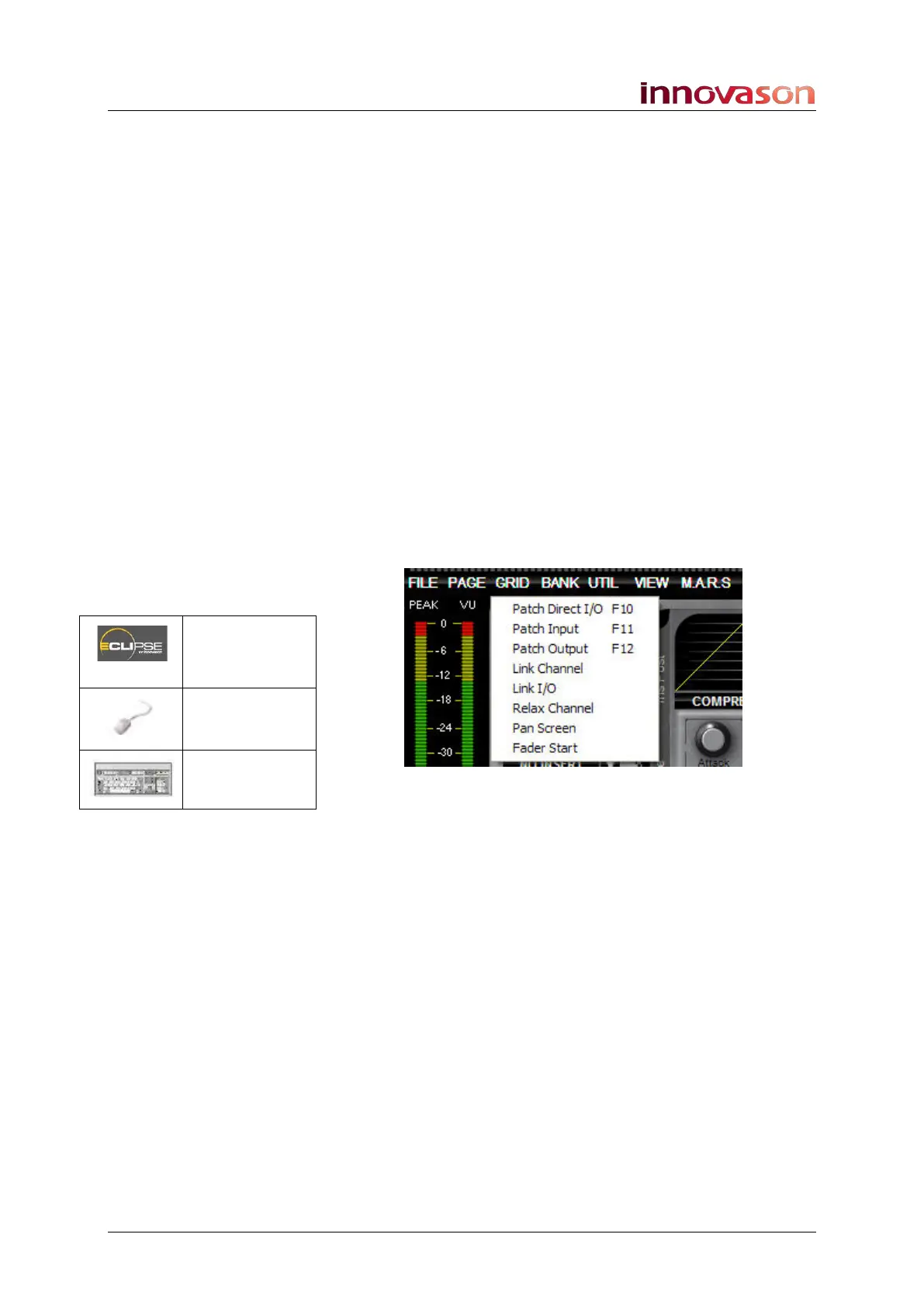
Menu paths are referred to as a string of selections – for
example, select “GRID -> Patch Input” from the main menus:
Also look out for the tables shown opposite which summarise
how to select a display or option from a front panel button,
trackball/mouse or keyboard short-cut key.
Screenshots
Please note that most of the Nova screenshots used in this
manual have been taken offline. As a result, meters may be
shown at full scale rather than at normal operating levels.
Patch IN
(UTILITIES)
“GRID ->
Patch Input”
[F11]



 To Next Page