Chapter 10: M.A.R.S.
Troubleshooting
496/ 526 2.0 Eclipse User Guide
Troubleshooting
The following section describes some typical problems and how to
resolve them:
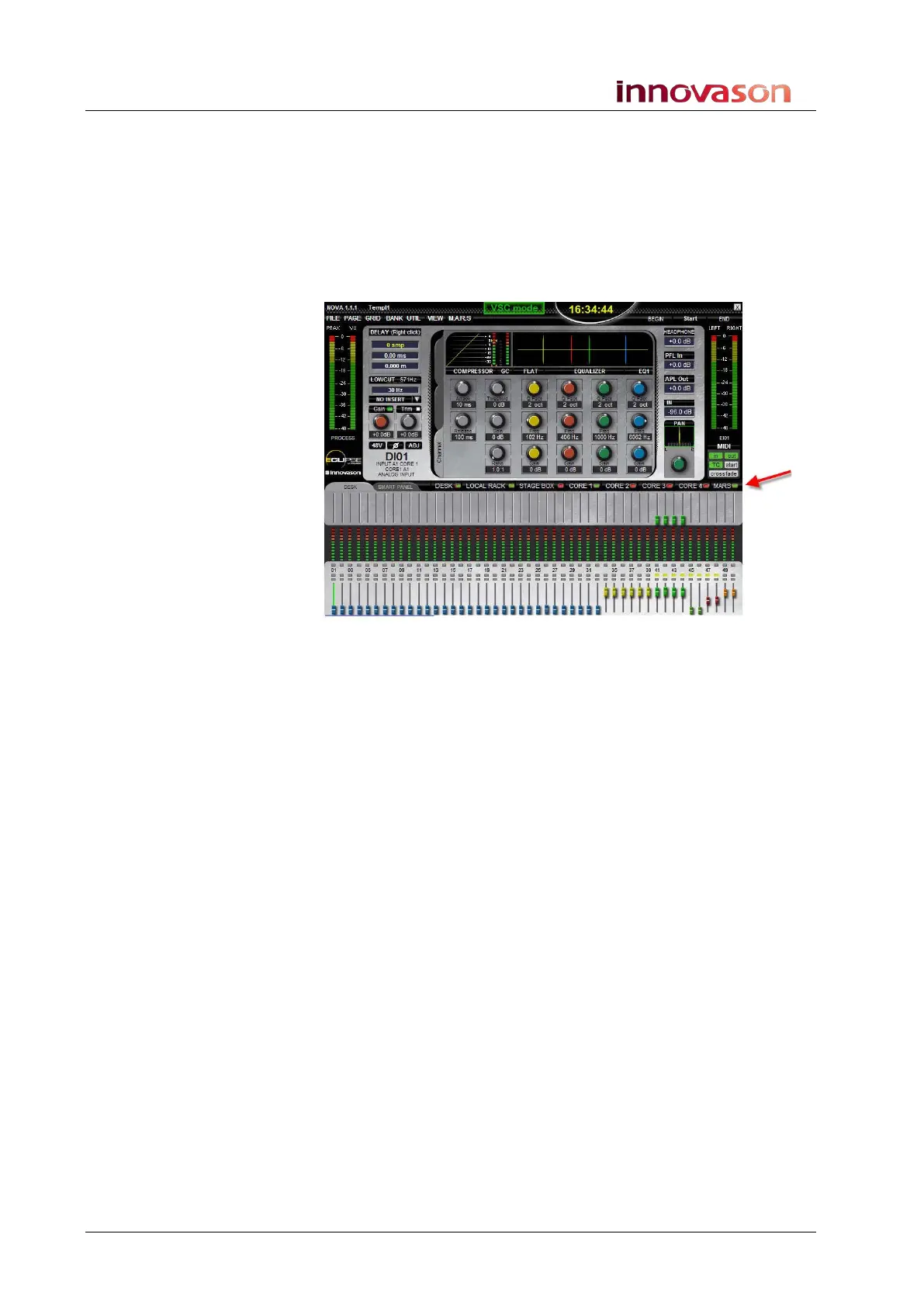
The MARS LED on the Main Mix display is red
This indicates a problem with the Ethersound connection.
1. Check the physical Ethersound network connections
carefully.
Please see Page 45 for details on connections. Or just connect the
Ethersound OUT of Eclipse to the Ethersound IN of Mars (if no
DioCore is used).
2. Switch the touch-screen to M.A.R.S. and check that
M.A.R.S. is booted.
When M.A.R.S. is booted and ready for operation, you will see one
of the following:
• The Project Manager window – see Page 482.
• The Project Settings window – see Page 484.
• The Current Project window – see Page 487.
If you cannot switch the touch-screen to M.A.R.S. or you do not
see an operational display, then you may need to reboot M.A.R.S.
(see Page 500).



 To Next Page