Chapter 10: M.A.R.S.
Troubleshooting
Eclipse User Guide 2.0 497/ 526
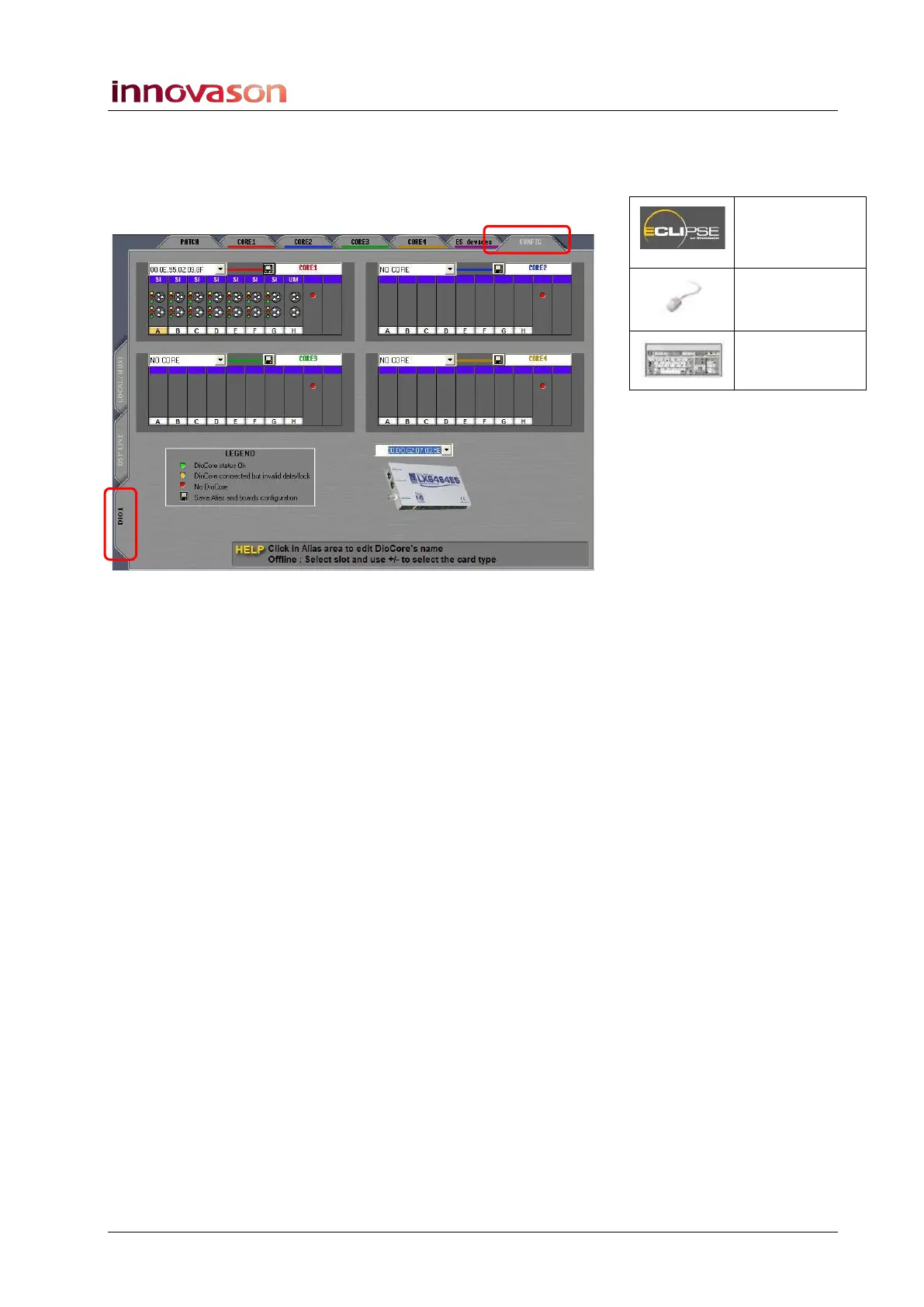
If everything looks ok, check the Ethersound address of M.A.R.S.
within the Nova software:
3. Switch the touch-screen to NOVA:
4. Select the PATCH INPUT grid.
Above the picture of the M.A.R.S. Ethersound card, you should
see its MAC address. If not:
5. Select the M.A.R.S. Ethersound address from the drop-
down list.
If there is no Ethersound address available, then there is still a
problem with the Ethersound connection. Please contact
Innovason service for further assistance.
Patch IN
(UTILITIES)
“GRID ->
Patch Input”
[F11]



 To Next Page