Chapter 7: Reset and Automation
Processing Libraries
382/ 526 2.0 Eclipse User Guide
Processing Libraries
Processing libraries can be used to save and load the settings
for a particular channel independent of the current File and
Page. For example, if you have created the ultimate Kick Drum
EQ and Compression, it would be nice to be able to load it to
any channel in any future show.
Each library saves all the settings for the selected channel
(input or output). When you load back, you can choose which
parameters you wish to load.
Libraries are saved onto the Nova hard disk and can be
exported to USB for transfer to another console. The BANK
main menu accesses all Processing Library functions.
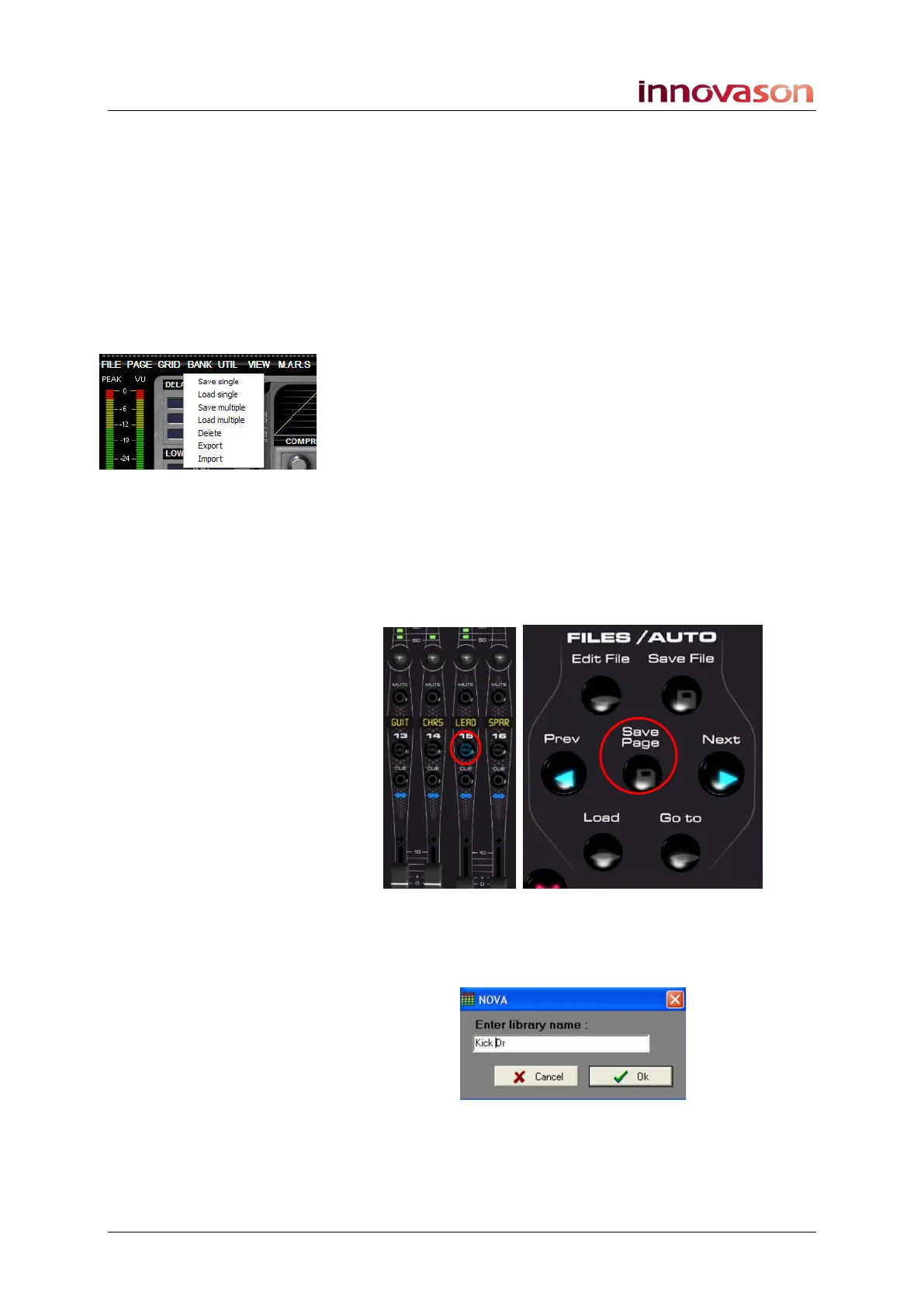
Bank -> Save single
To save a channel’s settings into a processing library:
1. Press SEL on the channel you wish the save.
2. Select “Bank -> Save single” or use the following
shortcut:
• Press and hold the SEL button on the channel. Then
press Save Page on the FILES/AUTO panel:
A switch on the User Defined panel can also be assigned to this
function, see Page 322.
You will be asked to enter a name for the library:
3. Type in a name up to 8 characters.
4. Press OK to confirm the save.
All processing settings on the channel are saved.



 To Next Page