Chapter 6: Console Configuration
User Defined Panel
322/ 526 2.0 Eclipse User Guide
User Defined Panel
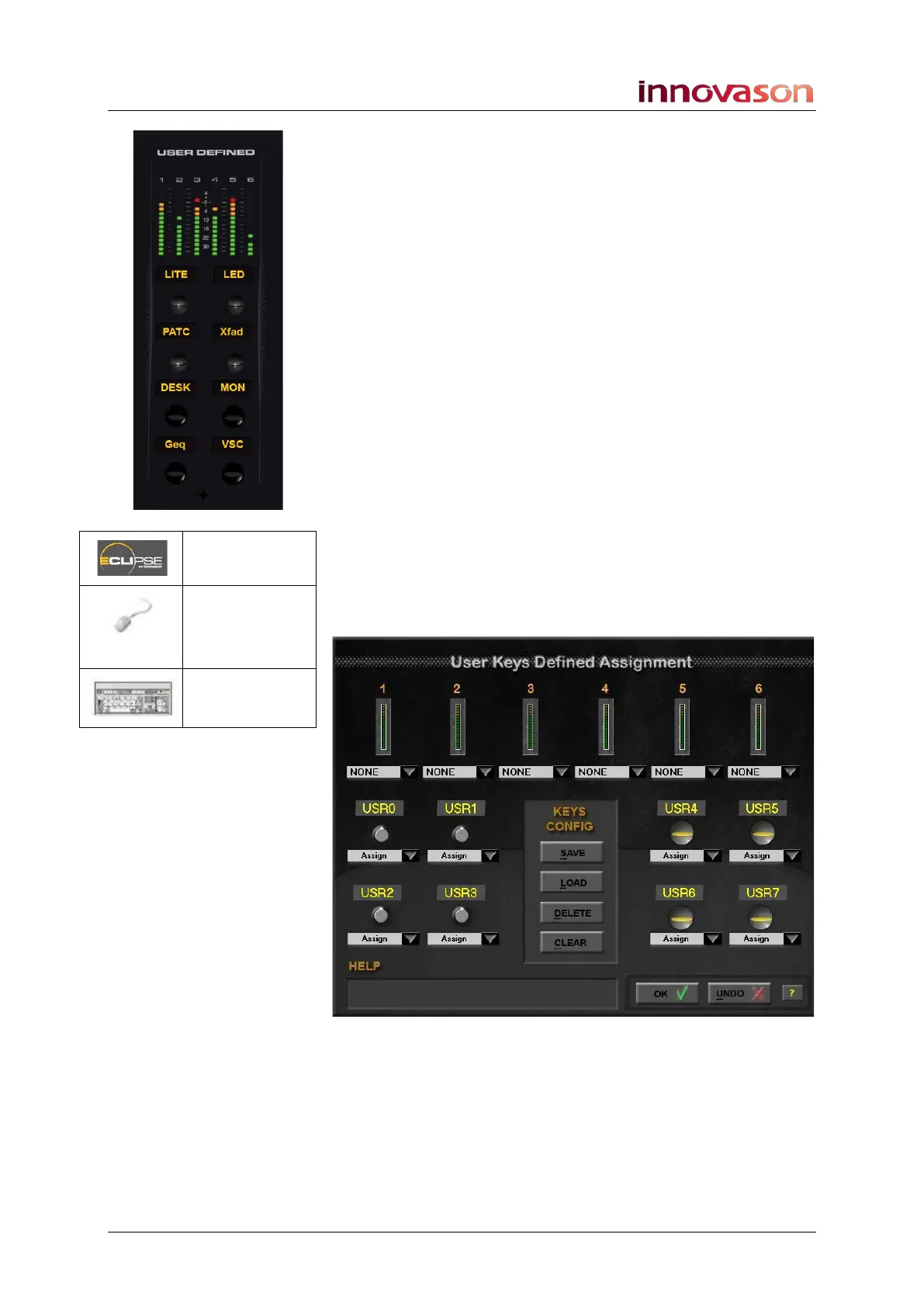
The USER DEFINED panel provides six VU meters, four rotary
controls and four switches.
The VU meters may be assigned to any source or mix bus
(Aux, Group, Matrix, Master or Monitor).
Rotary controls and switches may be assigned from a wide
range of functions. These include short cuts to favourite menus;
selecting and sending MIDI program changes; grouped switch
changes; access to functions such as tap tempo.
User Key Configurations can be saved and loaded
independently of the current File and Page. This allows you to
create different configurations for patching, FOH mixing, mixing
monitors, and so on.
Making Assignments
To edit the User Defined panel assignments:
1. Using the trackball, select “UTIL -> User Defined
Assignment”.
The current assignments are shown on the configuration
window:
n/a
“UTIL ->
User Defined
Assignment”
n/a



 To Next Page