Chapter 6: Console Configuration
Digital Patching
230/ 526 2.0 Eclipse User Guide
Digital Patching
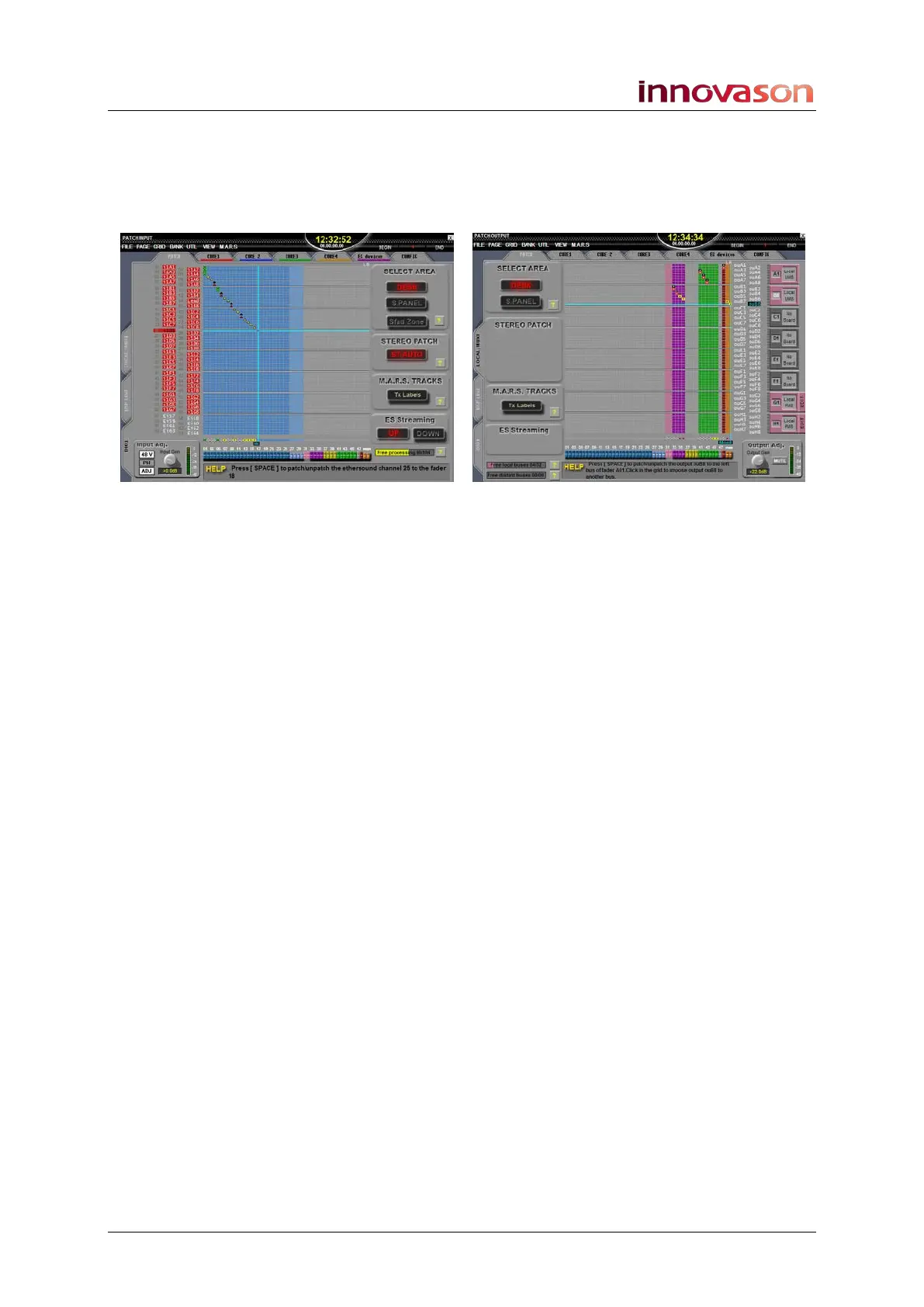
Eclipse includes a digital patch accessible from the Nova
PATCH INPUT, PATCH OUTPUT and PATCH DIRECT grids:
All three displays are similar in operation:
• PATCH INPUT – patches physical sources to channels.
For example, to patch a microphone from the DioCore to
an input fader.
• PATCH OUTPUT – patches output channels (mix
busses) to physical destinations. For example, to patch
an Aux to a monitor wedge.
• PATCH DIRECT - allows patching of physical sources
directly to physical destinations. For example to feed a
microphone input to an AES output for recording.
Inputs and outputs may be local (at the rear of the console) or
remote (in a DioCore or Muxipaire Stagebox). And multiple
consoles and/or DioCores may be networked in order to share
I/O resources.
Perhaps the most important feature of the digital patch is that all
crosspoints are stored and recalled. This reduces any manual
patching to the absolute minimum and allows you to recall the
same show at a new venue within seconds!
This section deals with each of the PATCH grid displays,
including how to patch and name inputs and outputs, and
configure multiple DioCores and other Ethersound devices in an
Ethersound Network.



 To Next Page