Chapter 7: Reset and Automation
Personal Mixes
Eclipse User Guide 2.0 387/ 526
Personal Mixes
A “Personal Mix” saves the send levels, panning and routing for
a particular Aux. This allows you to save a different monitor mix
for each musician working on the show. For example, if you
have different drummers who work on different nights of the
week, you can save a Personal Mix for each performer.
Each Personal Mix stores the send levels, pan position (if
panning is independent) and routing for a specific Aux.
Personal Mixes are saved in the current File. You can load a
Personal Mix to any Aux; the Aux mix is updated for all Pages.
Saving a Personal Mix
To save an Aux mix to a Personal Mix memory:
1. Select the Aux you wish to save by pressing SEL on the
Aux fader or Smart Panel controller (green ID).
The SEL button and Label should be flashing.
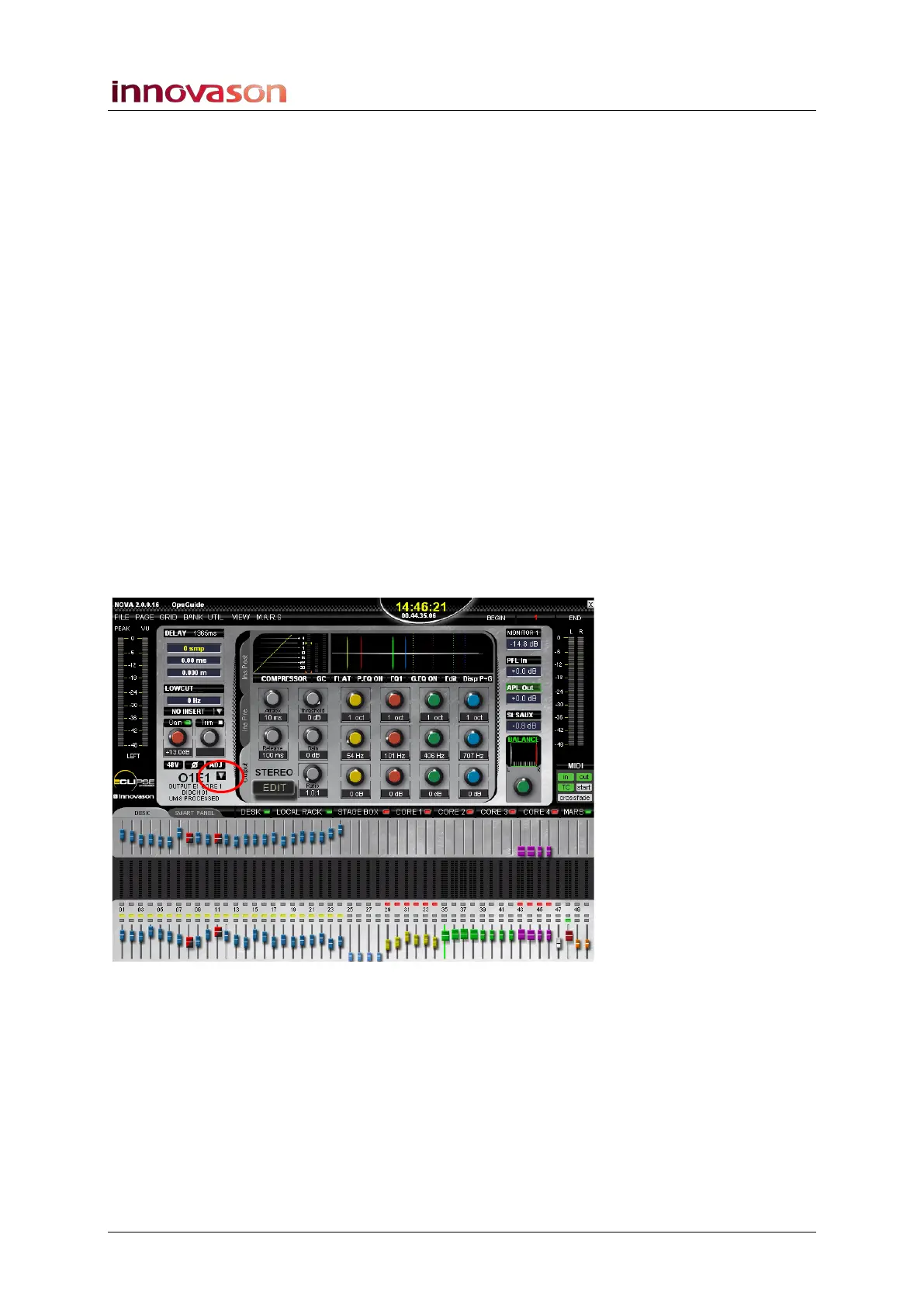
2. On the Main Mix display, select the arrow to the right of
the channel label to access the list of Personal Mixes
stored in the current File:



 To Next Page