Chapter 1: Overview
Welcome
Eclipse User Guide 2.0 13/ 526
Chapter 1: Overview
Welcome
Eclipse is a powerful live mixing and recording console with the
flexibility to adapt to Front of House (FOH), Monitors or OB van
applications.
Control Surface Overview
Fader Strips
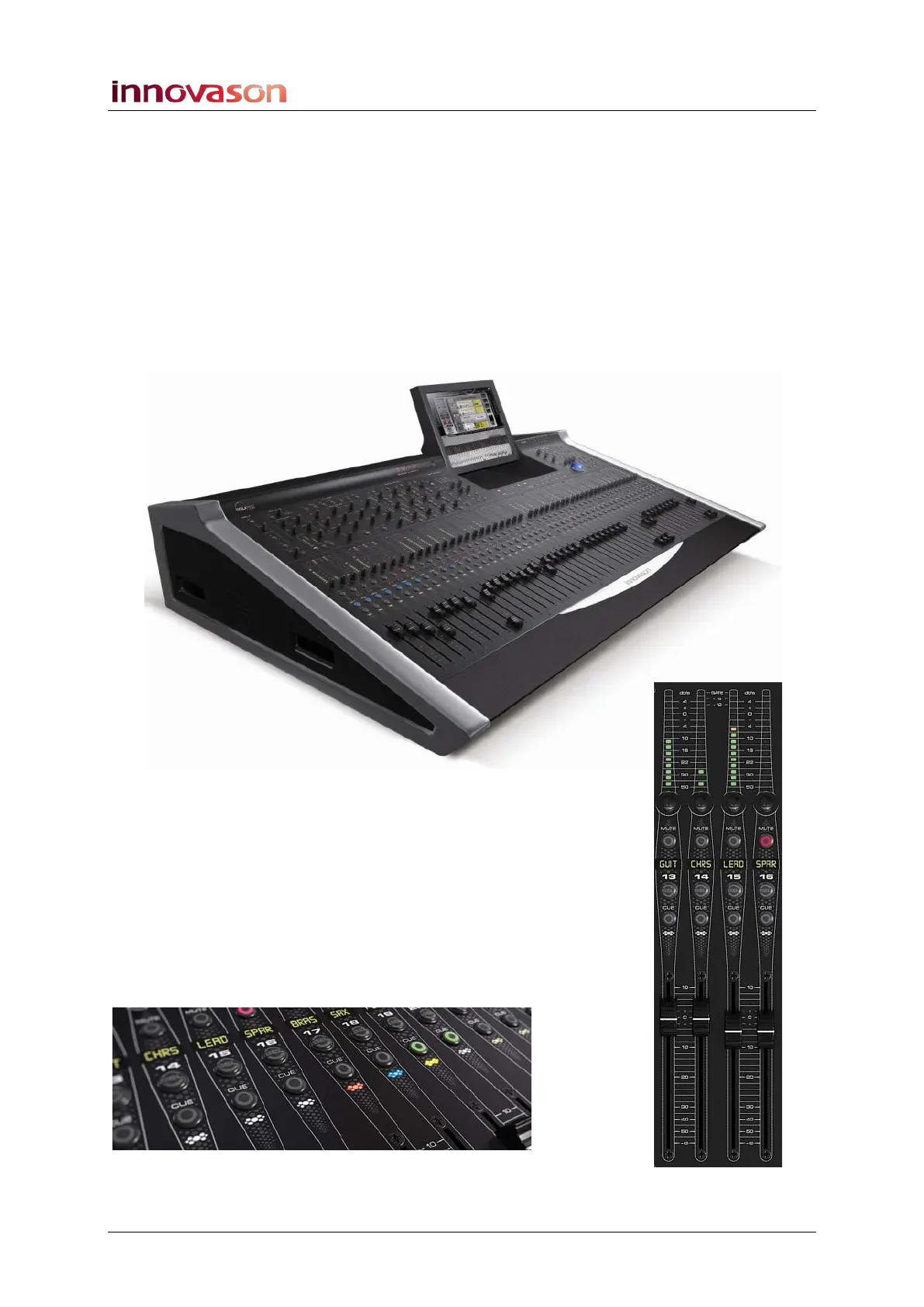
The lower half of the Eclipse control surface features 48 Fader
strips each with its own VU meter, rotary control (gain, pan or
user), Label, ID, MUTE, CUE and fader select (SEL) button.
Faders are touch-sensitive and motorised. Each is clearly
labeled with a 4-character user name and colour-coded ID. The
IDs enable you to glance across the console and easily
distinguish inputs (blue) from Auxes (green), VCAs (yellow),
Masters (red), Matrix outputs (violet), etc.



 To Next Page