Chapter 9: Offline Configuration
Saving and Importing to the Console
438/ 526 2.0 Eclipse User Guide
Working Offline
Everything which can be operated from the console is also
available using a keyboard, mouse and keyboard with the Nova
software running on an external PC. This allows you to
configure and save data to your hard disk which may later be
transferred onto the Eclipse console.
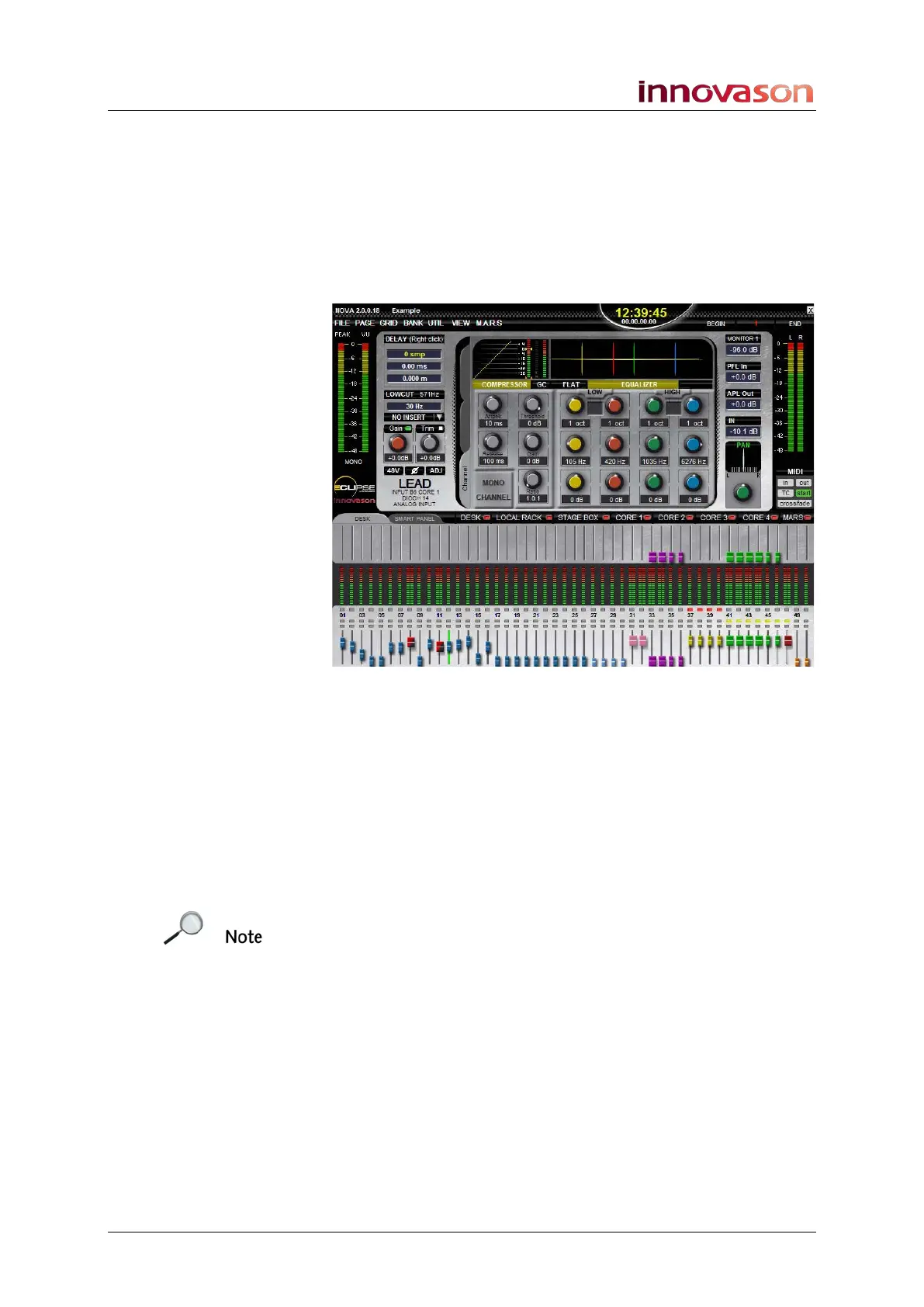
Note that when you work offline, the Nova meters show levels
at full scale rather than at normal operating levels:
This is quite normal; once you have imported your File to a real
live Eclipse console, the console metering will work in real time.
Saving and Importing to the Console
Just as if you were sat at the console you can create multiple
Pages and save them into a File. Copy the Nova File to a USB
interface to import the data to the Eclipse console. See Chapter
7 for details on these operations.
Note that when you import a File, only parameters which are
consistent between the offline configuration and the actual
console will be loaded. For example, if you have configured a
different set of I/O cards to those fitted in the console, you may
not be able to load your mix! Therefore, it is a good idea to try
and get hold of the exact system configuration (IO and Effects
card specification) before you begin an offline configuration.



 To Next Page