Chapter 7: Reset and Automation
Page Management
356/ 526 2.0 Eclipse User Guide
Page Management
When working with a single setup, you can simply use the Save
File command to save the current Page and File settings to the
hard disk in one operation, see Page 347. However, if you wish
to create a sequence of snapshots for playout during a show,
then you will need to work with multiple Pages.
Up to 1000 Pages may be stored within each File; the names of
the previous, current and next Pages are always shown at the
top right of every Nova display:
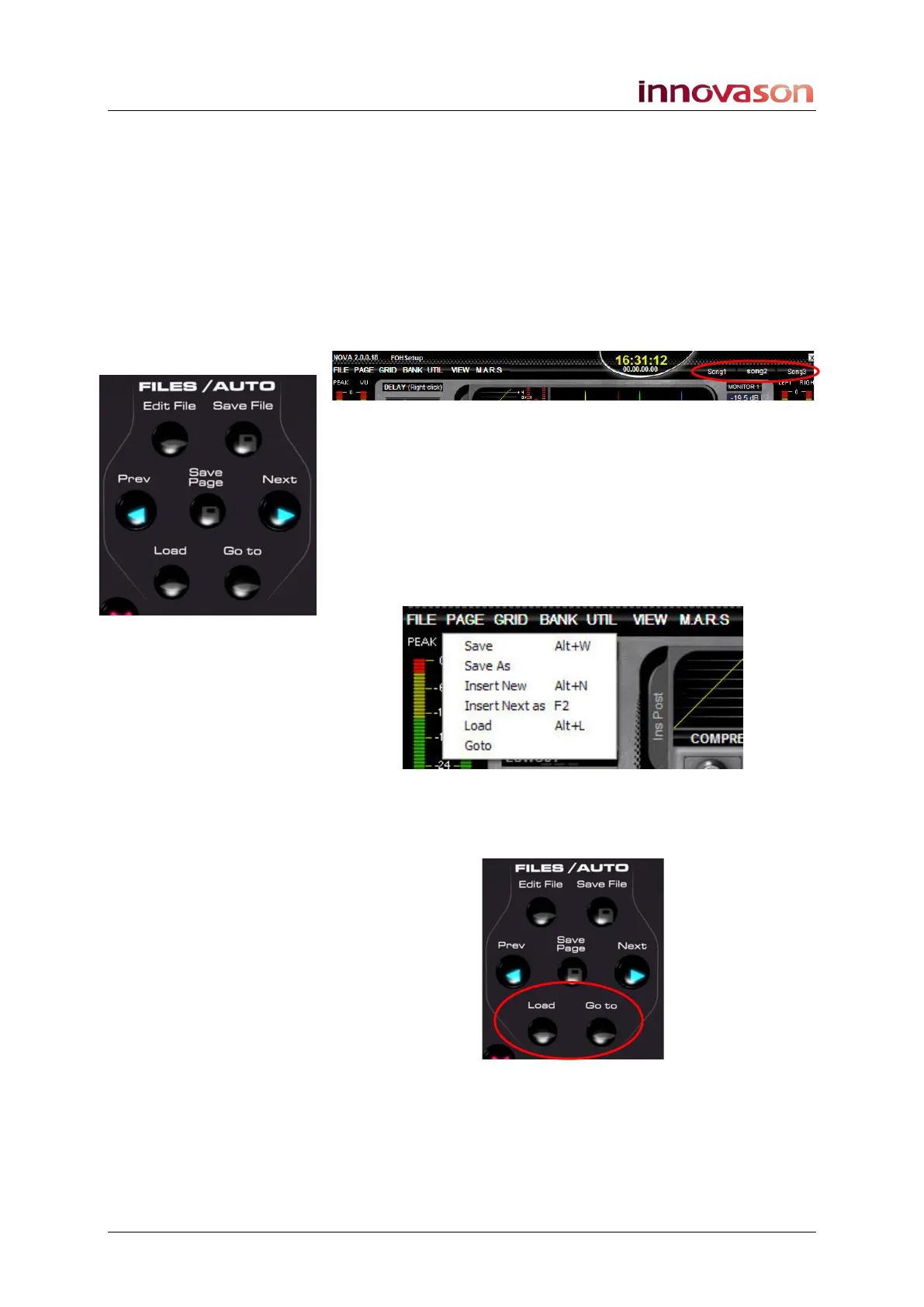
The Next and Prev buttons on the FILES/AUTO panel step
through the Pages in order – in our example, press Next to
recall Song3; press Prev to recall Song1.
If a File contains less than three Pages then you will see the
names BEGIN and END either side of the current Page name.
These are not Pages, but indicate the beginning and end of the
sequence.
Pages are managed from the PAGE main menu:
In addition, you can use the Save Page, Load and Goto
buttons to save a Page, load a Page from hard disk, or Goto a
Page held in memory:
This section deals with Page management and manual
sequence playout. For more details on automation and
crossfades, see Page 364.



 To Next Page