Chapter 5: Console Operation
Fader Strips and the Smart Panel
120/ 526 2.0 Eclipse User Guide
Fader Strips and the Smart Panel
Channels are only active on Eclipse when they are assigned to
the surface. In other words, what you see is what you get!
Eclipse provides 48 Fader strips plus 48 Smart Panel rotary
controllers (available in 4 layers: A, B, C and D). Each may
control any input, output (Aux, Group, Master or Matrix) or act
as a VCA, Smart Fader, etc.
Please refer back to Page 58 for the operation of Fader Strips
and Smart Panel controllers. This section deals with the rotary
control (pot) configuration.
Fader Strips: User Pot Assignment
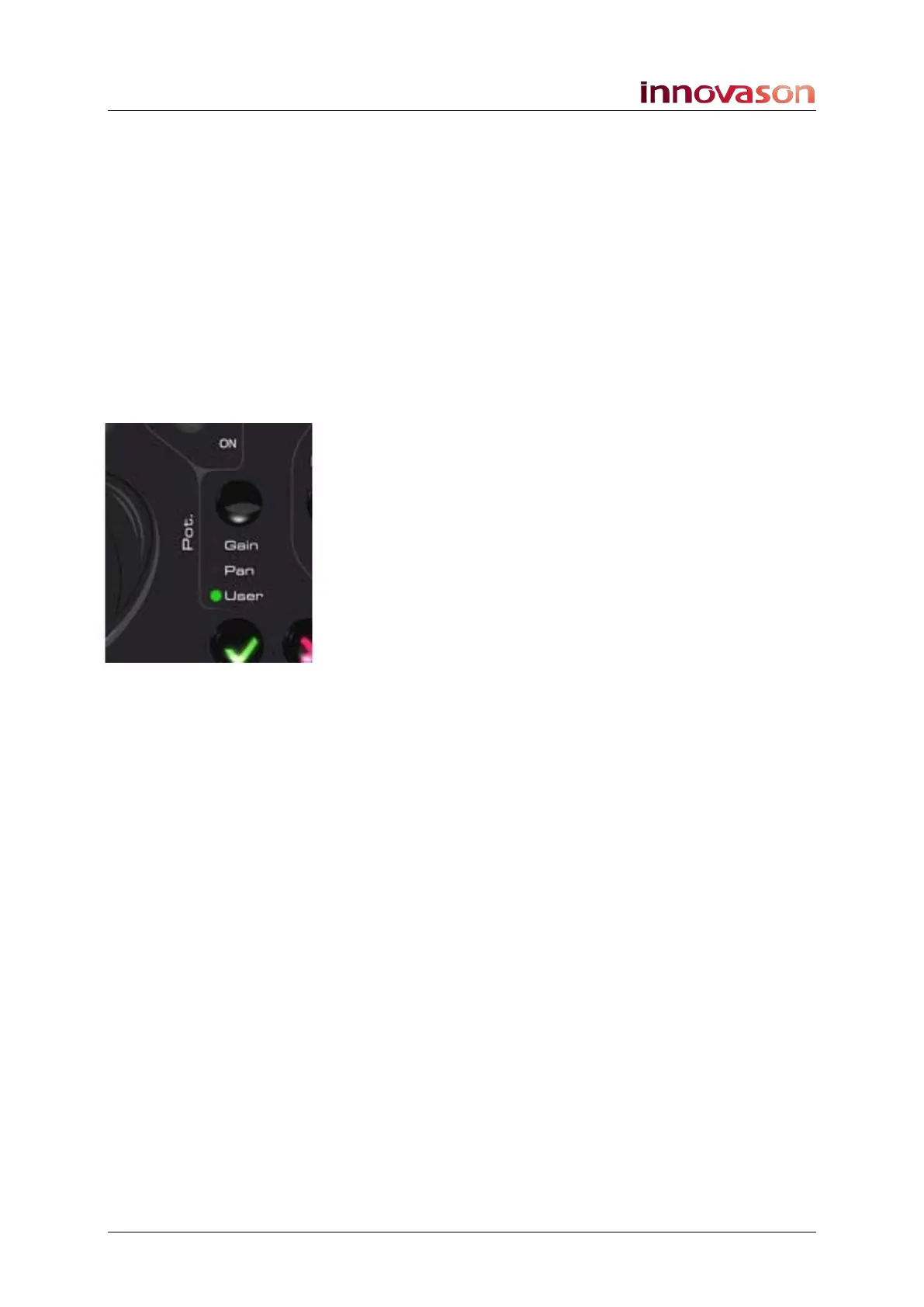
The rotary control on the Fader strips is switched globally
between one of the three modes: Gain, Pan or User.
When in User mode, the pot can control any variable parameter
– for example, EQ Gain, Compressor Threshold, etc.
Assignments can be made channel by channel, or you can
assign the same parameter to all pots across the console. This
option is set from the User Pot Configuration.
The assignments are stored in the current Page, and can be
copied to other Pages using the Over Ram function. This allows
you to configure different pot functions for different Pages of the
show.



 To Next Page