Chapter 11: Technical Procedures
Installing a New Release of Nova Software
Eclipse User Guide 2.0 503/ 526
Installing a New Release of Nova
Software
Innovason products undergo constant development, and the
company usually provides 1-2 new software releases per year.
To download the latest release, please visit our website at:
http://www.innovason.com
Release Description
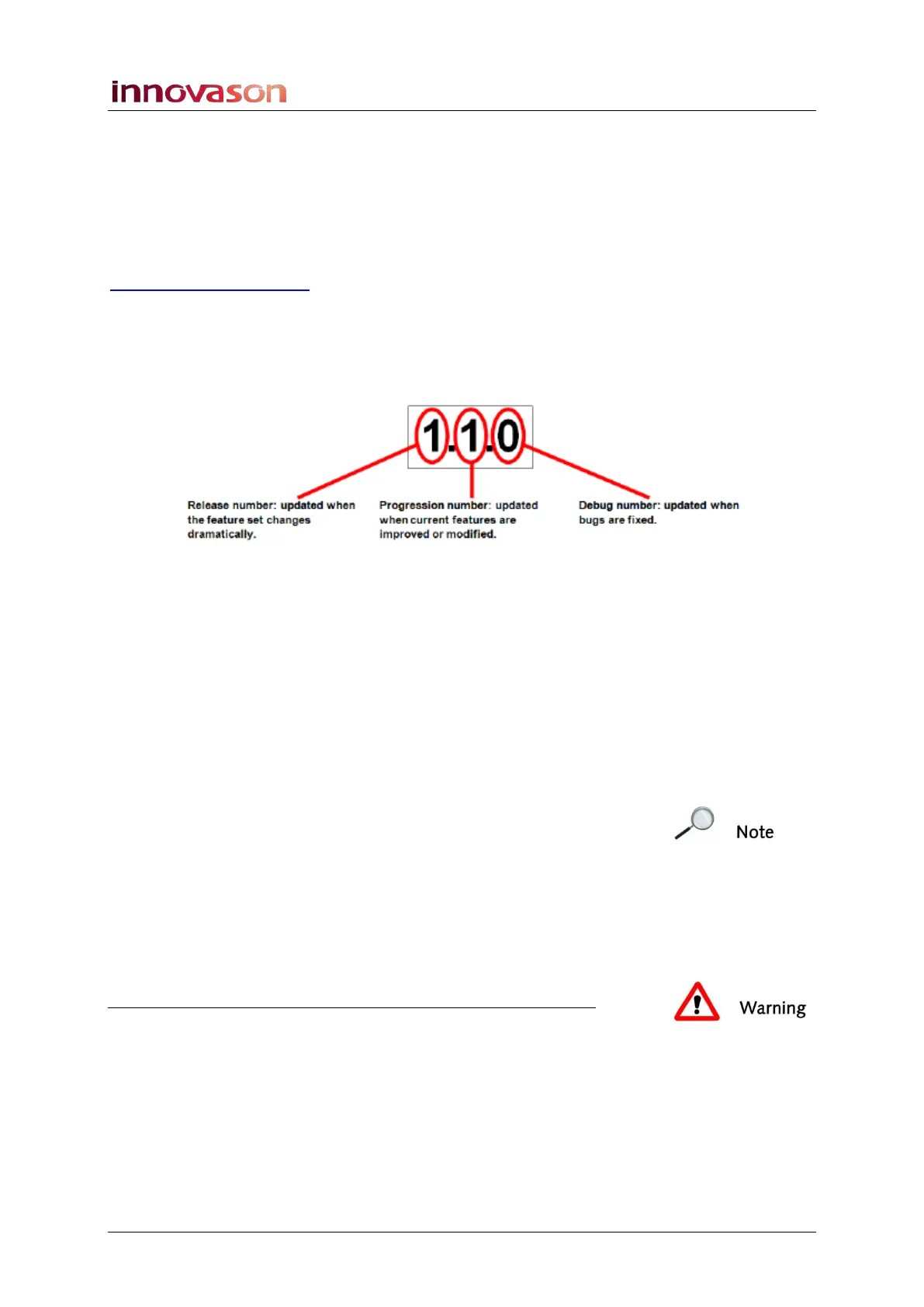
Each release is named as follows: NOVA 1.1.0:
Installing the Software
Preparation:
1. Download the software from our website onto your
computer.
The downloaded file is a zipped folder which contains 3 files:
• Update.bat – is a release updater.
• Nova.zip - contains the Nova software.
Note that you can also use this file to install Nova onto your
computer. Just decompress the files into a folder, and then
launch the nova.exe programme from the Nova folder.
• Installation.txt – describes the installation procedure.
2. Create a folder on a USB key (the folder name must not
contain any spaces or special characters).
3. And copy all 3 files into the folder.
Warning
You must copy all 3 files without changing the file names.



 To Next Page