Chapter 4: Getting Started (The Standard Template)
Interrogating the Fader Strips
92/ 526 2.0 Eclipse User Guide
Interrogating the Fader Strips
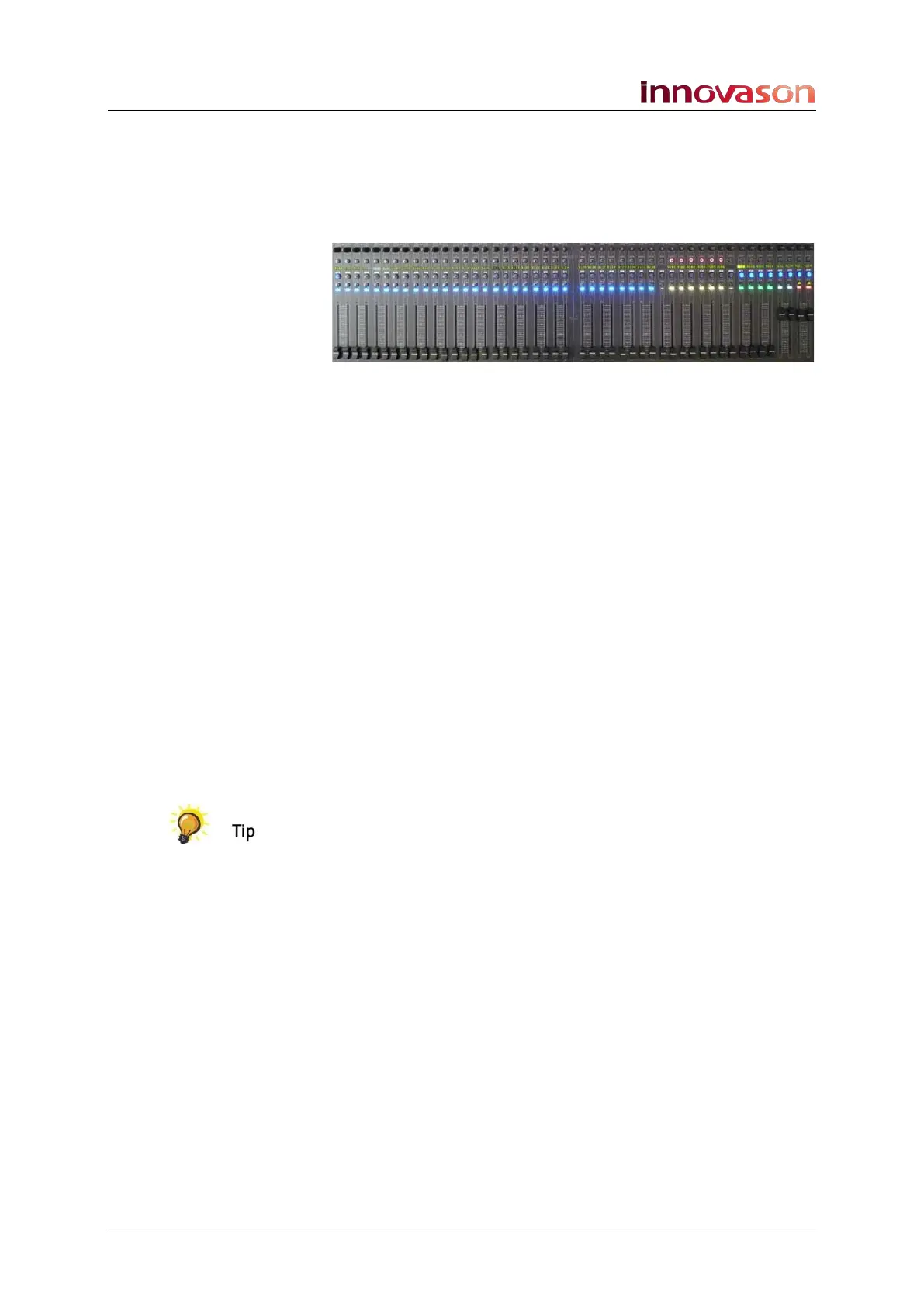
You can quickly interrogate which Fader strips are inputs,
VCAs, Auxes, etc. by looking at the ID colours and default
Labels loaded by the template:
• Blue IDs = input channels (these are standard inputs,
not Smart Faders)
• Yellow IDs = VCAs
• Green IDs = Auxes
• Red IDs = Master Left and Master Right
Input channels 1 to 32 are patched from the first 32 mic/line
inputs to the DioCore.
The four Auxes assigned to Fader Strips 41 to 44 are stereo
and are patched back to the UM-8PO card in DioCore. This
makes them ideal for stage monitor feeds.
The stereo Master is patched to local UM-8 (A1 & A2) outputs
at the rear of the console. Connect your PA speakers here.
By interrogating the bus routing, as described on Page 74, you
will see that all inputs are routed to the stereo Master and to all
four stereo Auxes. In addition, the sends to each Aux have
been prepared as pre-fader; the send levels are currently
closed.
If you want to modify the starting parameters for a range of
channel types – for example, switch EQ on across all Auxes –
then use the Fast Configuration window described on Page
318.
Please see Appendix A (Page 508) for full details on how to
connect your audio devices.



 To Next Page