Chapter 7: Reset and Automation
Sequence Playout
Eclipse User Guide 2.0 363/ 526
Sequence Playout
Having created and ordered a sequence of Pages, the following
buttons can be used during the live show:
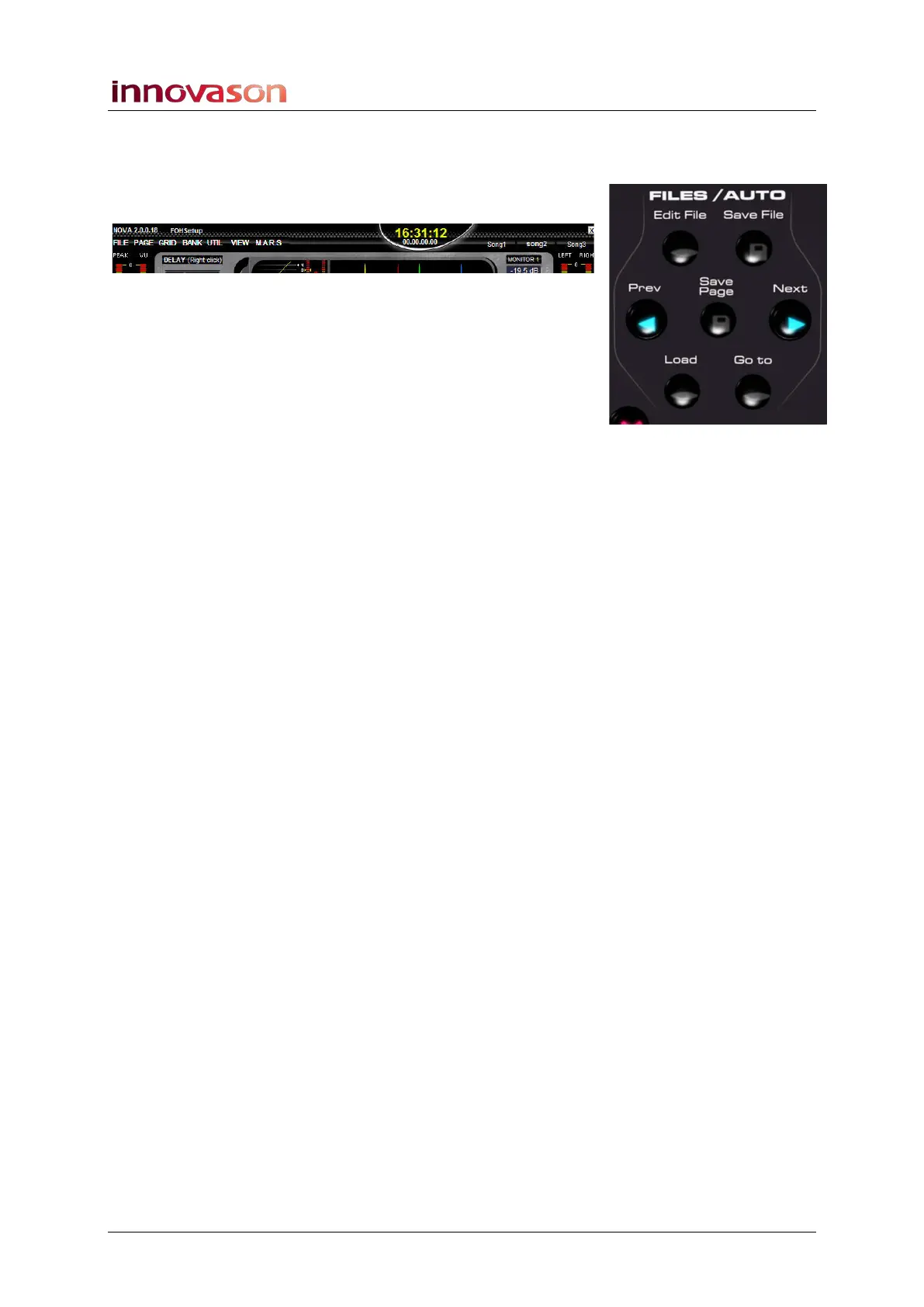
• Next - recalls the next Page in the sequence of Pages
in RAM (e.g. Song3).
• Prev - recalls the previous Page in the sequence of
Pages in RAM (e.g. Song1). This is very useful if you
press Next a little early and need to quickly revert to the
previous Page!
If the Confirm previous/next page check box is ticked in the
General Preferences window, then you will be asked for
confirmation when you use Next or Prev, see Page 428.
As soon as the Page is recalled, the previous, current and next
Page names update at the top of the Nova display. If a
crossfade has been programmed for the Page change, then it
will be applied.
If you need to skip a Page - for example, the artist suddenly
decides to change the running order, and jump from song 3 to
song 7 – then you can use the Load or Goto buttons:
• Load – allows you to load a Page from those stored on
hard disk (in the active File). Note that this option
replaces the current Page.
• Goto – allows you to select a Page from RAM.
See Page 358 for details on Load Page and Goto.
Note that you can isolate channel parameters so that they are
not reset when a Page is recalled using the Relax function, see
Page 404.
Keyboard Shortcuts
Next, Prev and Load Page can be actioned from the console
keyboard:
• Next – press [PAGE UP].
• Prev – press [PAGE DOWN].
Note that the [PAGE UP] and [PAGE DOWN] keyboard
functions action an instant Page change, even if the Confirm
previous/next page check box is ticked in the General
Preferences window.
• Load – press [ALT] + [L].
• Goto – no keyboard shortcut.



 To Next Page