Chapter 8: Utilities & Preferences
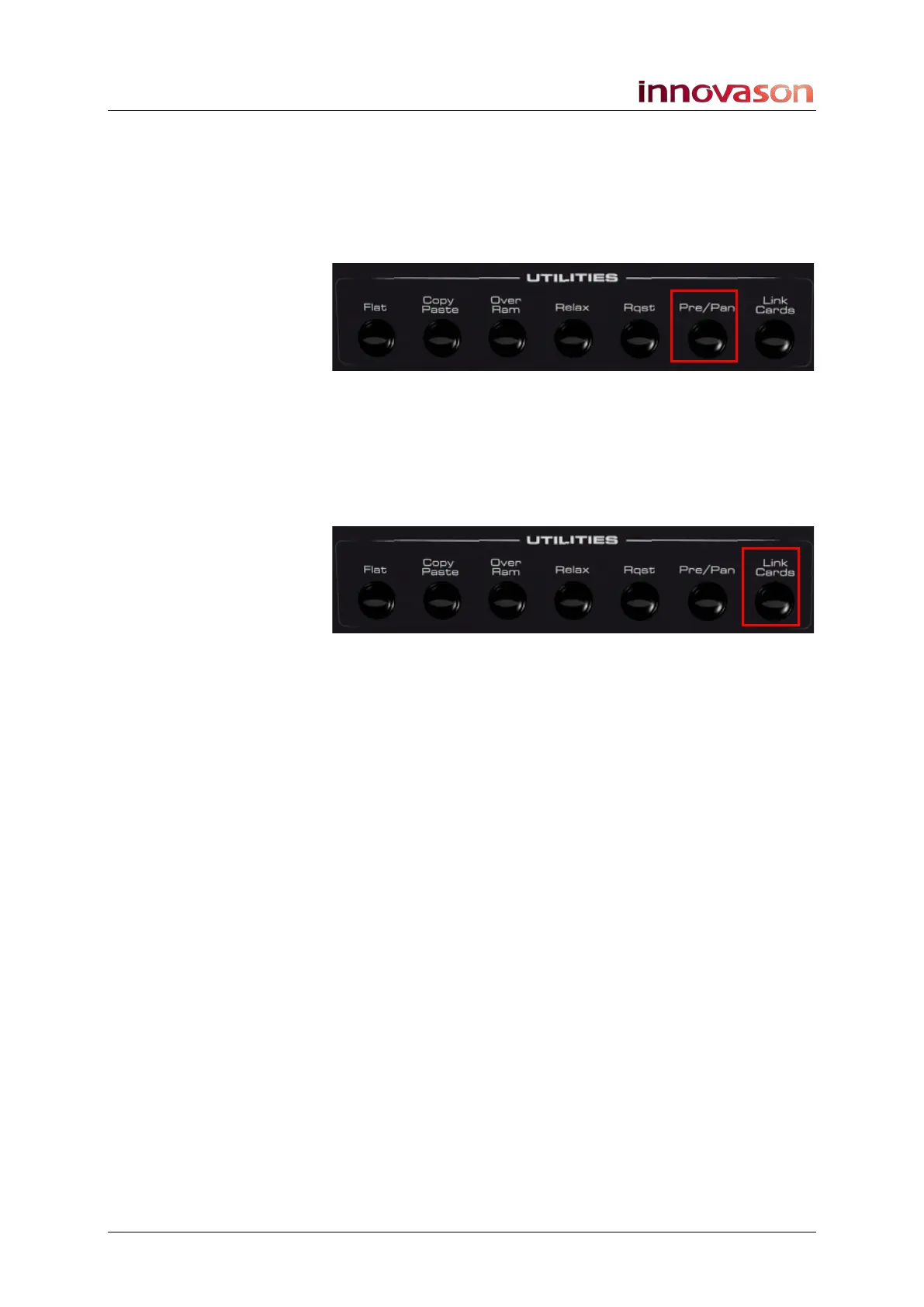
Pre/Pan
408/ 526 2.0 Eclipse User Guide
Pre/Pan
This button opens the PAN display which provides an overview
of bus routing from the selected channel (or to the selected
output), with options to configure pre-fader or independent pan
bus sends.
For details, please see Page 164.
Link Cards
This button opens the LINK IO display which can be used to
link I/O parameters on an input or output card.
For details, please see Page 421.



 To Next Page