Chapter 3: Operating Principles
Fader Strips
Eclipse User Guide 2.0 59/ 526
Fader Strips
Each Fader strip provides:
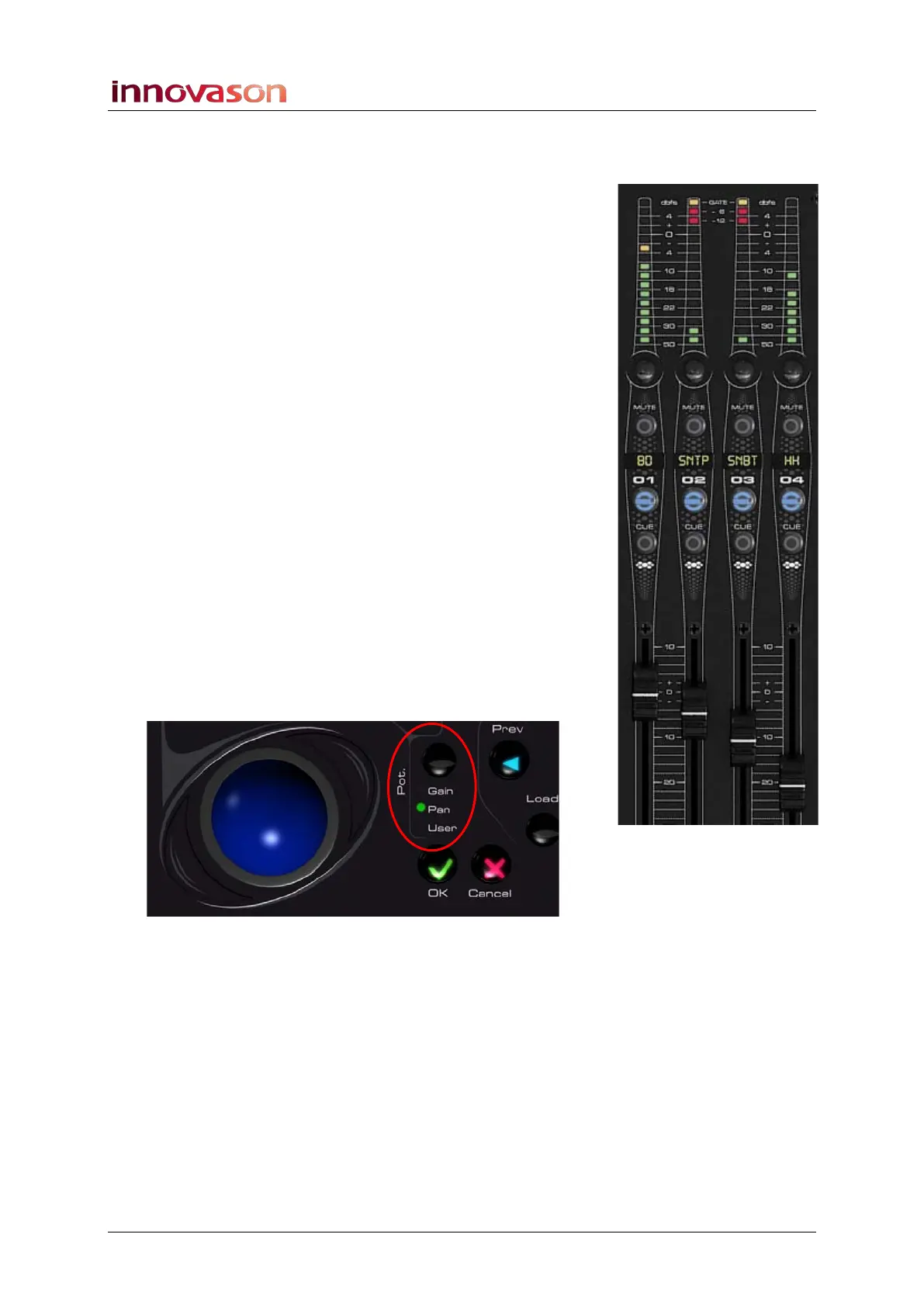
VU Metering
On input channels metering is always pre-fader and can be
switched pre or post processing from the “Util -> General
Preferences” window, see Page 428. The meter also shows
Gate activity.
On output channels (Aux, Group, Master, Matrix) the meter
shows the post-fader mix bus level; this meter point is before
any output card (UM-8PO) processing.
If the input or output is stereo, then the meter displays the left
channel.
On VCAs the meter has no function.
On Smart VCAs you will see the highest level of any slave
channel. For example, if you have a Smart VCA controlling your
drum mics, whichever input is loudest will be displayed on the
Smart VCA meter.
You can change the meter ballistics from the “Util -> General
Preferences” window, see Page 428.
Gain, Pan or User Rotary Control
The function of the rotary control is switched globally using the
Pot. button beside the trackball:
1. Press the Pot. button to cycle through the three options:
Gain, Pan or User defined.
A green LED indicates the selected mode.



 To Next Page