Chapter 10: M.A.R.S.
Overview
Eclipse User Guide 2.0 445/ 526
Overview
M.A.R.S. provides 64 tracks of hard disk recording and playback
from a removable hard disk which slots into the rear panel of the
Eclipse frame. The system is handled by a second computer which
runs separately from Eclipse’s Nova software.
To switch the console’s touch-screen between the two control
computers:
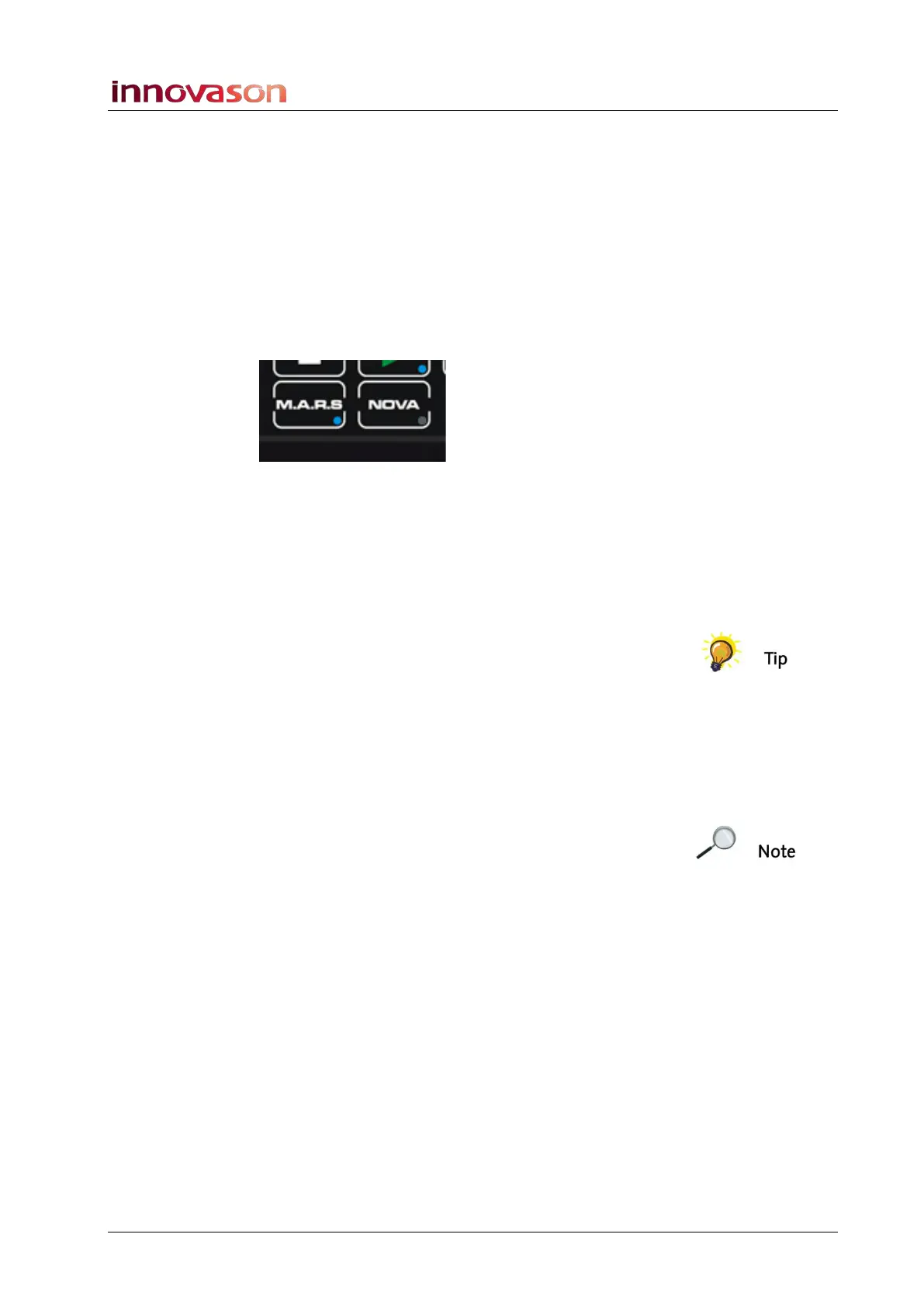
1. Press the M.A.R.S. or NOVA buttons on the TRANSPORT
control panel:
• NOVA – accesses the Nova mix management software
which controls the console and stores/recalls mix settings.
• M.A.R.S. – accesses the hard disk recorder displays. All
audio recording is managed by the M.A.R.S. control
computer. All audio files are stored on the M.A.R.S. hard
disk which slots into the rear panel of the frame.
When working within the M.A.R.S. displays, all functions are
selected either by touching an on-screen button, or using the
trackball and keyboard. As most buttons are large, the quickest
method of operation is to reach out and touch a button!
Connecting M.A.R.S.
Please see Page 45 for details on connecting M.A.R.S. and
checking the Ethersound communication.
Note that you can play back the demo song from M.A.R.S. without
connecting the DioCore if you wish.



 To Next Page