Chapter 7: Reset and Automation
The Play List (Automation)
364/ 526 2.0 Eclipse User Guide
The Play List (Automation)
For a simple show, the EDIT display plus Next, Prev and Goto
buttons provide everything you need to build a sequence of
Pages and play them out manually.
However, the Eclipse includes an advanced automation system
which allows you to recall Pages from MIDI Program changes
(MIDI IN), send Midi Program changes (MIDI OUT),
synchronise Page changes to Midi timecode (MTC) and set
crossfade transitions between Pages. All these functions are
defined from the Play List:
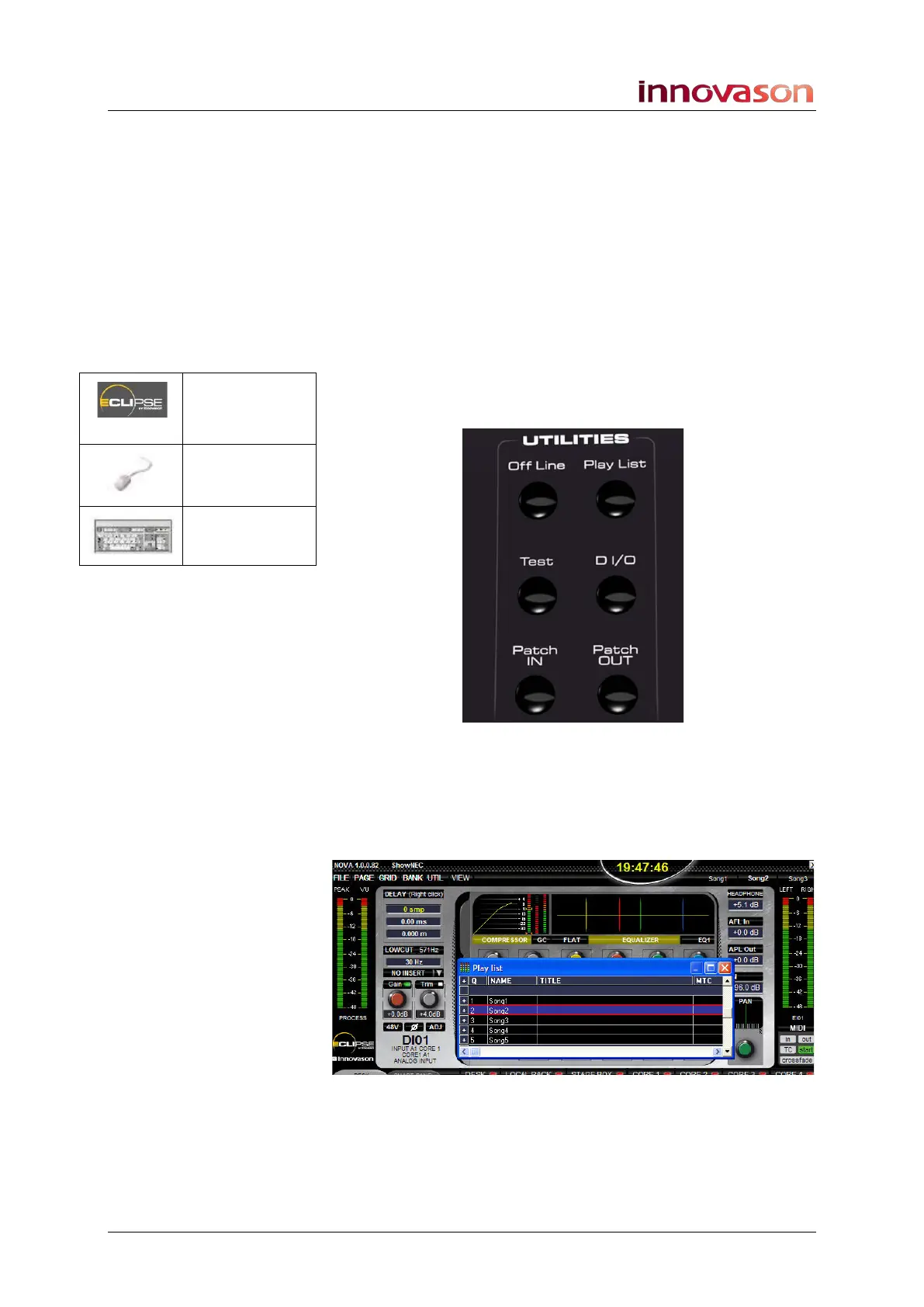
1. Press the Play List button on the UTILITIES panel to
open the window:
The Play List is a floating window which you can position
anywhere on the Nova screen.
2. To manipulate the position of the Play List, use the
traditional Windows procedures to resize and move the
window:
Before we look at the Play List functions in more detail, first
some general pointers on how to edit and display information.
Play List
(UTILITIES)
“UTIL->
Playlist”
[F4]



 To Next Page