Chapter 7: Reset and Automation
The Play List (Automation)
Eclipse User Guide 2.0 365/ 526
Editing Values
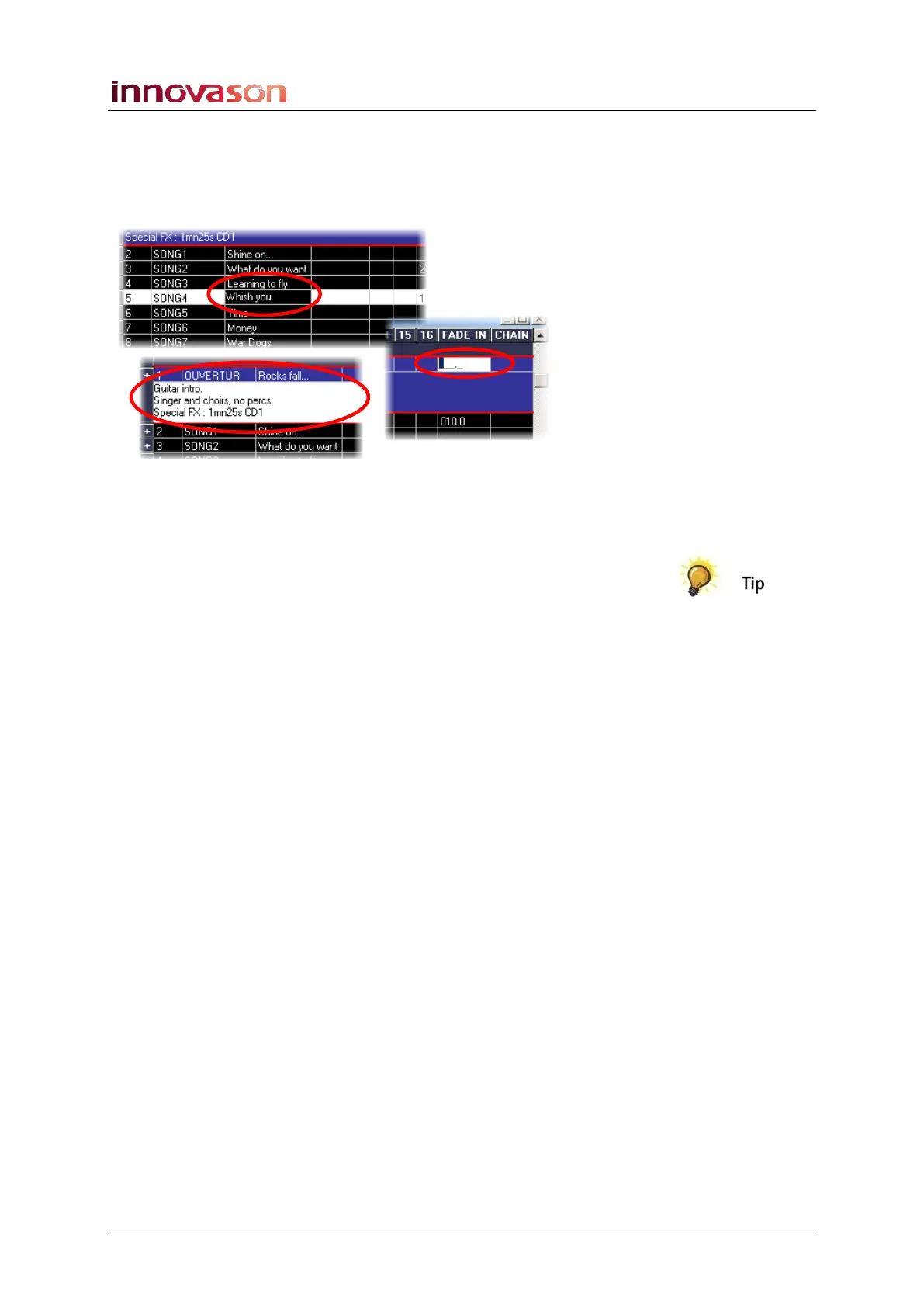
1. To edit a value, double-click on the box (cell) containing
the value:
A cursor indicates that a cell is being edited, and the box
remains highlighted until you exit the edit mode by pressing
[ENTER], [ESC] or selecting another cell.
• When a cell is being edited, you can jump from one cell
to another using the keyboard cursor keys, or [TAB],
without leaving the editing mode. This is very convenient
for quickly configuring MIDI program changes.
• The keyboard [ENTER] key validates the selected value
and takes you out of the editing mode. Therefore, to
type additional lines in a comment cell, use
[CTRL]+[ENTER].
• To copy and paste text in a cell, use the [CTRL]+[C] and
[CTRL]+[V] keyboard shortcuts.
Note that up to three lines of text may be displayed and saved
in a Comment cell.



 To Next Page