Chapter 8: Utilities & Preferences
Introduction
392/ 526 2.0 Eclipse User Guide
Chapter 8: Utilities & Preferences
Introduction
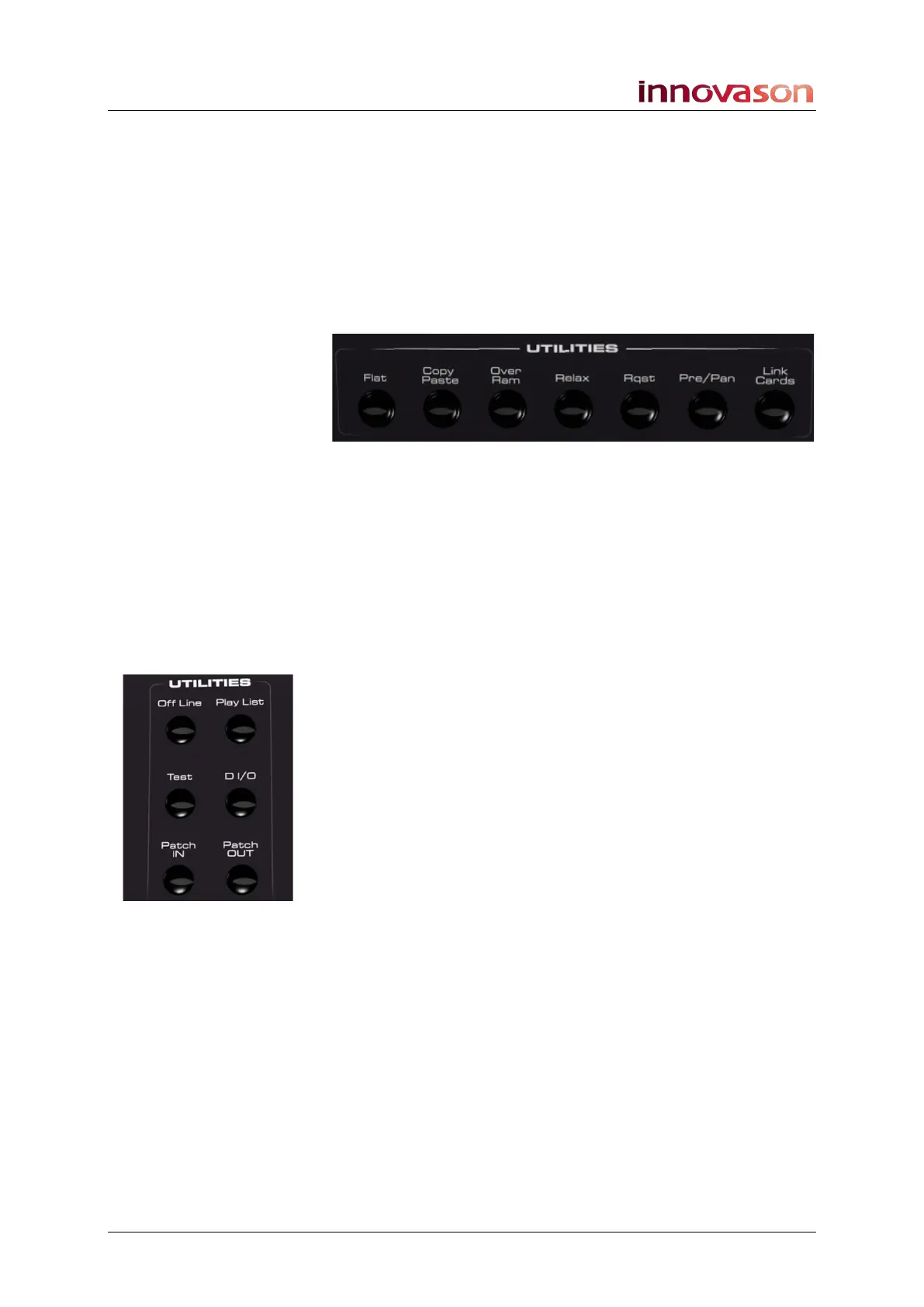
In this chapter we will cover the console’s UTILITIES panels,
and operations performed from Nova displays which have not
been described elsewhere in this manual:
• UTILITIES (above EQ):
o Flat (Parameter Reset) – see Page 393.
o Copy Paste – see Page 394.
o Over Ram – see Page 399.
o Relax (Automation Isolate) – see Page 404.
o Rqst – see Page 406.
o Pre/Pan – opens the PAN display, Page 164.
o Link Cards – see Page 421.
• UTILITIES (above FILES/AUTO):
o Offline – see Page 423.
o Play List - opens the Play List, Page 364.
o Test Tone (Oscillator) - see Page 425.
o D I/O - opens PATCH DIRECT, see Page 256.
o Patch In - opens PATCH INPUT, see Page 231.
o Patch Out - opens PATCH OUTPUT, Page 247.
• Nova displays:
o Link Channel – see Page 410.
o Fader Start – see Page 427.
o General Preferences – see Page 428.
o Lock (Password Protection) – see Page 432.
o Help (Keyboard Shortcuts) – see Page 434.
o About - see Page 435.
o Quit (Console Shutdown) – see Page 436
.
All other Nova displays are covered elsewhere in this manual.
Use the Index on Page 523 to find other topics.



 To Next Page