Chapter 7: Reset and Automation
Personal Mixes
Eclipse User Guide 2.0 391/ 526
Loading a Personal Mix
Having saved and named some Personal Mixes, each can be
loaded to any Aux within any Page of the current File.
To load a Personal Mix:
1. Select the Aux you wish to load to pressing SEL on the
Aux fader or Smart Panel controller (green ID).
The SEL button and Label should be flashing:
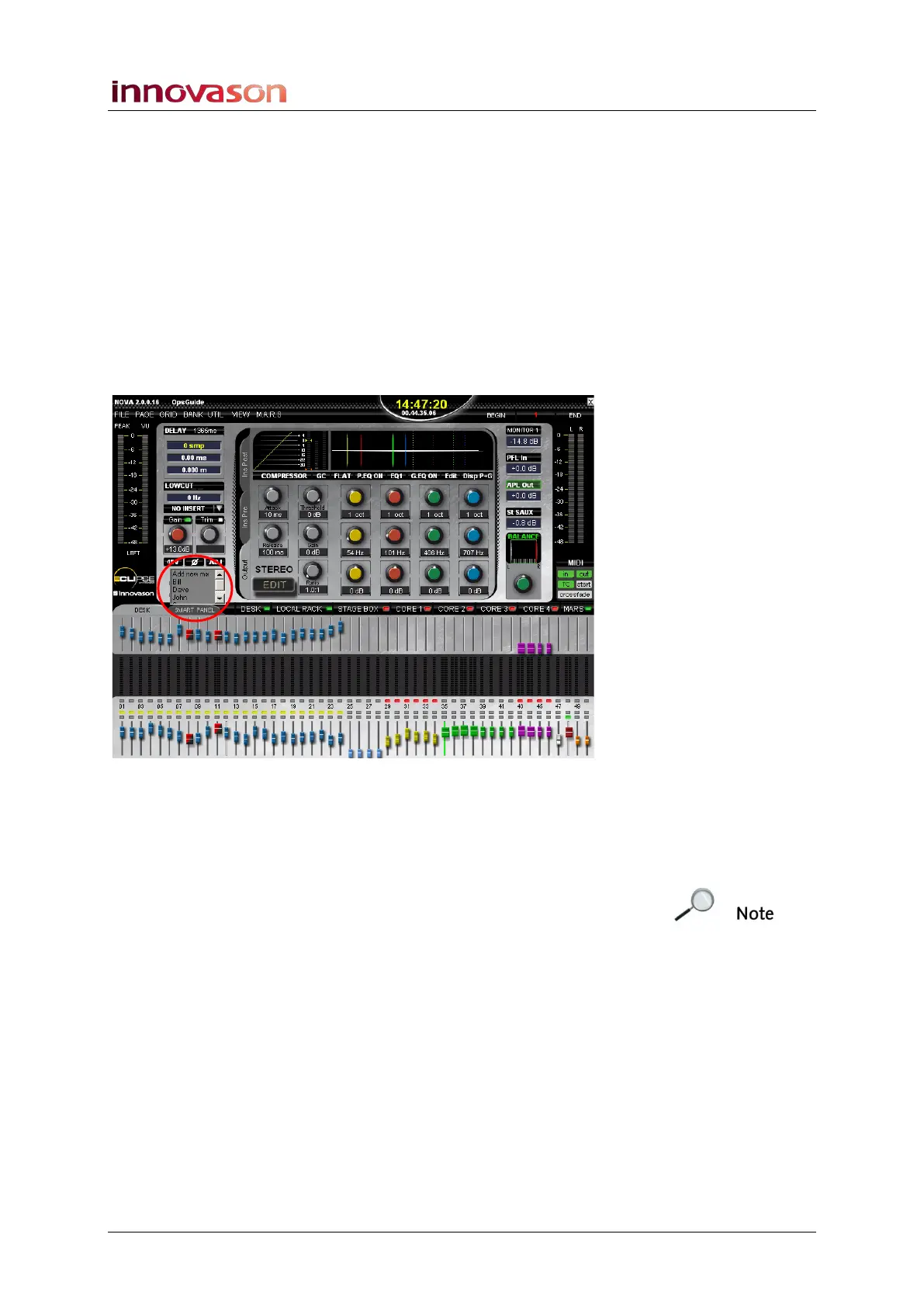
2. On the Main Mix display, select the arrow to the right of
the channel label to access the list of Personal Mixes
stored in the current File:
3. Select a mix from the list – for example, Dave.
The mix is loaded and the Aux send levels, panning (if the
selected Aux is stereo) and routing assignments update
accordingly.
Note that if you have changed the current Personal Mix without
saving the File, then you will be asked to save these changes
before loading the new Personal Mix.
Personal Mix Import and Export
Personal Mixes are stored as part of a File and therefore can be
imported and exported using File -> Import and File -> Export,
see Page 352.



 To Next Page