Chapter 7: Reset and Automation
File Management
352/ 526 2.0 Eclipse User Guide
File Import and Export
A File, and all its Pages, may be imported and exported to a
USB device for archiving or to transfer settings between
consoles.
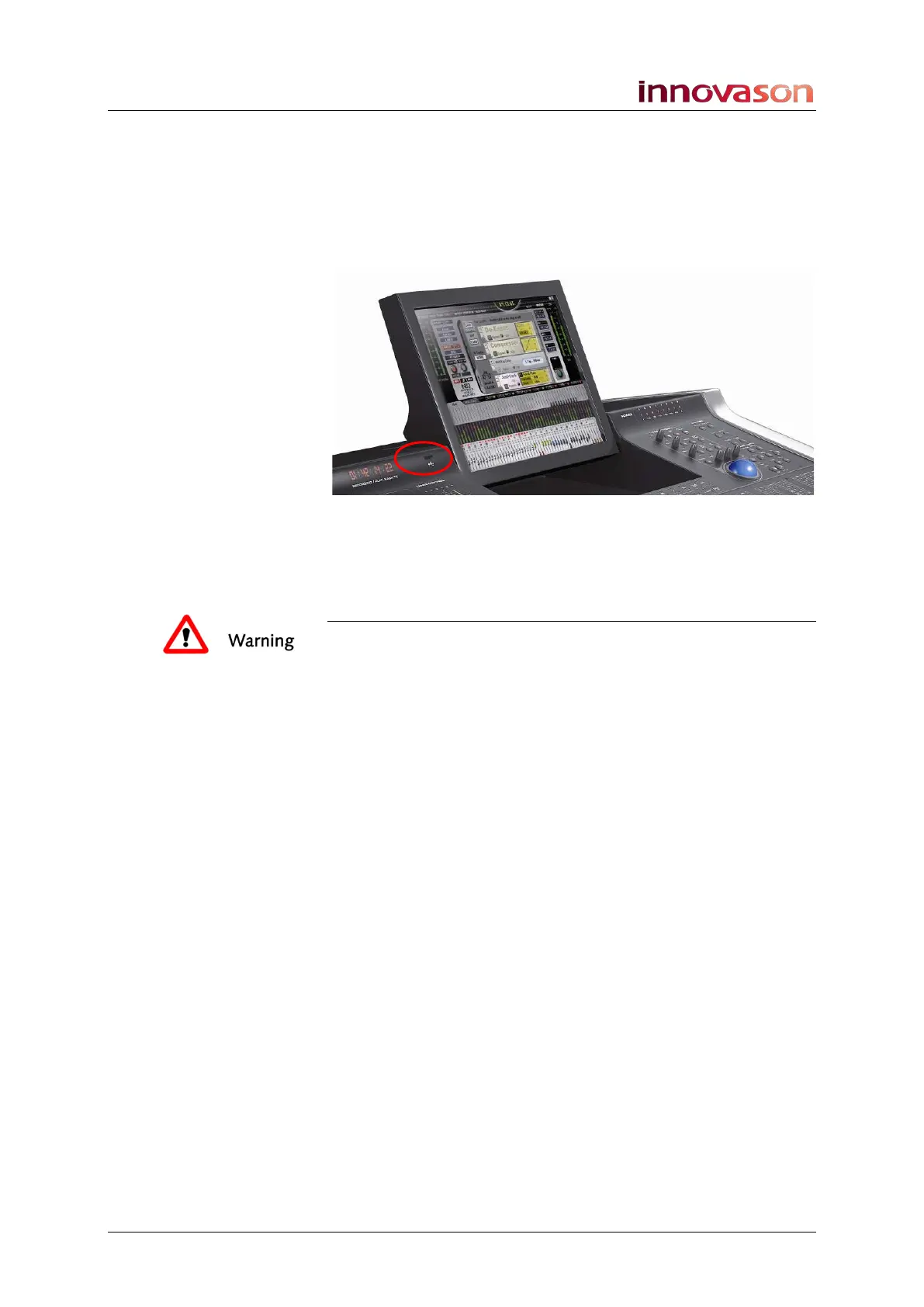
1. Connect your USB device to the NOVA USB port:
Note that Innovason cannot guarantee compatibility with all
available USB interfaces. Therefore, please check the
compatibility of your USB interface on your system.
Warning
DO NOT remove the USB device while data is being
transferred. To do so may corrupt the data.



 To Next Page