Chapter 7: Reset and Automation
File Management
Eclipse User Guide 2.0 351/ 526
Deleting a File
Deleting a File removes the File and all of its Pages from the
Nova hard disk. To prevent accidental deletion, the active File
may not be deleted.
Note that when you create a new File, you will lose the current
console settings and any Pages held in memory.
To delete a File:
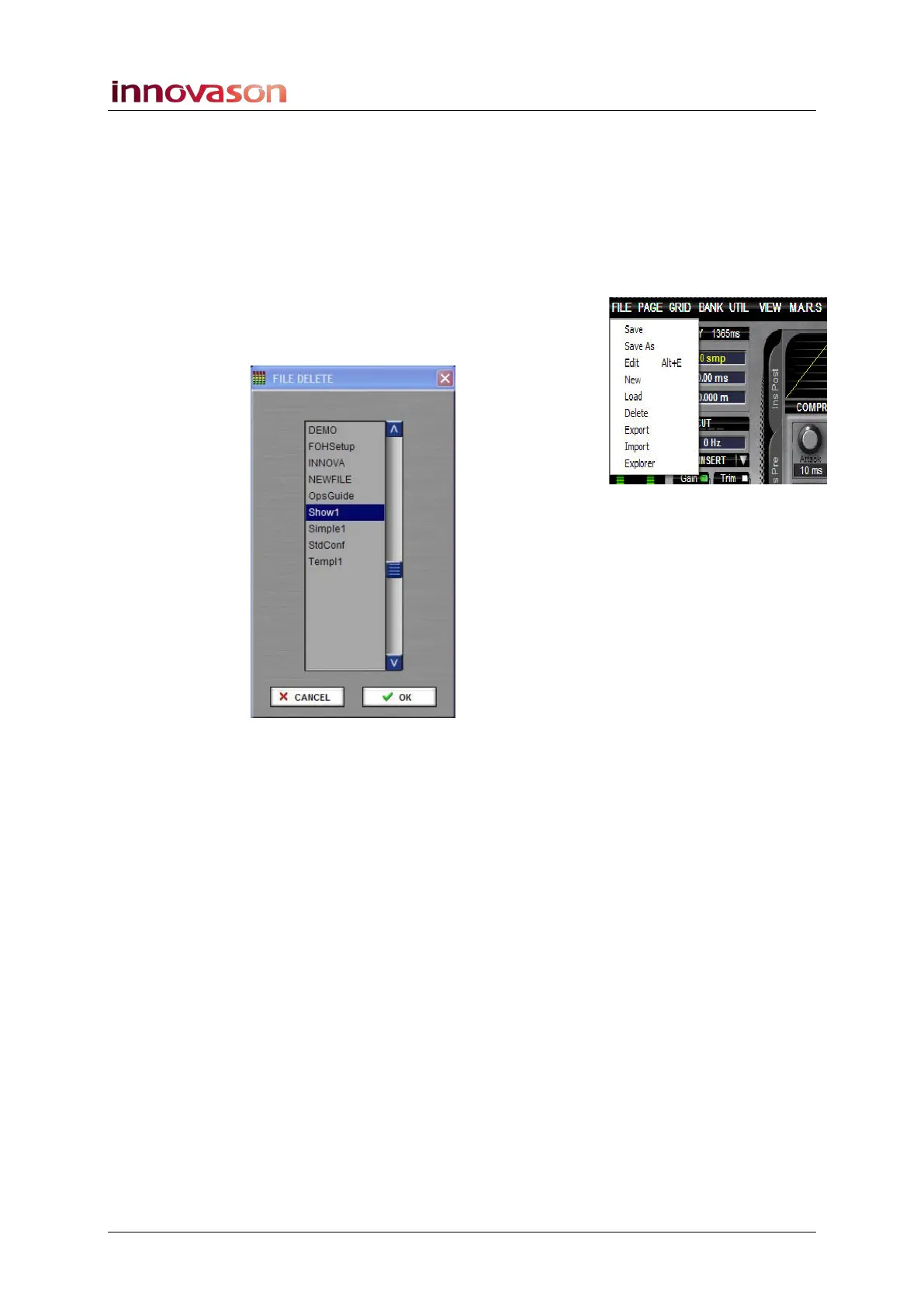
1. Using the trackball select “FILE -> Delete” from the main
menus.
2. Select the File you wish to delete – e.g. Show1.
3. Confirm by pressing OK.
To prevent accidental deletion, a confirmation box appears:
4. Press OK again to confirm.
The File and all its Pages are removed from the hard disk.
Note that you cannot delete the active File. If you wish to do so,
load a different File and then perform the delete.



 To Next Page