Chapter 11: Technical Procedures
Resolving Communication Issues
506/ 526 2.0 Eclipse User Guide
Resolving Communication Issues
After installing a new release of Nova software, or when you
use M.A.R.S as a backup for the Nova computer, you may lose
communication between the console and its local audio rack
(DSP), etc.
The Symptoms
The following symptoms show that there is a problem:
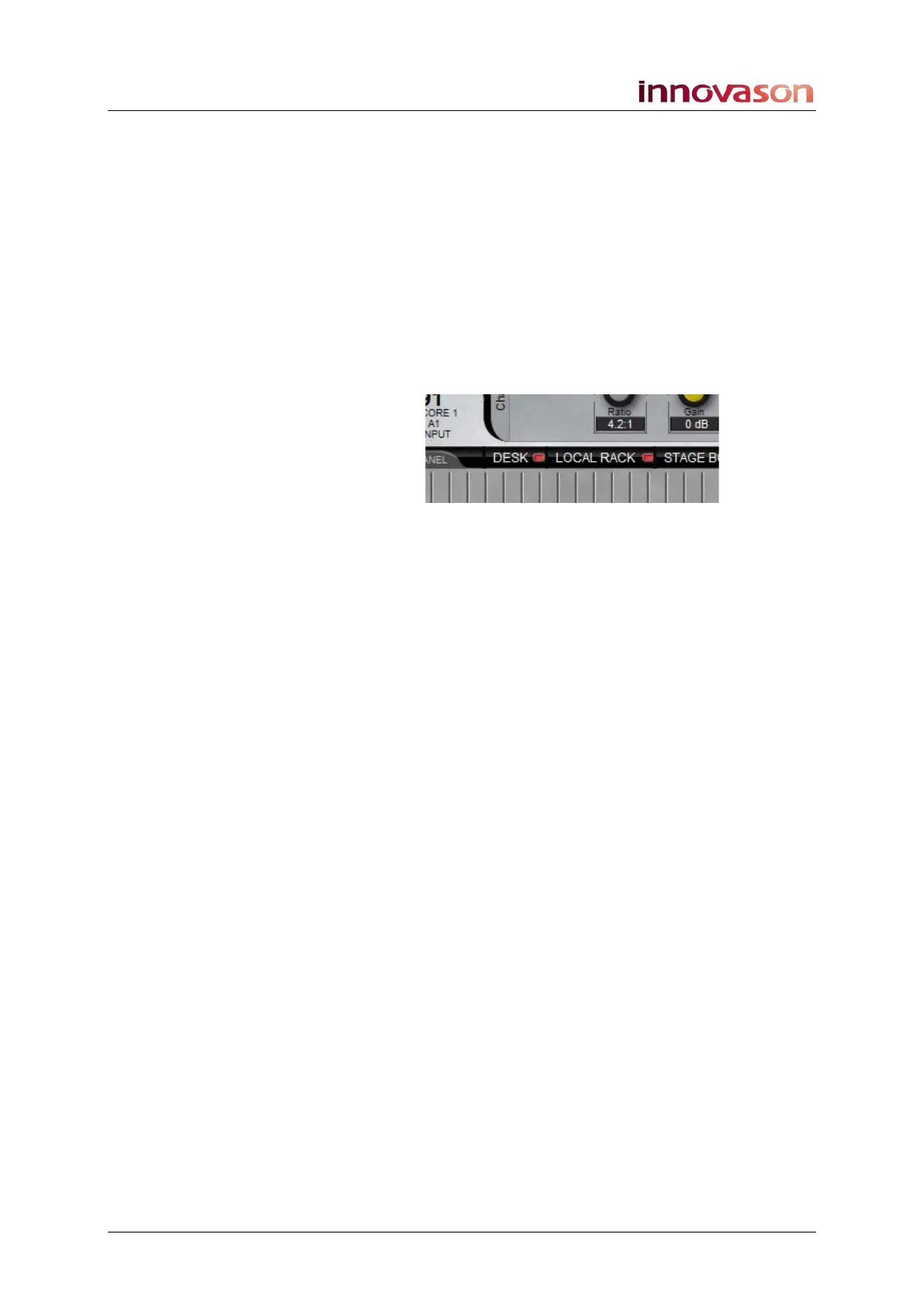
• Local Rack and/or Desk status LEDs on the Main Mix
display are red:
• The “ECLIPSE V5.0” message appears across the front
panel VU meters.
• Touching a console fader, switch or encoder has no
affect on the software or audio.
• The message “Instantiation KO” appears during startup.
This indicates that at least, one I/O module has the
wrong firmware, and an update is necessary.
The problem can be resolved from the System Setup window,
see next page.



 To Next Page