Chapter 11: Technical Procedures
Installing a New Release of Nova Software
Eclipse User Guide 2.0 505/ 526
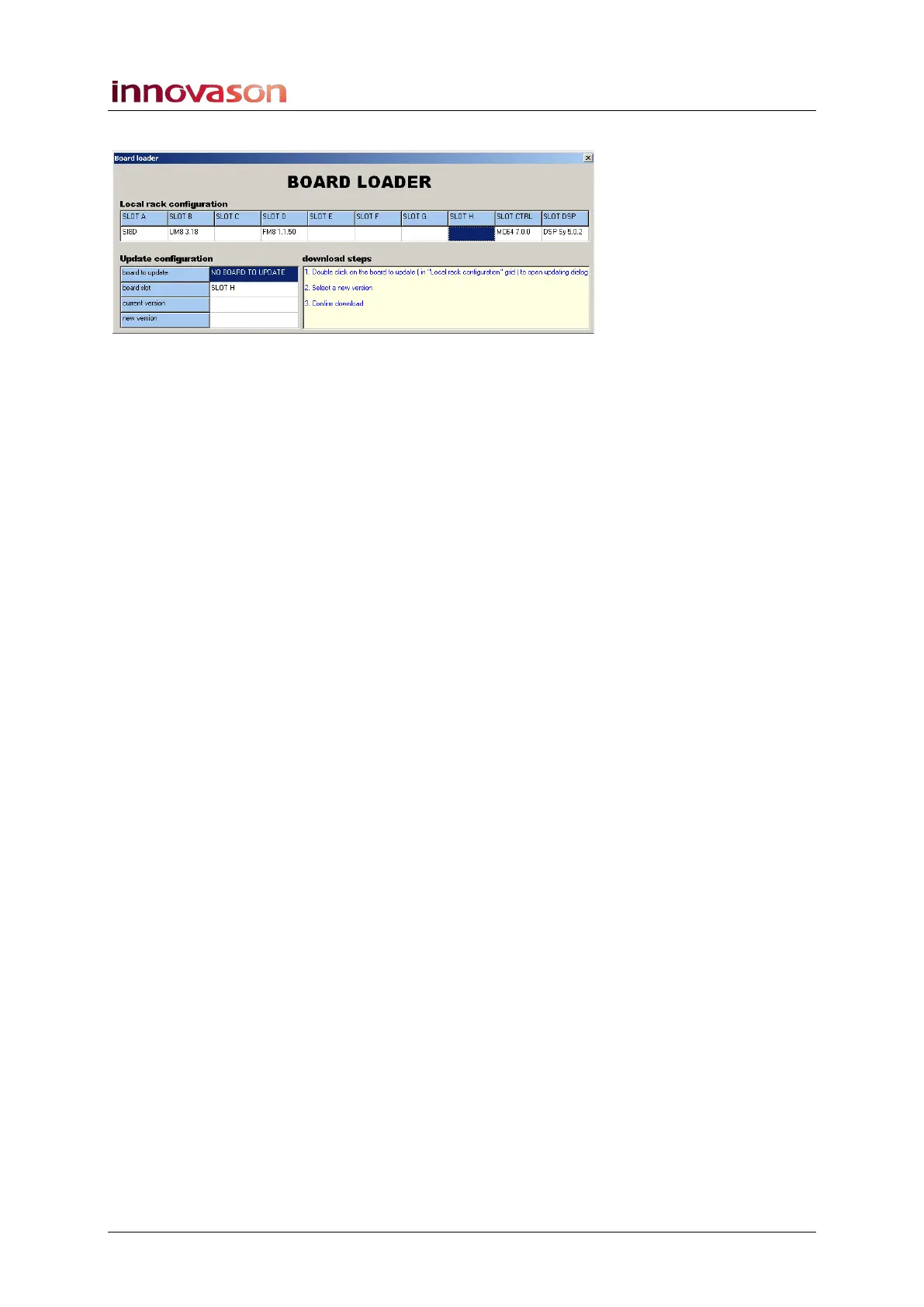
The system now opens the Board Loader:
The top of the display shows the cards fitted to the slots at the
rear of the console, and their release versions.
2. Double-click on the name of the DSP card – e.g. DSP
Sy 5.0.2.
This opens a file explorer window.
3. Select the new DSP firmware and Confirm.
The DSP is downloaded to the card. This may take some time!
When the download is complete, the message Successful
appears.
4. Select OK and then quit the Board Loader programme.
The system restarts, now with the correct DSP firmware. No
errors should appear after the restart.



 To Next Page