Chapter 8: Utilities & Preferences
Offline Mode
Eclipse User Guide 2.0 423/ 526
Offline Mode
This mode allows you to recall a Page and adjust its settings
without affecting the current audio mix. For example, if you want
to check the next Page to be loaded without interrupting the
current mix during a live show.
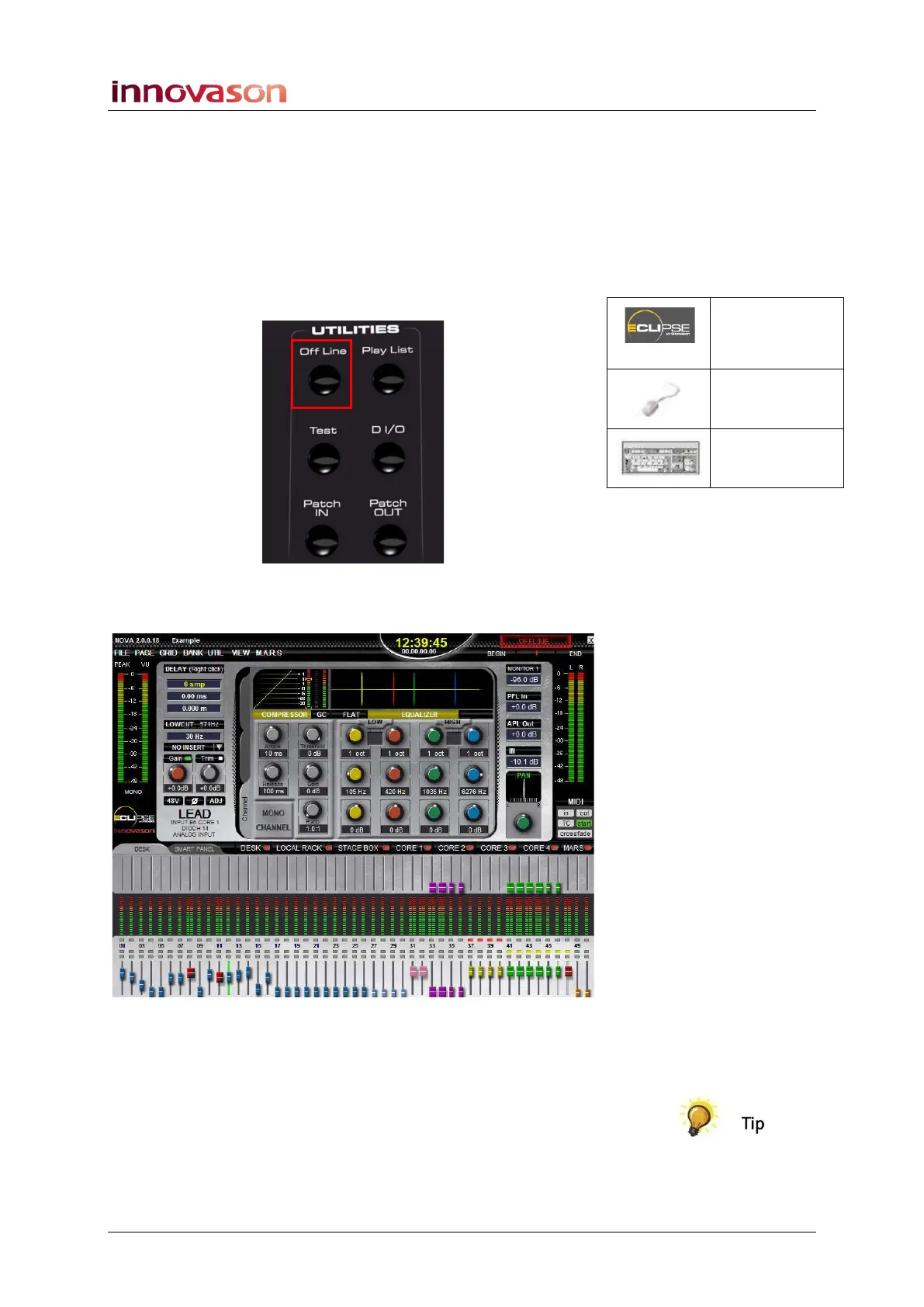
1. Press Off Line on the UTILITIES panel to activate
Offline mode:
Once active, a red OFFLINE alert appears at the top of the
Nova display and all meters on the display go full scale:
This mode is equivalent to disconnecting the console from its
audio racks and DSP. So, if you make a change now you will no
longer hear its results.
When you exit offline mode, the console is reconnected to the
audio racks and DSP; all controls reset to the current Page.
Therefore if you wish your mix to remain unchanged DO NOT
alter the current Page in Offline mode!
Off Line
(UTILITIES)
n/a
[ALT] + [O]



 To Next Page