Chapter 8: Utilities & Preferences
Offline Mode
424/ 526 2.0 Eclipse User Guide
2. BEFORE adjusting any parameters, recall the Page you
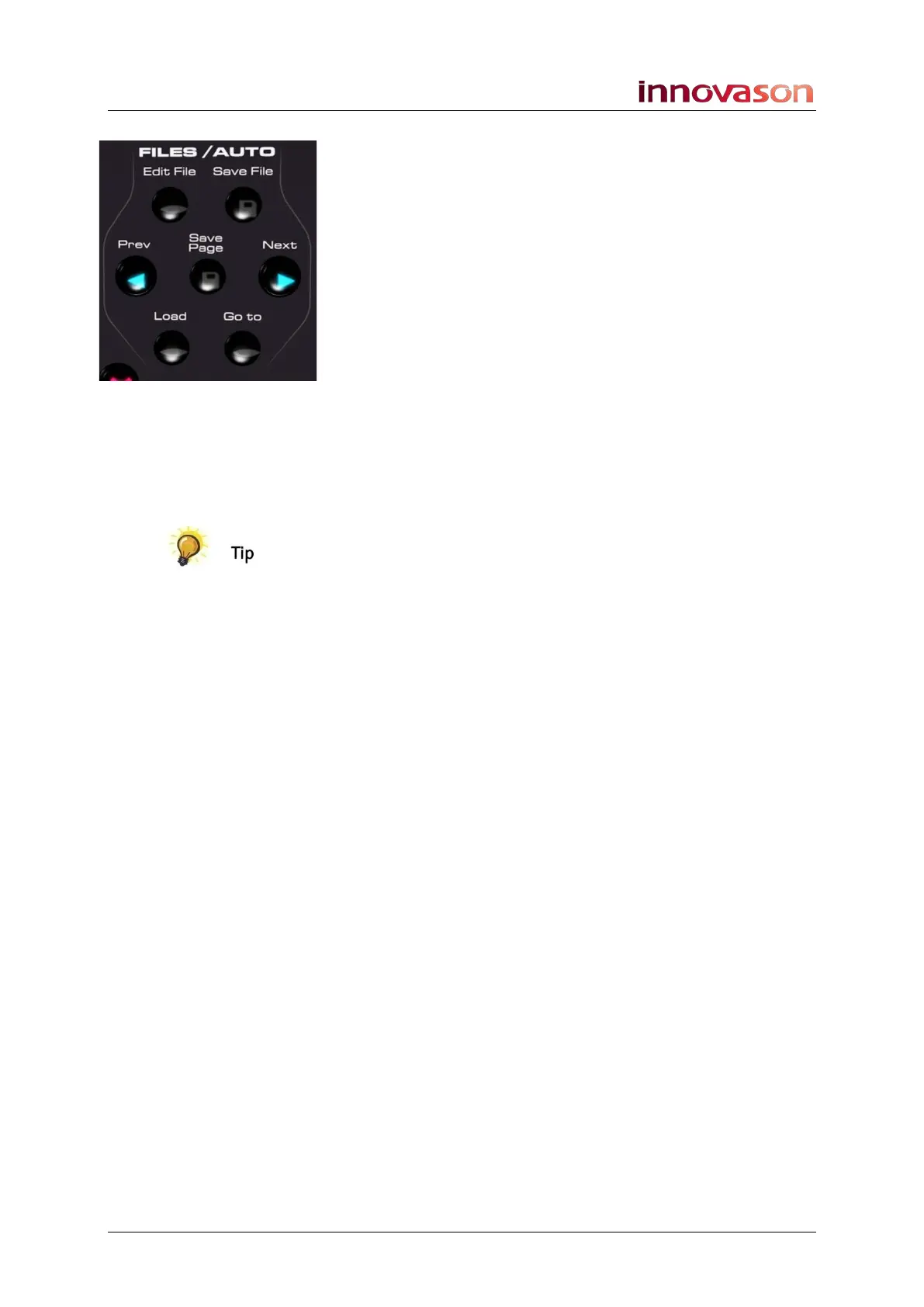
wish to view or adjust – e.g. press Next.
The Page resets the console but you will hear no change in
audio.
3. You can now check the parameters stored in the Page
and make changes if you wish.
This updates the Page in RAM.
4. When you have completed your adjustments, recall the
Page which matches the audio mix – in our example, we
could press Prev to return to the previous Page.
5. Then deselect Off Line.
The console reconnects to the audio racks and DSP, and you
will see the controls return to the settings of the current Page.
Providing you didn’t modify the current Page, there will be no
change in audio.
6. You can now operate the console in real time as usual.
The console also supports a function called Preview which is
available when automating the console from the Play List.
Preview temporarily enters an offline state and allows you to
check settings within a Page selected from the Play List. Unlike
Offline mode, which must be cancelled manually, Preview is
automatically cancelled whenever the Next or Prev Page is
recalled. See Page 379 for details.



 To Next Page