Chapter 7: Reset and Automation
The Play List (Automation)
Eclipse User Guide 2.0 379/ 526
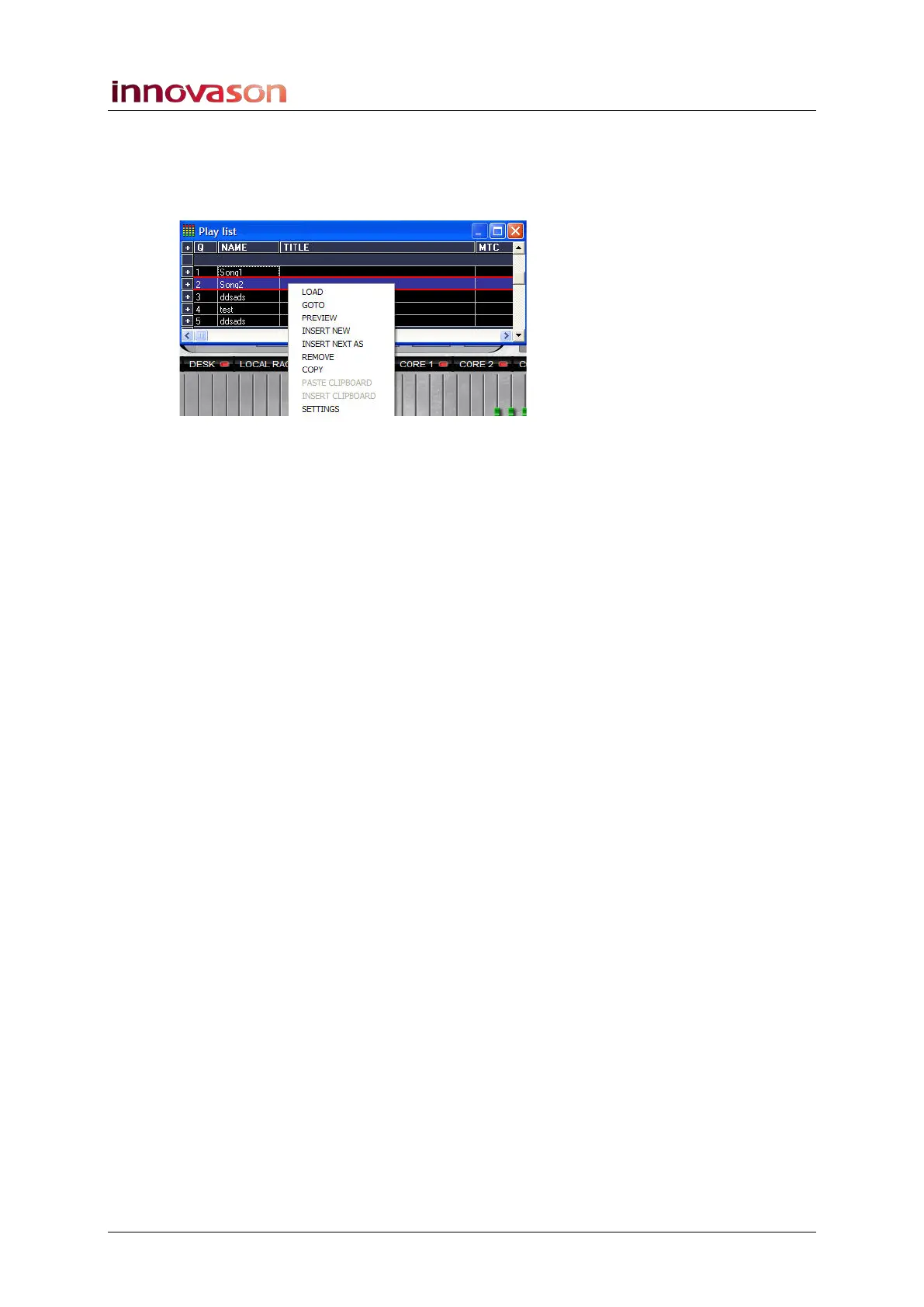
Right-click Functions
When you right-click on a Page in the Play List, a drop-down
menu provides access to a number of additional functions:
Note that if the selected Page is the current Page it is shown
with blue background (as above). If the selected Page is not the
current Page it is shown with a white background.
• LOAD - loads the selected Page from hard disk.
• GOTO – loads the selected Page from RAM.
• PREVIEW - before the selected Page is loaded, the
console switches to an Off-line mode. This allows you to
preview, modify and save the selected Page without
affecting the current mix and audio parameters.
Note that PREVIEW differs slightly from the OFFLINE mode,
described on Page 423, in the way in which it is cancelled.
PREVIEW is automatically cancelled by pressing Next or Prev.
You can also cancel PREVIEW without recalling a Page by
pressing [ALT] + [O] on the keyboard.
• INSERT NEW – inserts a blank Page just after the
current selection.
• INSERT NEXT AS – inserts a copy of the selected Page
just after the current selection.
• REMOVE – removes the selected Page from the Play
List (RAM). Note that the Page is not removed from the
File on hard disk, and can be re-inserted later using the
EDIT display.
• COPY – copies the selected Page to the Clipboard.
• PASTE CLIPBOARD - replaces the selected Page with
the one copied to the Clipboard. This option is only
available if the Clipboard contains a Page.
• INSERT CLIPBOARD – inserts the Page copied to the
Clipboard after the current selection. This option is only
available if the Clipboard contains a Page.
• SETTINGS – opens the Playlist Settings window, see
Page 380.



 To Next Page