Chapter 9: Offline Configuration
Mouse and Keyboard Operation
Eclipse User Guide 2.0 439/ 526
Mouse and Keyboard Operation
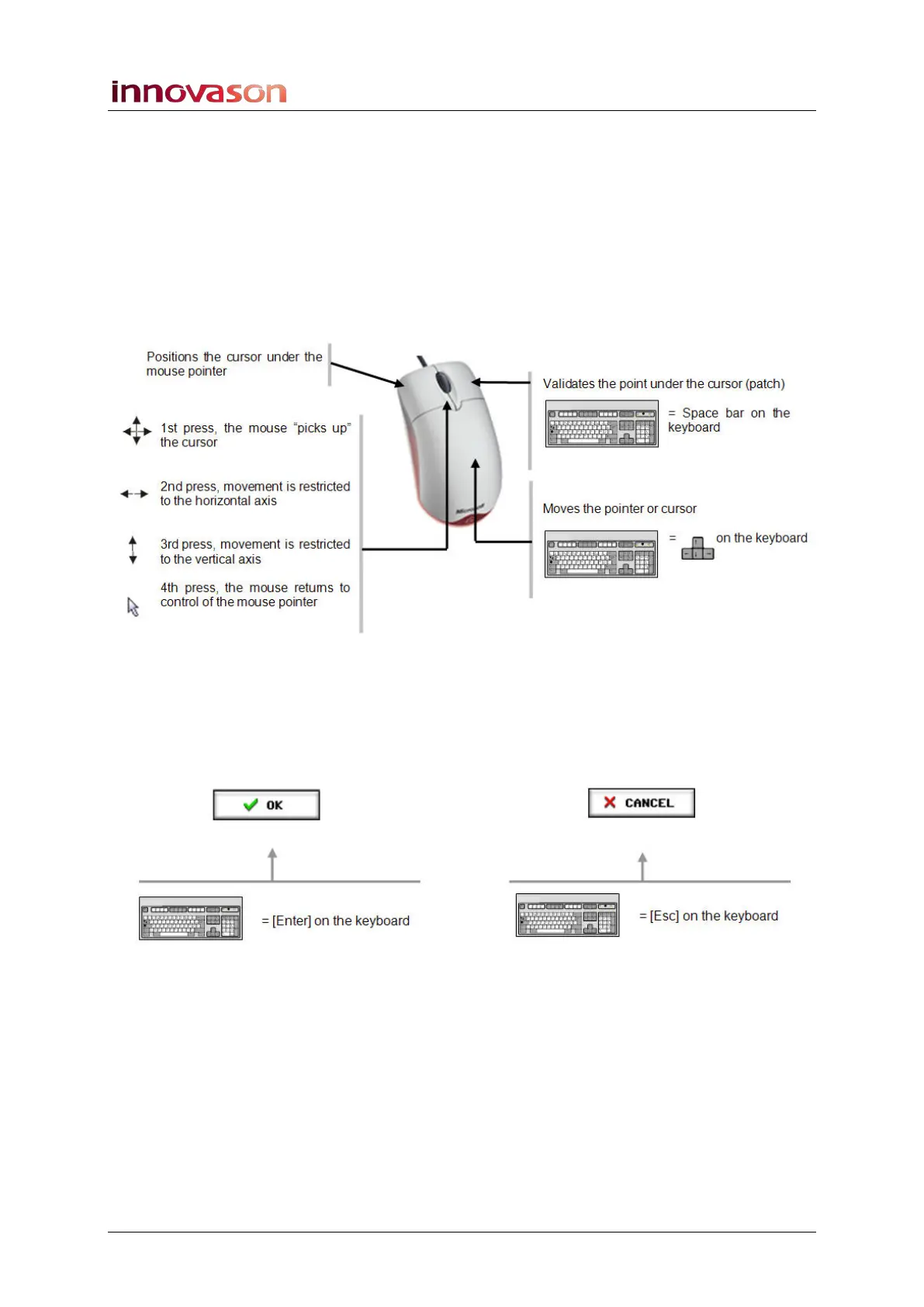
A mouse or pen/tablet combination, connected to an external
PC, usually have two command buttons. Some are also fitted
with a scroll wheel (not used by Nova). However, the scroll
wheel often acts as a third button which Nova can exploit.
The diagram below shows the functionality of the left-click,
right-click and scroll wheel button, and the equivalent keyboard
operations:
Confirming Operations
Quite often you will need to confirm an operation. You can
either point and left-click on the OK or CANCEL buttons, or use
the [Enter] or [Esc] keyboard shortcuts:



 To Next Page