Chapter 9: Offline Configuration
Building a Configuration
Eclipse User Guide 2.0 441/ 526
Building a Configuration
All of the Nova displays can be configured offline in the same
manner as on the console. This allows you to use the Personal
Console Builder and Patch grids to prepare a configuration in
the normal manner. See Pages 221 and 231 for detailed
information on these displays.
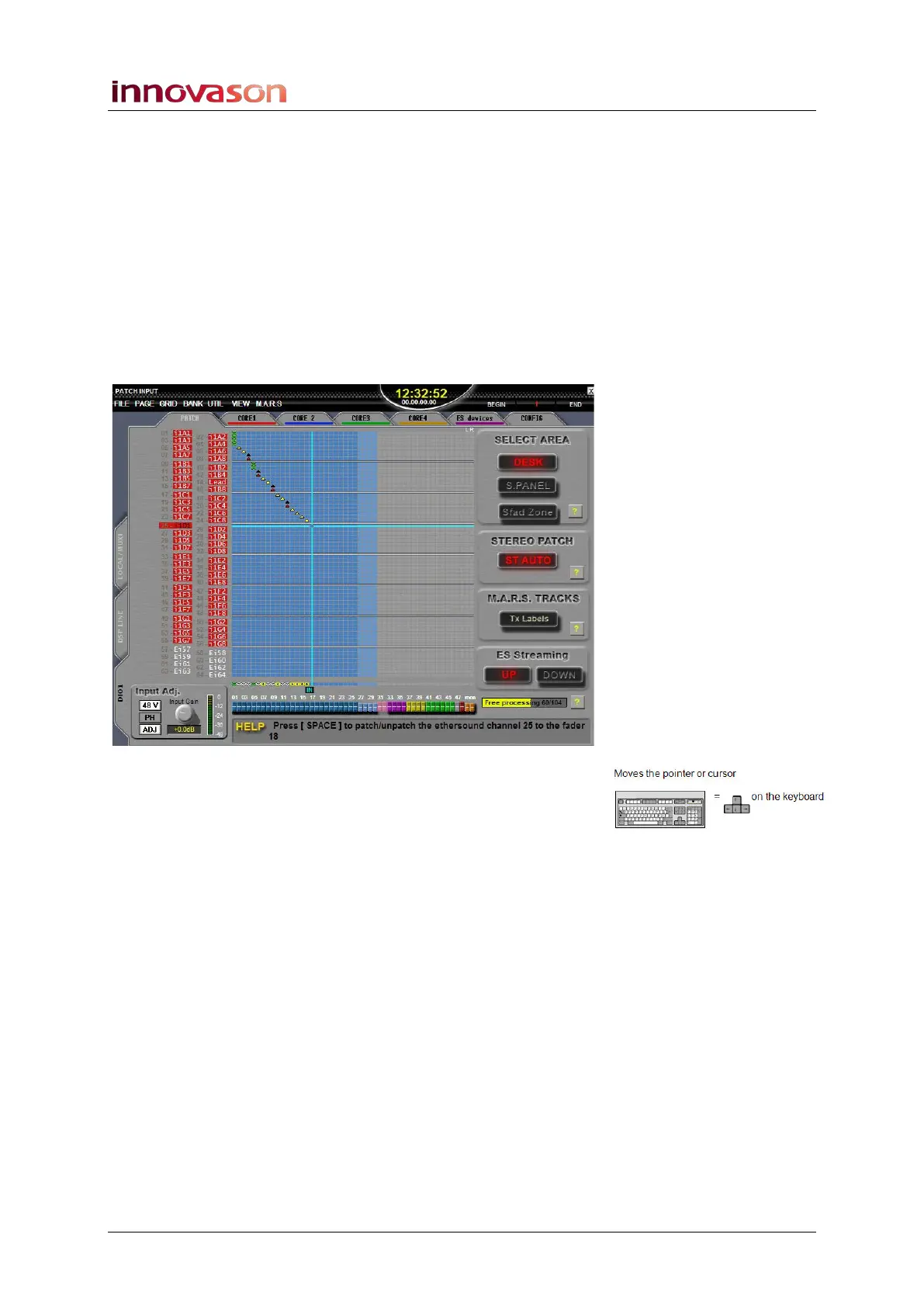
Working with Grid displays
Here are some tips when working from a mouse and keyboard
in grid displays such as the PATCH INPUT:
1. Position the cursor using the left-click mouse button, or
the Up/Down/Left/Right arrow buttons on the keyboard.
2. Make a patch by:
• Pressing [SPACE bar] on the keyboard.
• Or, using the right-click mouse button.
3. To exit the current display, press [ESC] on the keyboard.
Within the Patch In, Out and Direct displays, you can access
Labels by pressing [F3] or name a range of inputs or outputs by
pressing [ALT] + [F3], see Page 205.
You can also use the following keyboard shortcuts:
• [F6] – Increments the gain of the selected input.
• [F5] – Decrements the gain of the selected input.
• [F7] – 48V On/Off for the selected input.
• [F8] – Mute/Unmute for the selected output.
All other grid displays (Link, Relax, Paste, etc.) operate in a
similar manner. Use the Index on Page 523 to locate a topic.



 To Next Page