Chapter 8: Utilities & Preferences
Copy and Paste
394/ 526 2.0 Eclipse User Guide
Copy and Paste
This button allows you to copy and paste channel settings. It
has two modes of operation:
• Single Channel Copy – copies settings from a single
channel.
• Multiple Channel Copy – copies settings from a range
of channels.
Single Channel Copy
This operation copies selected settings from a single channel.
You can paste the settings to one or more channels across the
console:
1. Press SEL on the channel you wish to copy.
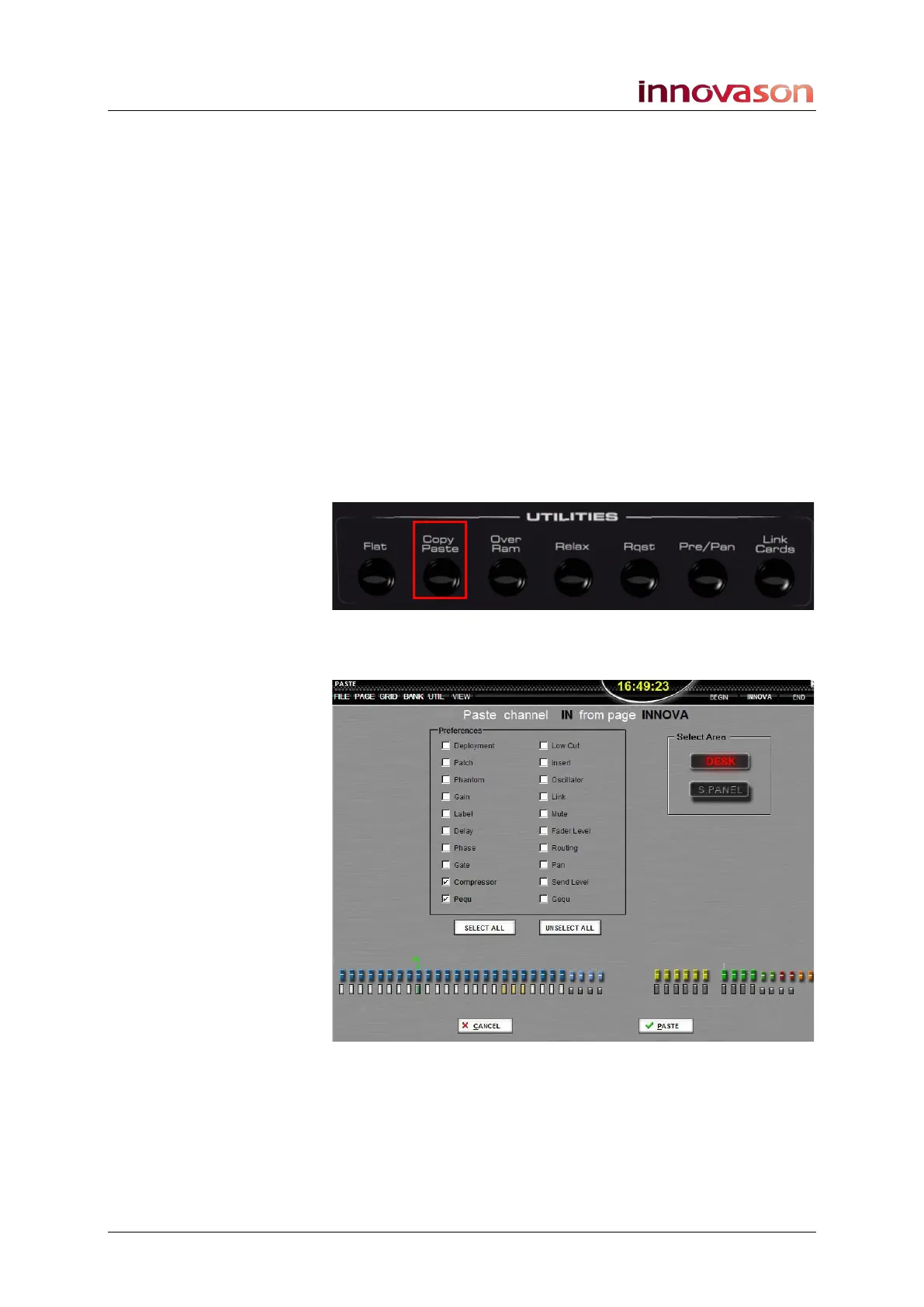
2. Press Copy/Paste on the UTILITIES panel:
Settings from the selected channel are copied into a temporary
clipboard, and the Paste display opens:
The top of the display shows that we have copied an IN channel
from the Page named INNOVA; the copied channel is marked
with a green box below its fader at the bottom of the display.



 To Next Page