Chapter 11: Technical Procedures
Installing a New Release of Nova Software
504/ 526 2.0 Eclipse User Guide
At the console:
1. Power on the console.
During the restart, a message invites you to press [F4] to
update Nova.
2. When the message appears, press [F4].
This opens the Nova Install/Update file browser window.
3. Plug your USB key into the USB port at the front of the
console.
4. Using the file browser, locate the folder on the USB key
which contains the files you copied earlier.
5. Double-click on the update file.
The system runs the update.
6. When prompted, press any key to continue.
The console now restarts with the new Nova software.
Running the Board Loader
If this is the first time you have upgraded from Release Version
1 to Version 2, then you will also need to update the DSP
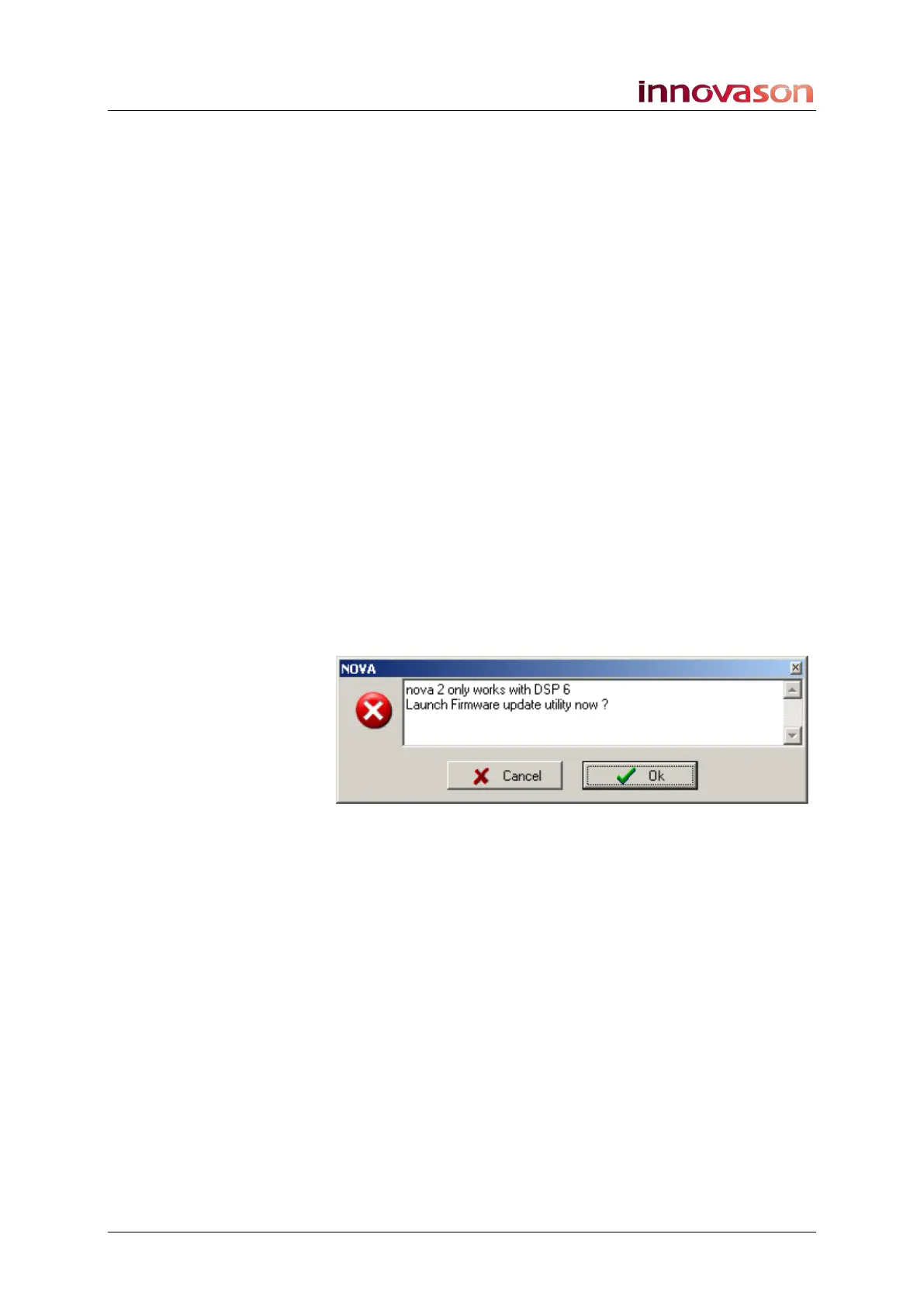
firmware. An error pop-up appears after the restart explaining
the incompatibility and requesting that you do this:
1. Select OK and then follow the on-screen messages:
• Select Continue.
• Save your file if you wish to.
• And select Continue once more.



 To Next Page