Chapter 7: Reset and Automation
File Management
Eclipse User Guide 2.0 353/ 526
File -> Export
This command exports the active File (all Pages).
1. First load the File so that it becomes active, or save the
File so that any temporary Page settings are written to
the File on hard disk.
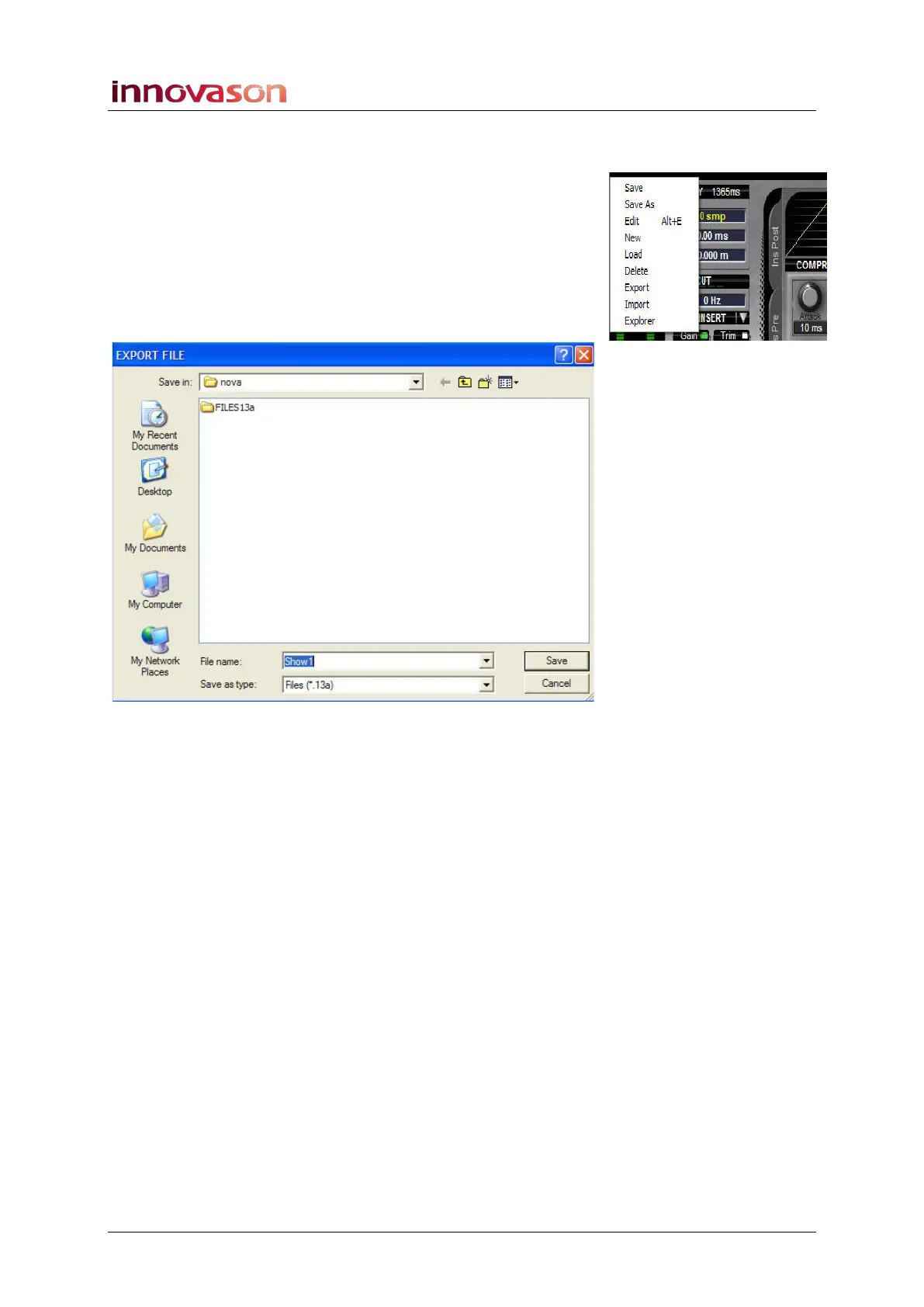
2. Using the trackball select “FILE -> Export” from the
main menus.
You will be presented with a File Explorer window:
3. Select your destination (e.g. the USB device) and click
on Save.
The File is copied to the selected destination and saved with a
.13a file extension.
If a File of the same name already exists then you will be asked
if you wish to replace it.
4. Once the export is complete, you can remove the USB
device.



 To Next Page