Chapter 7: Reset and Automation
File Management
Eclipse User Guide 2.0 347/ 526
Saving a File
To store all the Pages in RAM permanently to hard disk you
must save a File. You can use either of the following:
• “File -> Save” – saves all the Pages in RAM into the
active File.
• “File -> Save As” – saves all the Pages in RAM into a
new File which you can name.
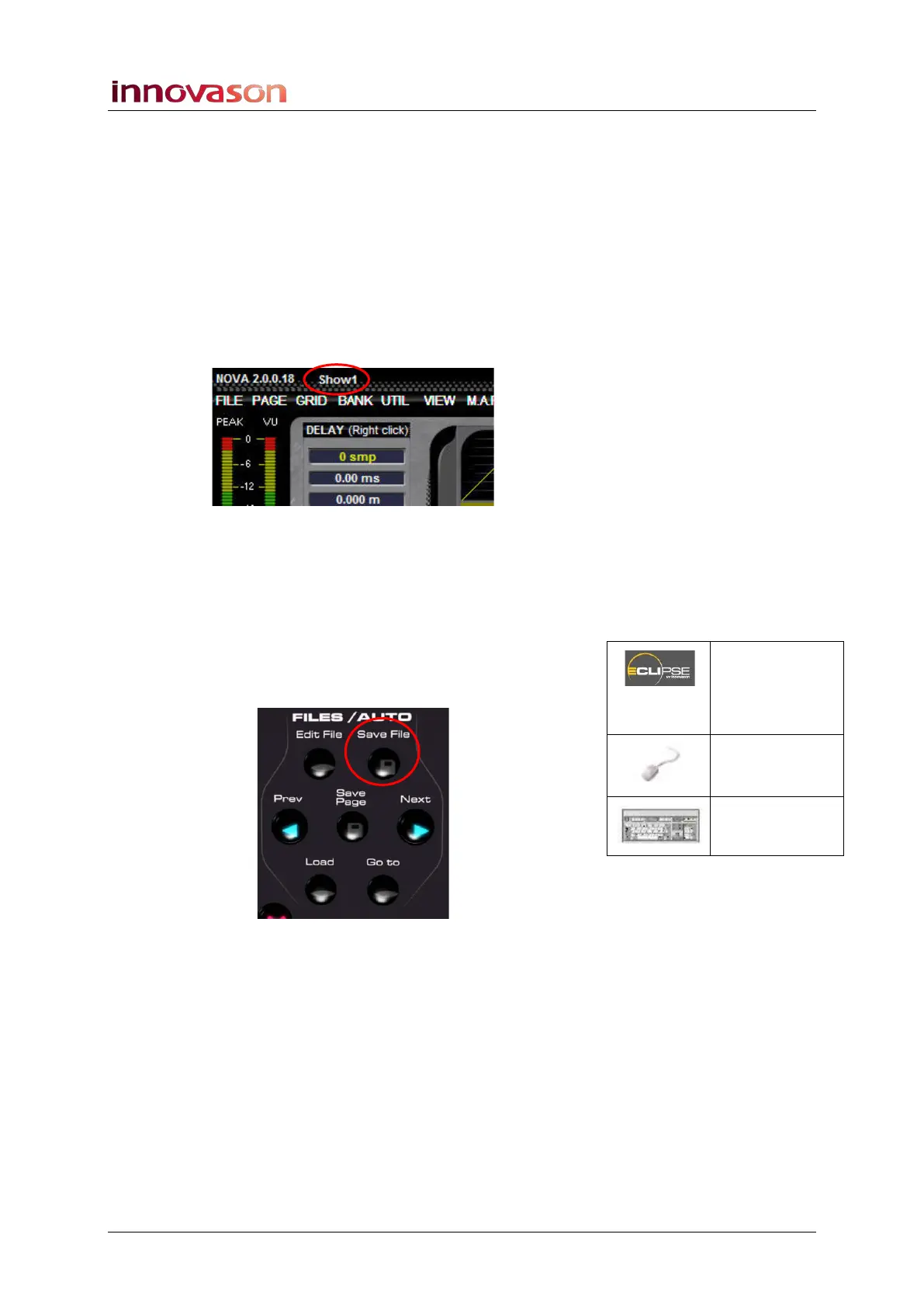
Remember that the active File name is displayed at the top of
the Main Mix display:
If you’ve already created a new user File, then “File -> Save” is
the quickest method. If not, use Save As. This way you won’t
overwrite someone else’s File!
File -> Save
To save the active File:
1. Press the Save File button on the FILES/AUTO panel:
The button lights (red) as data is writing to the hard disk.
All Pages from RAM have now been saved into the active File.
Save File
(FILES /
AUTO)
“FILE ->
Save”
n/a



 To Next Page