Chapter 7: Reset and Automation
File Management
346/ 526 2.0 Eclipse User Guide
The Nova software now loads the Pages from the selected File
to RAM. When the load is complete, the console controls reset
to the current Page.
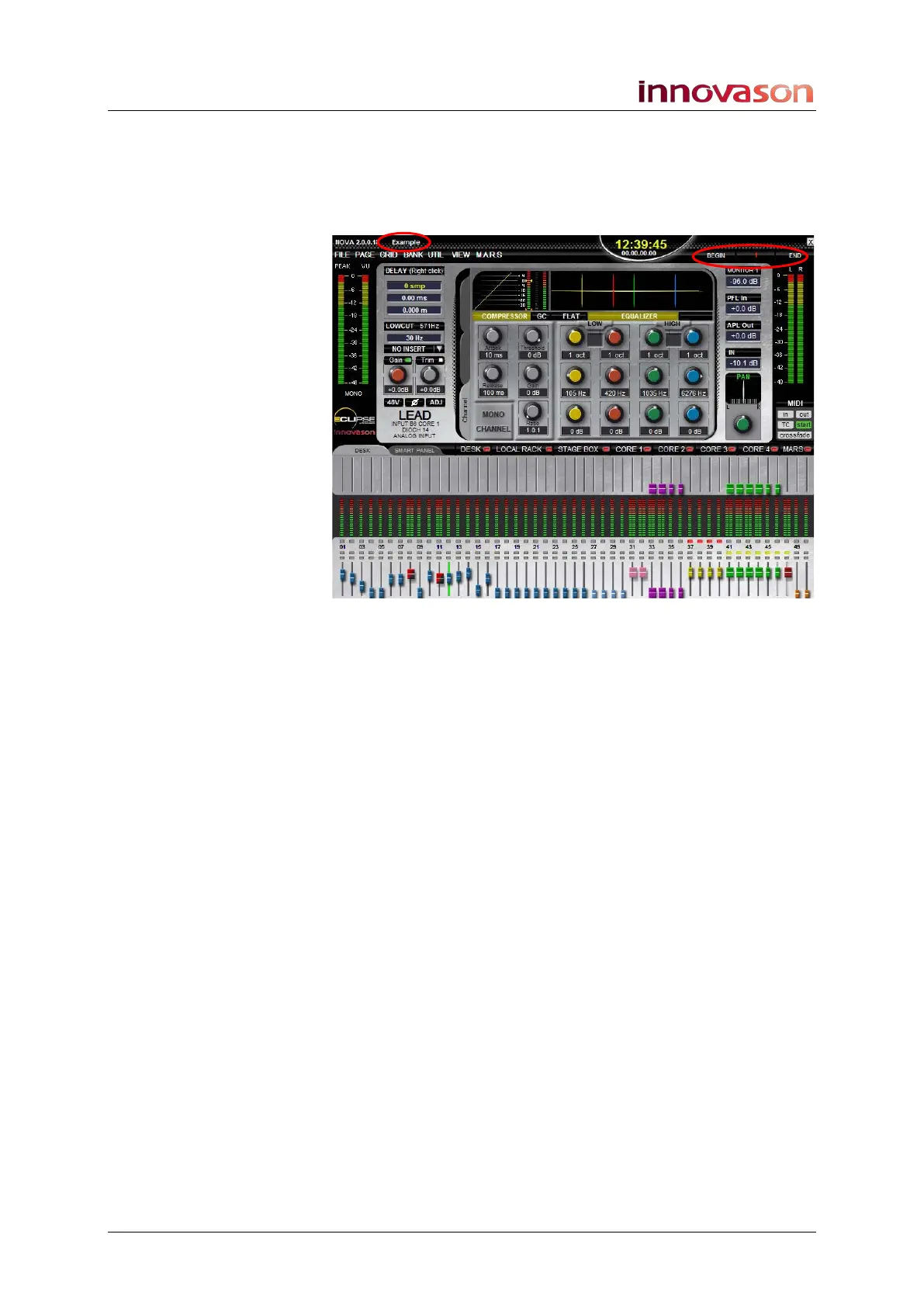
The active File and previous, current and next Page names are
shown at the top of the Main Mix display:
Note that you can isolate channel parameters so that they are
not reset using the Relax function, see Page 404.



 To Next Page