Chapter 7: Reset and Automation
Processing Libraries
386/ 526 2.0 Eclipse User Guide
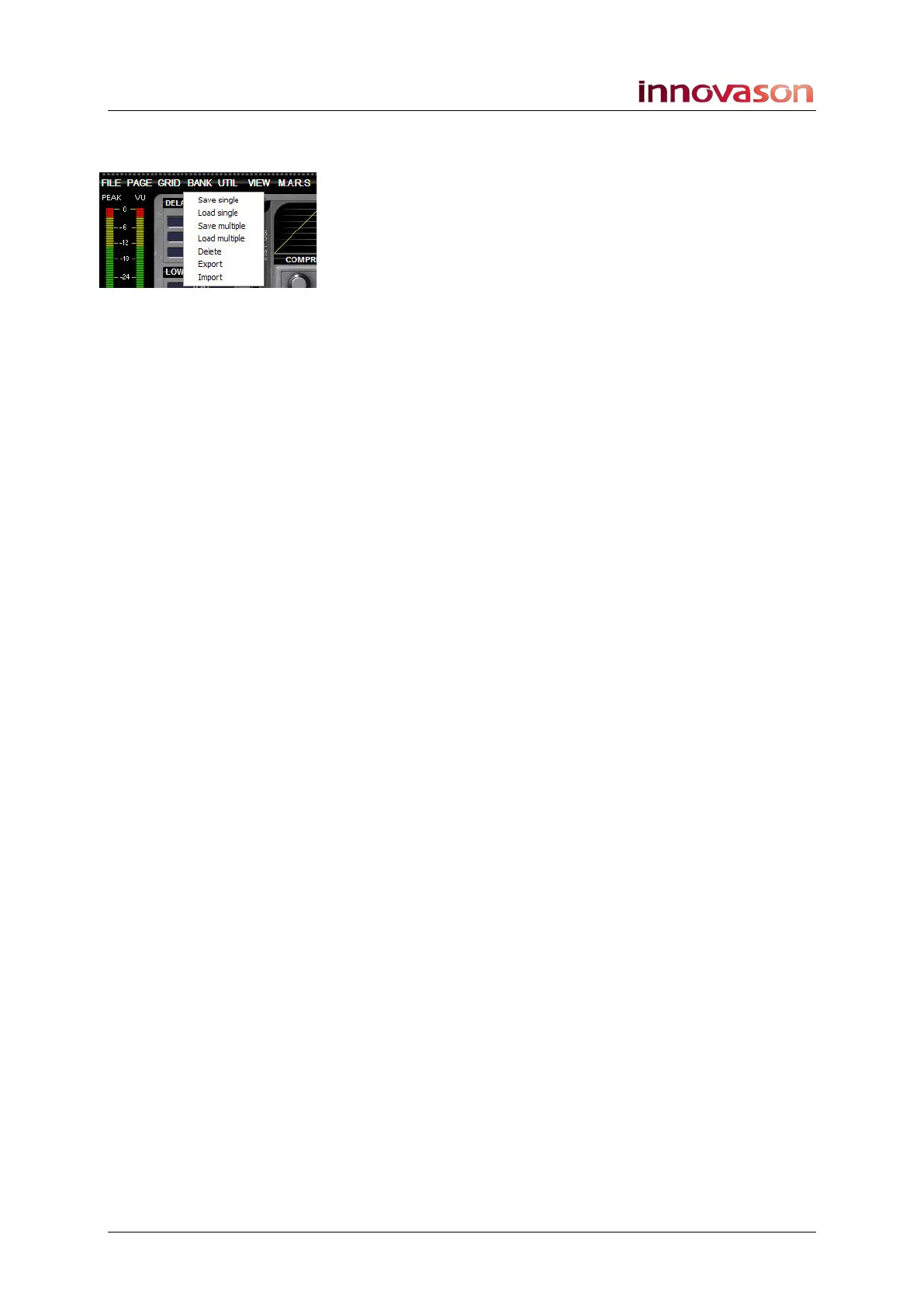
Bank -> Delete
Select “Bank -> Delete” and you will be presented with a pop-
up which shows all Library files on the hard disk.
Select the Library you wish to delete and press OK.
Bank -> Import and Export
Select “Bank -> Export” to export a Library from hard disk to
USB.
Select “Bank -> Import” to import a Library from USB to the
Nova hard disk.
In both cases, you are presented with File Explorer windows
which can be used in a similar manner to importing and
exporting Files, see Page 352.
Processing Libraries are stored as file type *.lib.



 To Next Page