Chapter 7: Reset and Automation
Personal Mixes
388/ 526 2.0 Eclipse User Guide
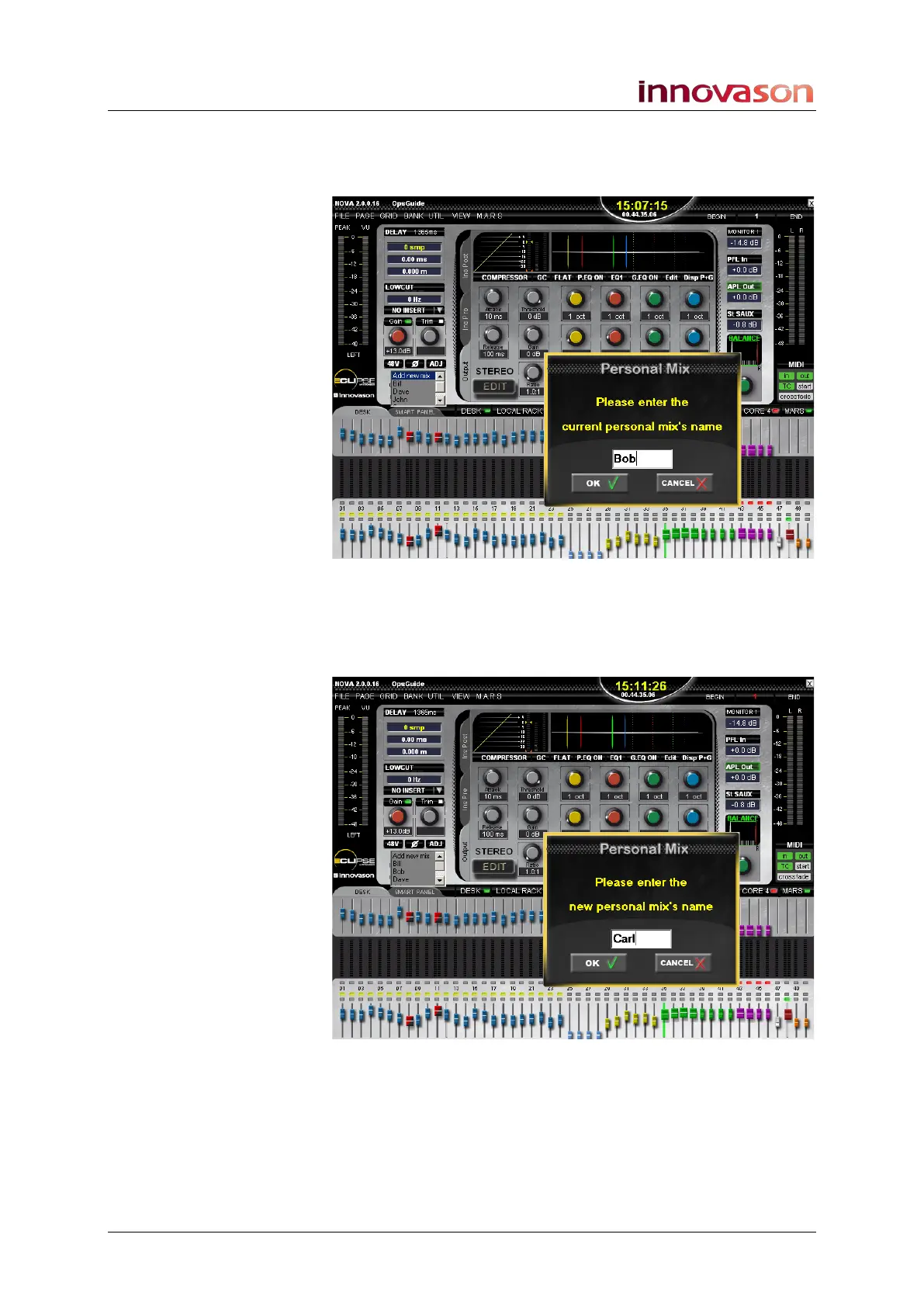
3. Select Add new mix from the list.
A pop-up appears prompting you to enter a name for the
current mix:
4. Type in a name and press OK to confirm.
The current Aux send mix is stored as a Personal Mix under the
name Bob. Another pop-up now opens prompting you to enter a
name for the new Personal Mix:
5. Type in a name for the new mix you are about to create
and press OK to confirm.



 To Next Page