Chapter 10: M.A.R.S.
Project Management in M.A.R.S.
Eclipse User Guide 2.0 487/ 526
The Current Project Window
Once you have created or opened a Project on M.A.R.S., the main
operating window appears:
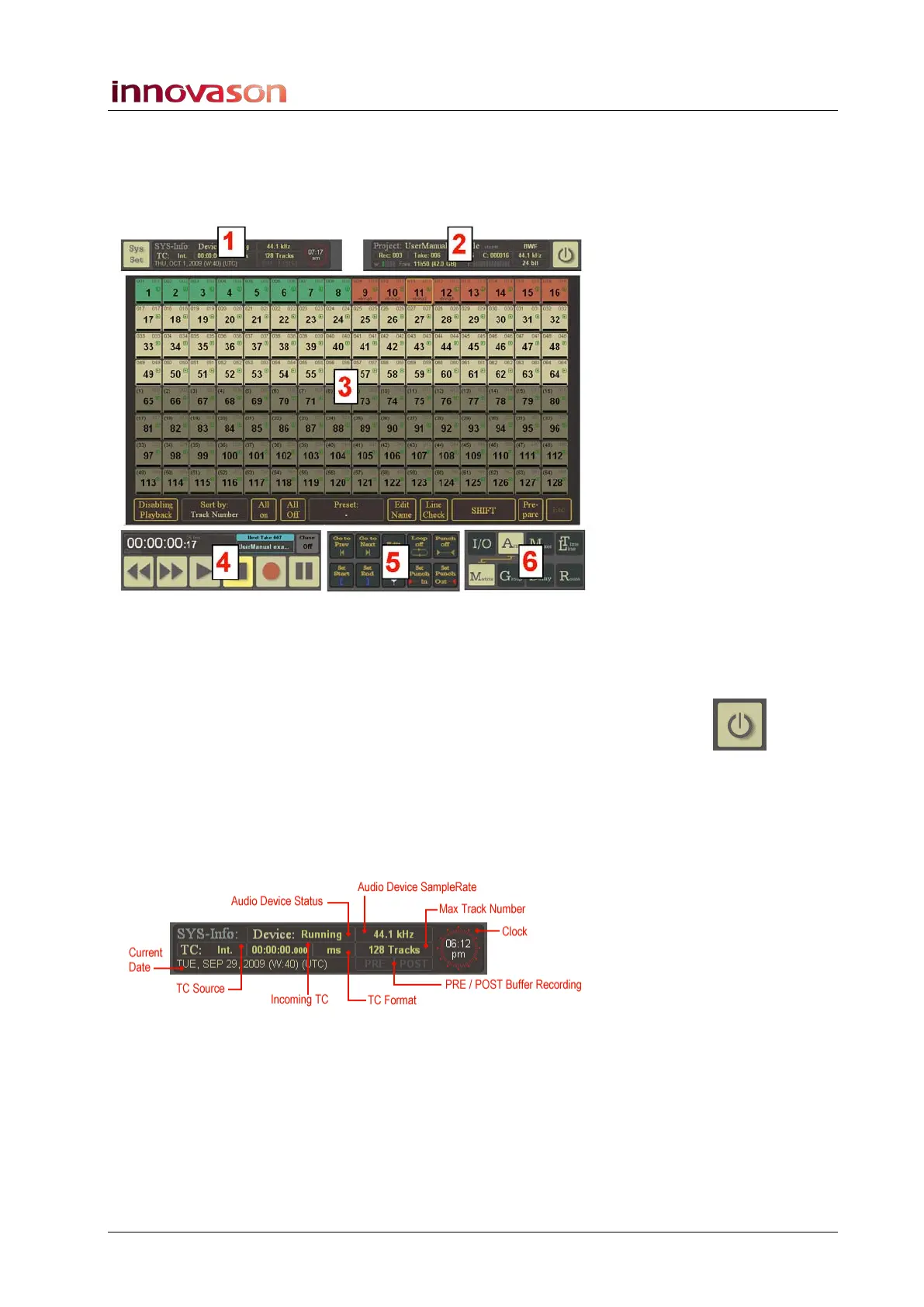
This window is divided into 6 areas. Different pages can be
opened within the main area (3) using the Page selection buttons
(6). All other areas remain in constant view.
Note that the M.A.R.S. application can be shut down by touching
or selecting the Quit icon at the top right of the display. If you do
touch this icon, then you will need to restart M.A.R.S. either by
powering off and on, or using the restart procedure described on
Page 500.
Here is an overview of each display area:
Sys Info (1)



 To Next Page