Chapter 10: M.A.R.S.
Project Management in M.A.R.S.
486/ 526 2.0 Eclipse User Guide
3. Select Save As Template.
The Save project as Template pop-up appears.
4. Select Save.
5. Then select OK to confirm.
The template is created.
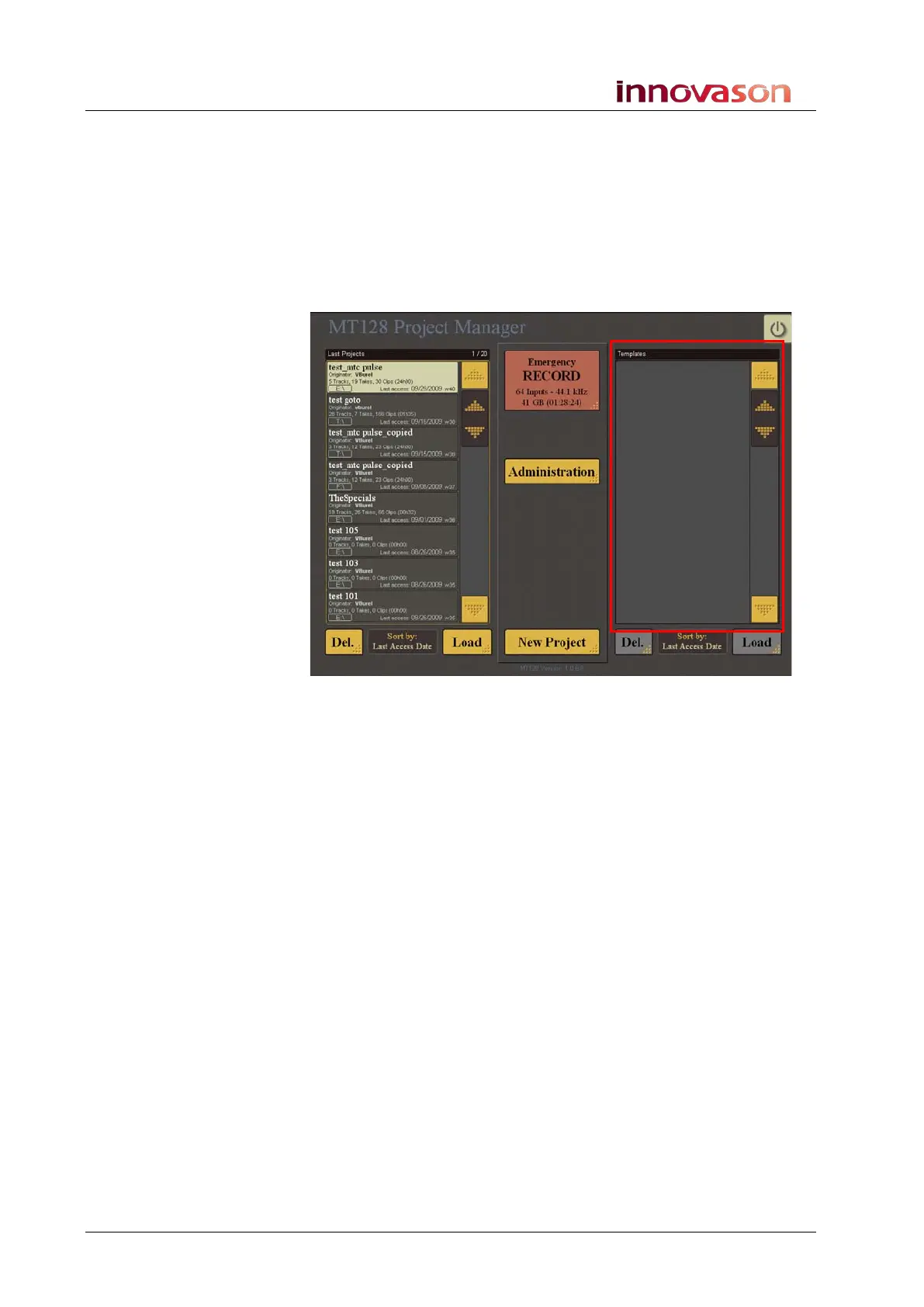
You can check it by returning to the Project Manager window; the
template appears in the list on the right:
To create a new project from a template:
1. Select a file from the Templates list.
2. Select Load.
The Project Settings window opens.
3. Name the Project in the usual manner.
4. Then select Create Project to create the project.



 To Next Page